Orbit Startup Landing
A landing page with your product at the center and proof orbiting it.
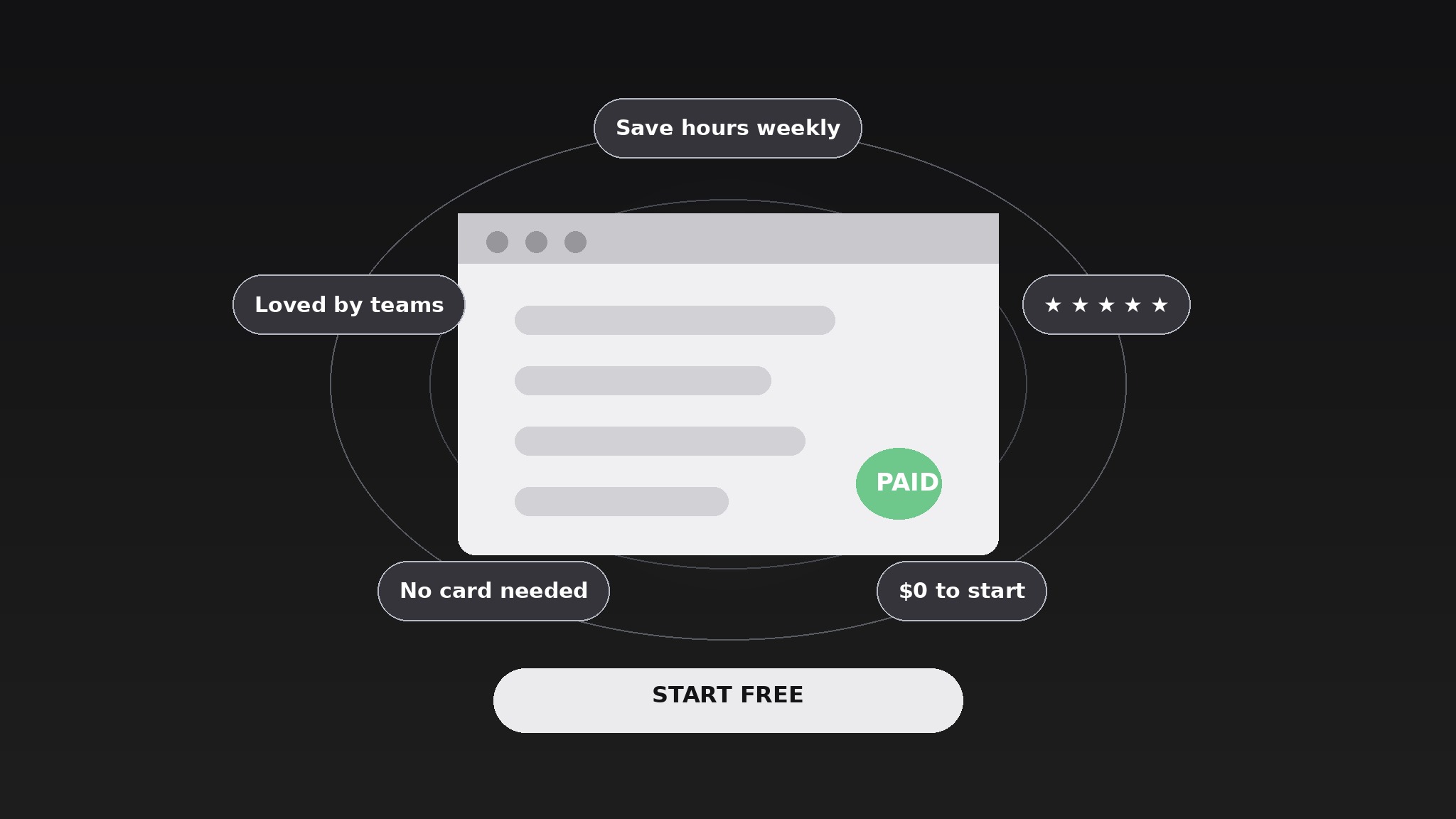
Turns your AI into a landing-page builder — puts the product at the center of the hero with features, testimonials, and proof points orbiting around it, so visitors grasp the whole offer in one glance.
Install it in 3 steps
No sign-up. No CLI tools. Pick your AI, copy one line, paste it over.
Prefer doing it yourself? Buy the skill ($4.99), download the ZIP from your checkout confirmation, unzip it into the directory shown above, restart your AI session — same result. Already bought it? Your AI assistant can download it for you.
What’s inside
One SKILL.md (the playbook) + one starter template. A preview:
Orbit Startup Landing
When to use
- You're launching a product and the landing page reads like a wall of features nobody finishes
- Visitors bounce from your hero because they can't tell what the product is in five seconds
- You have strong proof — testimonials, numbers, logos — but it's scattered down the page where nobody reaches it
- You need a landing page for a product hunt launch, a waitlist, or a first paid tier
- Your current page has three competing calls to action and users pick none of them
Workflow
- Write the one-line promise (input: product description → output: promise line)
State what the product does for the visitor in one line, naming the visitor and the outcome: "Invoice your clients in minutes, not evenings." Not what the product is ("an AI-powered invoicing platform"), but what changes for the person reading. If the line needs a comma and a second clause to make sense, it isn't one promise — pick the stronger half and cut the rest. Everything on the page orbits this line; a fuzzy center makes a fuzzy page. - Choose the orbiters (input: promise line + product facts → output: orbiter set)
Pick three to five proof points that support the promise — one standout feature, one testimonial, one number, one trust signal (a customer logo row, a guarantee, a free-tier note). Each orbiter must be short enough to read in a glance: a five-word feature label, a one-sentence quote, a single number with a label. A paragraph is not an orbiter; anything that needs a paragraph belongs in a section further down the page. - Build the hero orbit (input: promise line + orbiter set → output: hero section)
Lay out the hero with the product at the center — a screenshot, a short product clip, or a simple visual of the core interface — and the orbiters arranged around it. The promise line sits above the product, the single call to action sits below it, and the orbiters frame the product without covering it. On mobile the orbit stacks into a vertical list under the product; the order stays the same so the story doesn't change between screen sizes. One call to action only — a second button splits the visitor's decision and usually wins the click that matters less. - Stack the proof sections (input: hero section → output: full page outline)
Below the hero, add sections in the order a skeptical visitor asks questions: how it works (three steps, no more), what it costs (the price, plainly, or the free tier stated plainly), who uses it (two or three full testimonials with names and roles), and what could go wrong (a short FAQ answering the two or three objections you hear most). Each section answers one question and then stops — a section that answers everything answers nothing, because the visitor skims past it.
Template preview
Orbit Startup Landing — Page Template
One page, one promise, one call to action.
Promise line
> {What the product does for the visitor, in one line: visitor + outcome, no jargon}
Hero orbit
Product visual (center): {screenshot / short clip / core interface visual} Orbiters (3–5, each glanceable):
Call to action (one only): {e.g. "Start free — no card required"}
Mobile behavior: {orbit stacks vertically under the product, same order, same call to action}
Page sections (in skeptical-visitor order)
How it works (3 steps, no more)
- {Step} — {one line}
- {Step} — {one line}
- {Step} — {one line}


