One Query Multiple Screens
One question typed once, answered across every screen
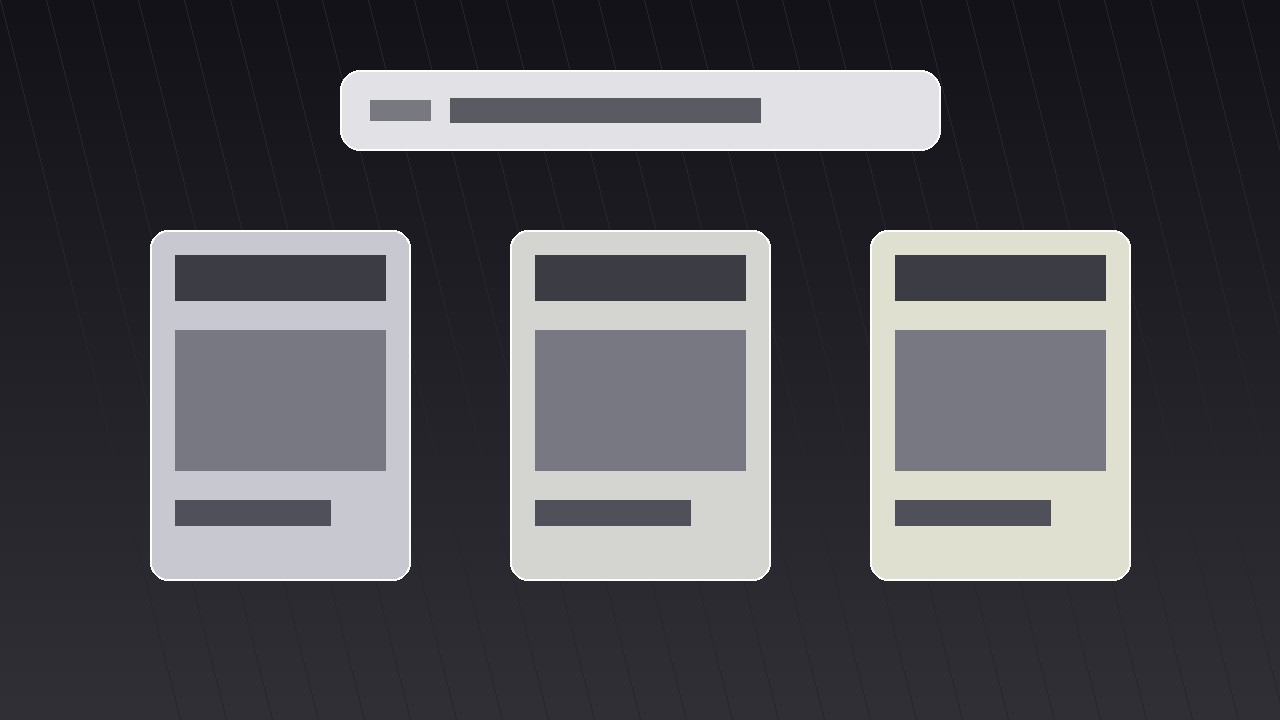
Turns your AI into a motion-graphics director for the one-query-multiple-screens pattern — types one query once, then branches it across several screens that each answer differently, so viewers grasp breadth without a single cluttered frame.
Install it in 3 steps
No sign-up. No CLI tools. Pick your AI, copy one line, paste it over.
Prefer doing it yourself? Buy the skill ($4.99), download the ZIP from your checkout confirmation, unzip it into the directory shown above, restart your AI session — same result. Already bought it? Your AI assistant can download it for you.
What’s inside
One SKILL.md (the playbook) + one starter template. A preview:
One Query Multiple Screens
When to use
- Your video needs to show that one question has many valid answers — different tools, different angles, different outcomes — without reading a list aloud
- A product demo where the same search, prompt, or command produces different results on phone, desktop, and tablet
- An explainer comparing how several apps, sites, or AI tools respond to the exact same input
- A launch video where one feature fans out into several use cases across screens
- A tutorial intro that previews everything the video will cover, one screen per chapter, before diving in
Workflow
- Lock the one query (input: your topic → output: a single short query line)
Write the query exactly as it will appear on screen — 3 to 8 words, plain language, no jargon. "Best budget laptop," "Plan a weekend in Lisbon," "Fix a leaking tap." This line is the anchor of the whole shot: it gets typed once, centered, in the largest type on screen, and it never changes while the screens branch. If the query needs explaining, it is too long — shorten it until a stranger understands it in two seconds. Everything downstream (screen count, screen content, timing) hangs off this one line, so approve it before building anything else. - Assign one answer per screen (input: query → output: 3–4 screen briefs)
Choose three or four screens — never more than four, or each panel shrinks past readability. Give each screen exactly one job: one answer, one app, one outcome. Write a one-line brief per screen: what it shows, what the headline inside it reads, and what makes it different from its neighbours. The differences must be visible at a glance — different images, different numbers, different verdicts — not four near-identical screenshots. If two screens would look the same, merge them and use the freed slot for a genuinely different angle. - Choreograph the branch (input: screen briefs → output: timed motion plan)
The query types on center screen over ~1.2 seconds, holds for a beat (~0.4 s), then the screens branch outward. Standard timing: the query line scales down to ~85% and slides to the top third while the panels slide or scale in from behind it, staggered 0.12–0.18 s apart, each with an ease-out-cubic curve so they decelerate into place. Total branch move: 0.6–0.9 s. Panels arrive in reading order — left to right, or top-left clockwise — so the eye follows a path instead of hunting. Add a soft drop shadow the moment a panel lands; it sells depth and separates overlapping edges.
Template preview
One Query Multiple Screens — Starter Template
One query, several screens, one frame. Fill in the query first — everything else hangs off it.
The query
Query (3–8 words, exactly as typed on screen): {query}
Voiceover line: "Same question — {number} very different answers."
Screen briefs (3–4 screens, one answer each)
Cut check: if any two screens would look alike, merge them. Difference must be visible at a glance.
Motion plan
Panel entry order (reading order): {1 → 2 → 3 → 4}
Per-panel layout checklist
- [ ] Label at top (app / angle / category)
- [ ] One hero element only
- [ ] One caption, ≤6 words
- [ ] No body text inside panels


