Objection-Reversal Launch Film
Answer the doubt on screen, then show the proof.
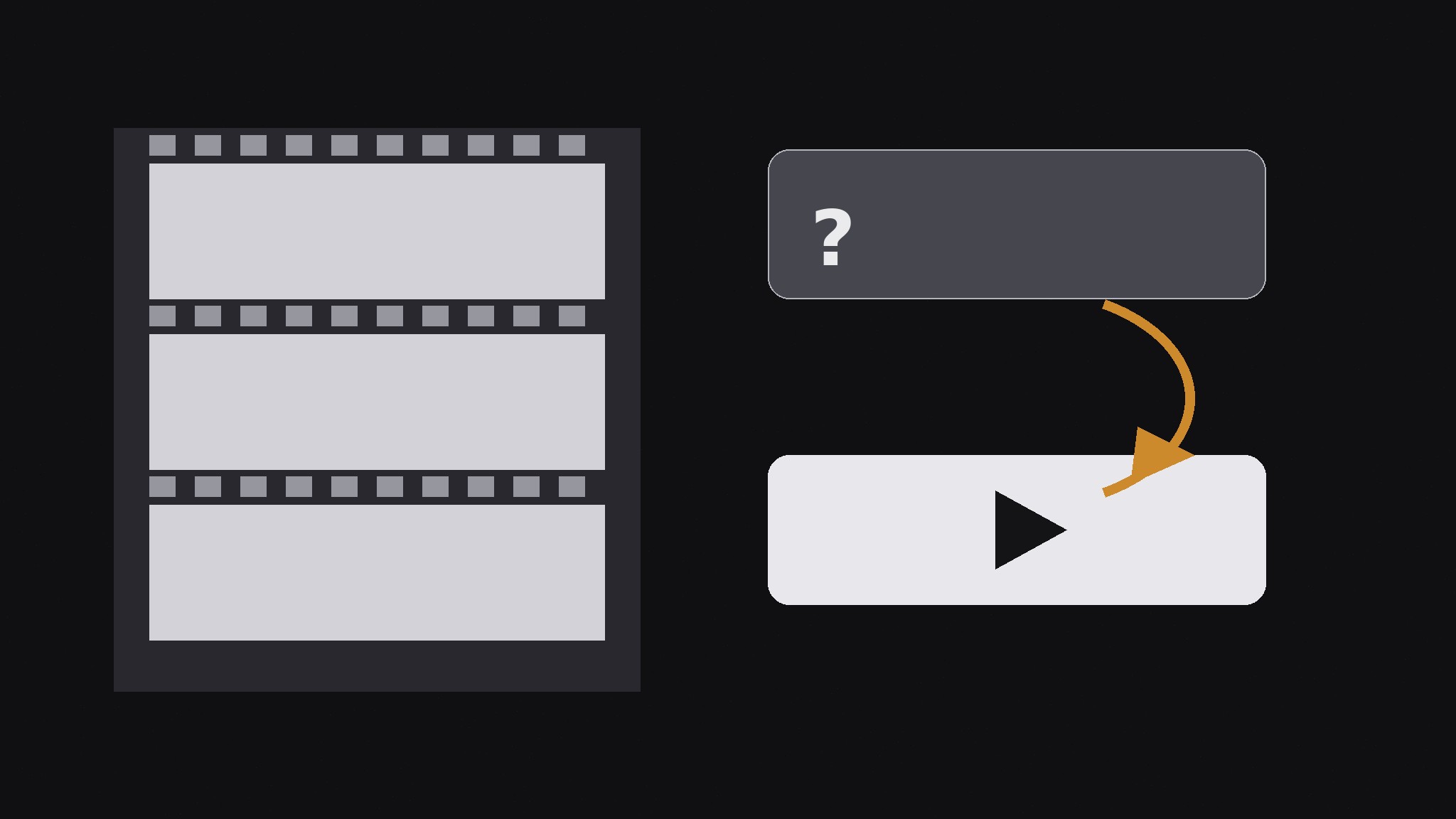
Turns your AI into a launch-video planner — structures a short launch film as a sequence of objections flipped into proof, so each scene answers the doubt a viewer is already thinking instead of stacking more claims.
Install it in 3 steps
No sign-up. No CLI tools. Pick your AI, copy one line, paste it over.
Prefer doing it yourself? Buy the skill ($4.99), download the ZIP from your checkout confirmation, unzip it into the directory shown above, restart your AI session — same result. Already bought it? Your AI assistant can download it for you.
What’s inside
One SKILL.md (the playbook) + one starter template. A preview:
Objection-Reversal Launch Film
When to use
- You are launching a product and the obvious launch video — montage of features plus upbeat music — will not survive the viewer's first doubt
- Your sales calls keep hitting the same three or four objections, and you want the launch film to answer them before the demo
- A product announcement video got polite views but no sign-ups, because it never addressed why people hesitate
- You have real proof (a demo, a number, a customer, a guarantee) for each common objection, but no structure for showing it on screen
- Your launch film needs to work muted on a feed (captions, on-screen text) as well as with sound on a landing page
Workflow
- List the real objections (input: sales calls, support threads, reviews → output: ranked objection list)
Write down the objections buyers actually say, in their words: "Too expensive," "We tried something like this and it failed," "Switching will take forever," "What if it doesn't work for our case." Rank them by how often they appear and how fatal they are — the objection that kills deals goes first, not last. Three to five objections is the right count for a 60–120 second film; more than that and each reversal gets no room to land. If you have no record of real objections, gather them first from calls and threads — invented objections produce a film that answers doubts nobody has. - Pair each objection with its reversal (input: objection list → output: objection→proof pairs)
For each objection, find the single strongest reversal you can show, not tell: a screen recording for "does it actually work," a price comparison for "too expensive," a migration timeline for "switching takes forever," a customer in their own words for "it failed for us before." The reversal must be evidence the camera can capture — a claim read aloud by a narrator is not a reversal, it is a claim wearing a costume. If an objection has no showable proof, cut it from the film; an unanswered objection on screen is worse than an unmentioned one. - Script the flip (input: objection→proof pairs → output: scene-by-scene script)
Structure each scene as three beats: voice the objection (on-screen text in the skeptic's words, 3–6 words), pause a beat, then show the reversal. The pause matters — it lets the viewer recognize their own doubt before the film answers it. Order the scenes from the most fatal objection to the least, and end on the reversal that leaves the strongest last image, not on a logo. Keep narration sparse: the film should be fully understandable muted, with captions and on-screen text carrying every beat, because most feed viewers never turn the sound on.
Template preview
Objection-Reversal Launch Film — Script Template
One film = 60–120 seconds, 3–5 objection scenes. Fill this in before shooting anything.
Film: {product} — {launch / announcement}
Target length: {60–120 sec} | First complete flip lands by: {≤20 sec}
Objection list (ranked, in buyers' own words)
- {most fatal objection}
- {second objection}
- {third objection}
- {fourth objection — optional}
- {fifth objection — optional}
Scenes
Scene 1 — "{objection, 3–6 words on screen}"
Reversal (showable proof): {screen recording / price comparison / migration timeline / customer clip} What the camera shows: {exact shot} Caption / on-screen text: {words}


