News Digest
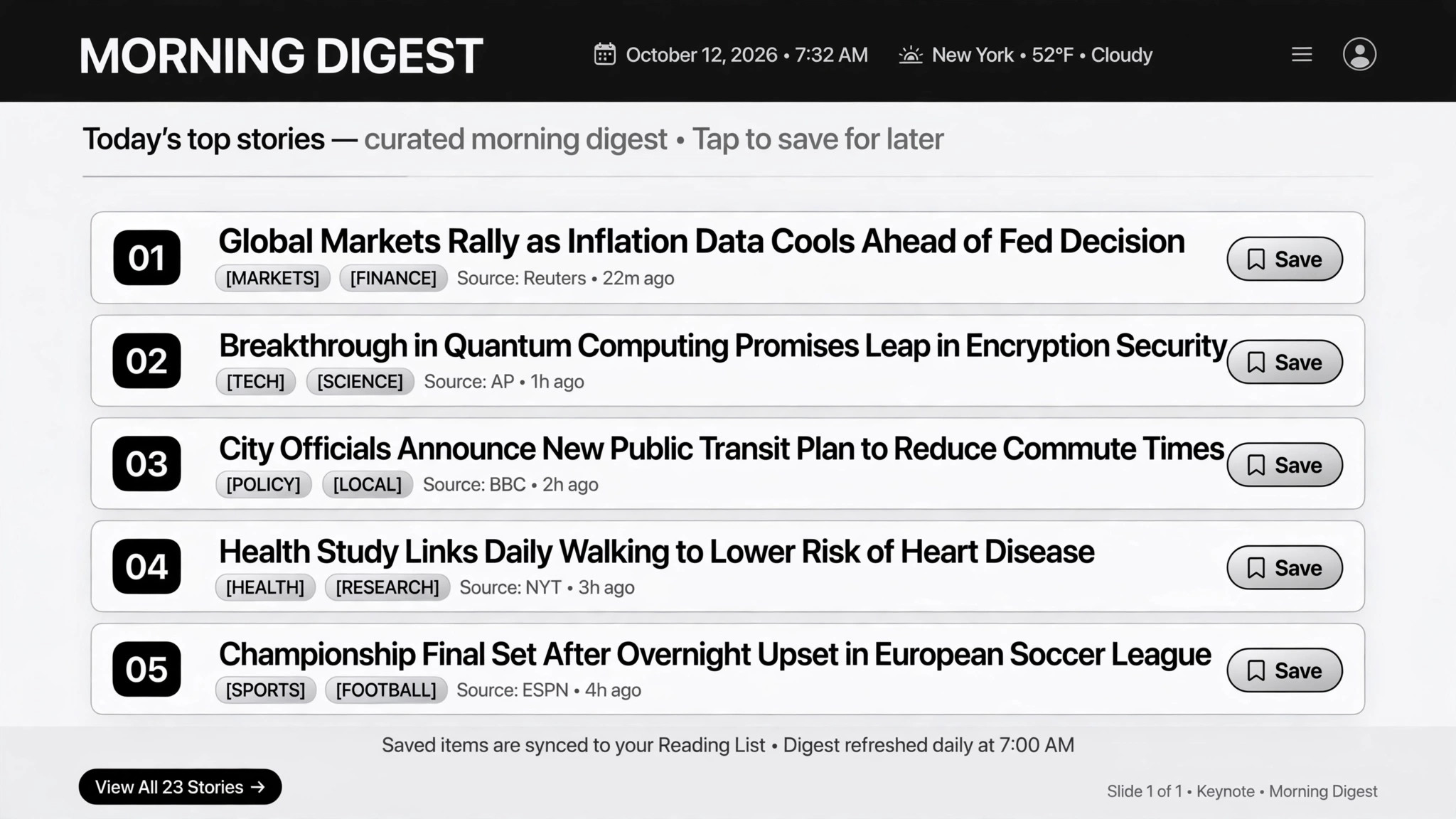
Your topics, scanned daily, delivered as one ranked digest.
Scans your topics daily across RSS, Reddit, X, and Hacker News and delivers one ranked, readable digest.
Install it in 3 steps
No sign-up. No CLI tools. Pick your AI, copy one line, paste it over.
Prefer doing it yourself? Buy the skill ($4.99), download the ZIP from your checkout confirmation, unzip it into the directory shown above, restart your AI session — same result. Already bought it? Your AI assistant can download it for you.
Real-world proof
Real people did this exact job with AI agents.
Curate a weekly newsletter from RSS feeds
Read case →Use caseSend a daily AI news digest on a schedule
Read case →What’s inside
One SKILL.md (the playbook) + one starter template. A preview:
News Digest
When to use
- You spend an hour a day scanning the same feeds and still feel behind
- You run a newsletter and curation eats your whole week
- Your team needs to stay current on a niche topic without hiring a researcher
- Your source list keeps growing faster than your attention
- You want "one email a day" instead of fifty open tabs
Workflow
- Define the brief (input: topics + trusted sources → output: source list)
Name your topics and your trusted sources: RSS feeds, subreddits, X searches, Hacker News. A small tight list beats 120 feeds on day one — start with your 10 best sources and expand only when the digest feels thin. Note why each source is trusted; that note is what stops source rot later. - Fetch and dedupe (input: source list + schedule → output: clean item pool)
Pull on a fixed schedule — daily for a personal digest, or every 6 hours into a store for a weekly newsletter. Then dedupe aggressively: the same story always arrives from five sources wearing different headlines. One story, one entry, the best link kept. - Score and rank (input: clean items → output: ranked shortlist)
Score every item on four dimensions — relevance, freshness, authority, engagement — and apply a duplication penalty when near-identical stories slip through. The weights are tunable and they should be: start with defaults, then adjust weekly based on what you actually clicked. Publish the rubric so you can tell when the ranking drifts. - Write the digest (input: shortlist → output: summaries + intro)
Write one short summary per item — faithful to the source, no clickbait rewrites. Add a "why it matters" line and a link to the original. For public newsletters, write an editorial intro in your voice (under 150 words) and label your own opinions as opinions. What you can't verify, you flag — never present a rumor as fact. - Preview then send (input: draft digest → output: delivered digest)
Always run one full trial before turning on the schedule: review the output, tune the prompt, fix the weights. For newsletters, the draft goes to a preview channel first (e.g. Telegram) and sends only on your explicit approval. Then deliver on schedule: email, chat app, or your notes — one fixed time, every time.
Output spec
- Source list: each source with a one-line "why trusted" note; additions and removals logged
- Scoring rubric: relevance / freshness / authority / engagement + duplication penalty, weights adjustable
- Digest format: intro (≤150 words, public digests) + ranked items, each with title / one-line summary / source link / date / why-it-matters
- Fixed schedule: daily or weekly, one send time
- Every item links to its original source — no exceptions
Good vs. bad examples
Template preview
News Digest — Brief & Edition Template
Two pages. Fill the brief once (review monthly); use the edition sheet per issue.
Brief (fill once)
Topics: {topic 1}, {topic 2}, {topic 3} Schedule: {daily at 07:00 / weekly Thursday} Delivery: {email to …, Telegram channel …, Notion page …}
Sources
Scoring rubric (weights add to 10)
Duplication penalty: {e.g. "−2 if the same story appears in 3+ sources — keep the best link"}
Edition — {date}
Trial run (first issue only)
[ ] Ran once manually [ ] Reviewed output [ ] Tuned prompt/weights [ ] Schedule turned on