Metric Audit Marks
A number earns its ticks — each mark certifies one check.
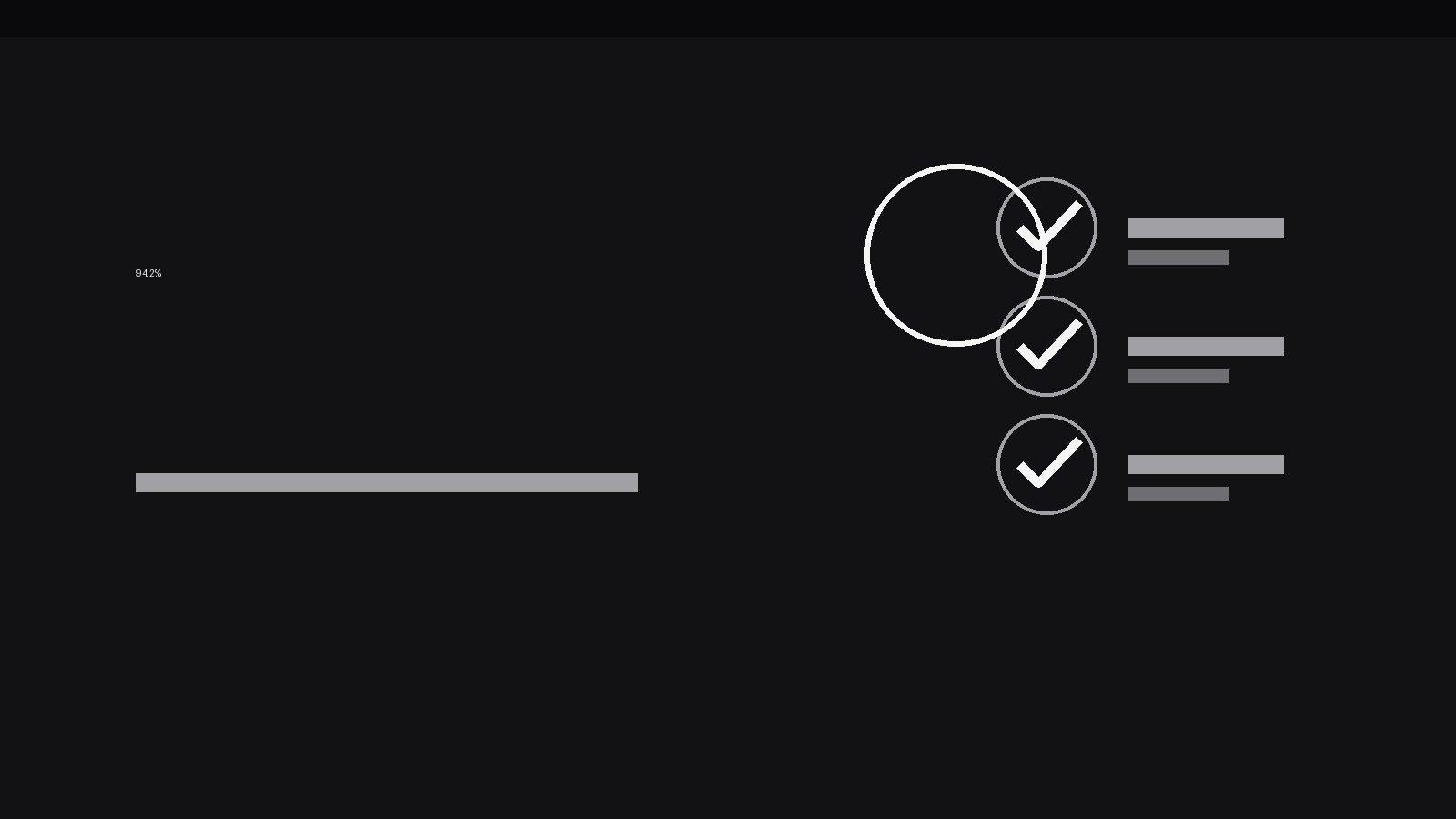
Turns your AI into a motion designer for one specific pattern — a metric value earns its credibility on screen as audit marks (ticks, stamps, flags) land on it one by one, each mark certifying one verification step. For KPI explainers, audit walkthroughs, and dashboard demos where a number has to prove it can be trusted.
Install it in 3 steps
No sign-up. No CLI tools. Pick your AI, copy one line, paste it over.
Prefer doing it yourself? Buy the skill ($4.99), download the ZIP from your checkout confirmation, unzip it into the directory shown above, restart your AI session — same result. Already bought it? Your AI assistant can download it for you.
What’s inside
One SKILL.md (the playbook) + one starter template. A preview:
Metric Audit Marks
When to use
- A KPI explainer needs to show that a headline number was checked, not just asserted — each audit mark stands for one verification step the audience can follow
- A dashboard demo introduces a metric the viewer has never seen, and you need to build trust in it before you build on it
- An audit or compliance walkthrough must show a figure passing a sequence of checks: source, sample, calculation, sign-off
- A quarterly review presents one big number (revenue, churn, uptime) and the presenter wants the audience to believe it before debating it
- A finance or ops video needs to separate "numbers we verified" from "numbers we estimated" with a visual language the viewer can read at a glance
- A data-quality segment shows several metrics side by side, some fully audited and some still pending, and the difference has to be visible without a lecture
Workflow
- Define the metric and its checks (input: your number + how it was verified → output: check list)
Write the metric exactly as it will appear on screen — value, unit, and period ("94.2% uptime, Q3") — then list the verification steps that stand behind it, in the order they actually happened: source confirmed, sample checked, calculation re-run, reviewer signed off. Cap the list at 2–4 checks; a metric with six audit marks reads as bureaucracy, not rigor. Each check gets a short label (2–4 words: "Source matched", "Math re-run") that will appear beside its mark. If a step cannot be named in 2–4 words, it is not one check — split it or drop it. - Stage the unverified number (input: check list → output: opening frame)
Open on the metric large and unadorned — big numerals, unit, period, nothing else. Hold it bare for at least 800ms so the viewer registers the claim before any certification arrives. The bare number is the promise of the pattern: everything after this moment is evidence, not decoration. Keep the background quiet (solid dark or light panel, no chart behind it yet) so the arriving marks have nowhere to hide. If the number carries a comparison ("up 3.1 pts"), keep that comparison visible but visually subordinate — smaller, dimmer — until the audit is complete.
Template preview
Metric Audit Marks — Starter Template
Fill this in before animating: one metric, its real checks, and the verdict the marks must support.
Metric
Value: {e.g. 94.2%} | Unit / label: {e.g. uptime} | Period: {e.g. Q3}
Comparison (optional, subordinate): {e.g. up 3.1 pts vs Q2}
Checks (2–4, in real order, lightest first)
> If a check failed or is pending, write its honest label here — never dress it as a pass: > Failed/pending detail: {e.g. Sample too small — 11 days missing}
Mark language (keep identical across every metric in the video)
- Success mark: {✓ tick — colour, size}
- Failure mark: {✗ / flag — warning colour}


