Matrix Fill and Pan
The grid fills, the camera pans, one cell decides it.
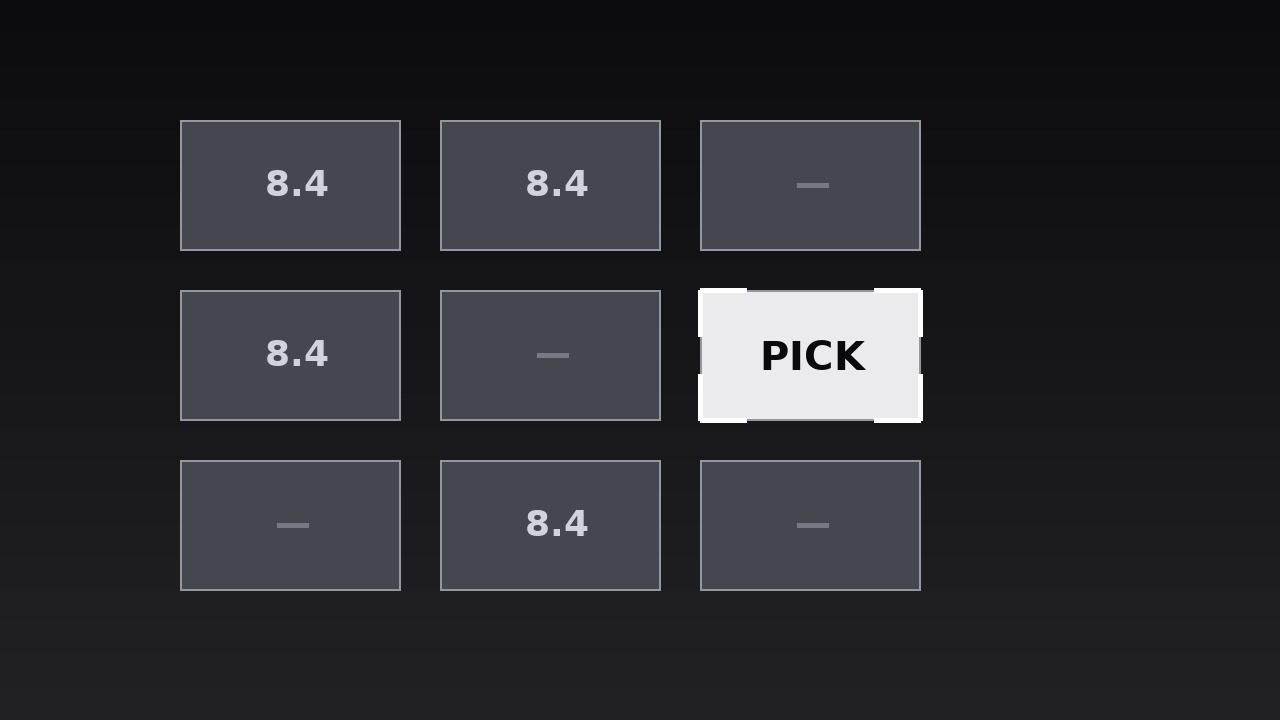
Turns your AI into a motion designer for matrix reveals — cells fill one by one across a grid, then the camera pans to the cell that matters, so a big comparison lands as one focused decision. For comparison videos, decision explainers, and reviews where a full grid would overwhelm but one cell decides it.
Install it in 3 steps
No sign-up. No CLI tools. Pick your AI, copy one line, paste it over.
Prefer doing it yourself? Buy the skill ($4.99), download the ZIP from your checkout confirmation, unzip it into the directory shown above, restart your AI session — same result. Already bought it? Your AI assistant can download it for you.
What’s inside
One SKILL.md (the playbook) + one starter template. A preview:
Matrix Fill and Pan
When to use
- A comparison video where a grid of options (products, plans, candidates) must be shown in full, but the verdict lives in one cell
- A decision explainer where the audience needs to see the whole field before the camera commits to the winner
- A review or roundup where scores or features across several options build to a single recommendation
- A strategy or prioritisation segment where a 2×2 or larger matrix organises the field, then focuses on one quadrant
- A pricing or tier breakdown where the grid shows everything, but the "pick this one" cell needs isolation
- Any comparison where showing only the winner feels rigged, but showing the whole grid at once feels like homework
Workflow
- Define the matrix (input: your options and criteria → output: matrix grid)
Build a grid with one axis for options (products, plans, candidates) and the other for criteria (price, speed, ease, risk) — or a 2×2 with two axes (e.g. impact vs. effort). Keep it to 2–4 columns and 2–4 rows: a 3×3 grid reads clearly in video, a 5×5 grid reads as a spreadsheet. Every cell holds the same kind of content — a score, a short verdict, or a check/cross — never a paragraph; if a cell needs a sentence, the matrix is carrying detail it should hand to the narration. Label both axes plainly at the edges, and decide the reading order (usually left-to-right, top-to-bottom) before animating. - Set the cell system (input: matrix grid → output: cell styling)
Fix one cell style: a uniform tile with a thin border, one typeface, one size for cell content, and a neutral fill for unfilled cells. Decide the fill language now — filled cells get a solid or shaded fill, the focus cell later gets a stronger treatment, and "empty" or "not applicable" cells get a distinct quiet mark (a dash or a muted tile), never a blank that looks like a missing render. Keep cell content to one element: a number, a word ("Best", "Slow", "—"), or a single glyph. A cell with three pieces of content is a slide, not a cell. - Fill the matrix (input: cell styling → output: fill animation)
Fill the cells one at a time in reading order, each cell filling over 150–200ms (opacity + a subtle scale 0.95 → 1.0, ease-out) with a 60–100ms stagger between cells, so the grid assembles in a visible wave. Row by row reads most naturally for comparison grids; for a 2×2, fill in the order the narration discusses the quadrants. As each cell fills, its content appears with it — content and fill arrive together, never separately, so the eye reads the cell once. Total fill: 9 cells × ~250ms ≈ 2–2.5 seconds. Do not fill the focus cell any differently during this pass: it fills like every other cell, so the audience sees a fair field before the camera takes sides.
Template preview
Matrix Fill and Pan — Starter Template
Show the whole field fairly, hold it, then pan to the one cell that decides it.
Comparison: {title} | Grid: {rows} × {columns} | Focus cell: {option × criterion}
Decision this sequence lands on (one sentence): "{The pick is X — because...}"
Matrix definition
- Columns (options): {A} | {B} | {C} | {D}
- Rows (criteria): {1} | {2} | {3} | {4}
- Cell content type (one per cell): [ ] score [ ] short verdict [ ] check/cross [ ] single glyph
- Empty / N/A mark: {dash / muted tile — never a blank}
- Axis labels: columns: {…} / rows: {…}


