Living-Halftone Canvas Film
A launch film where living halftone dots are the cast.
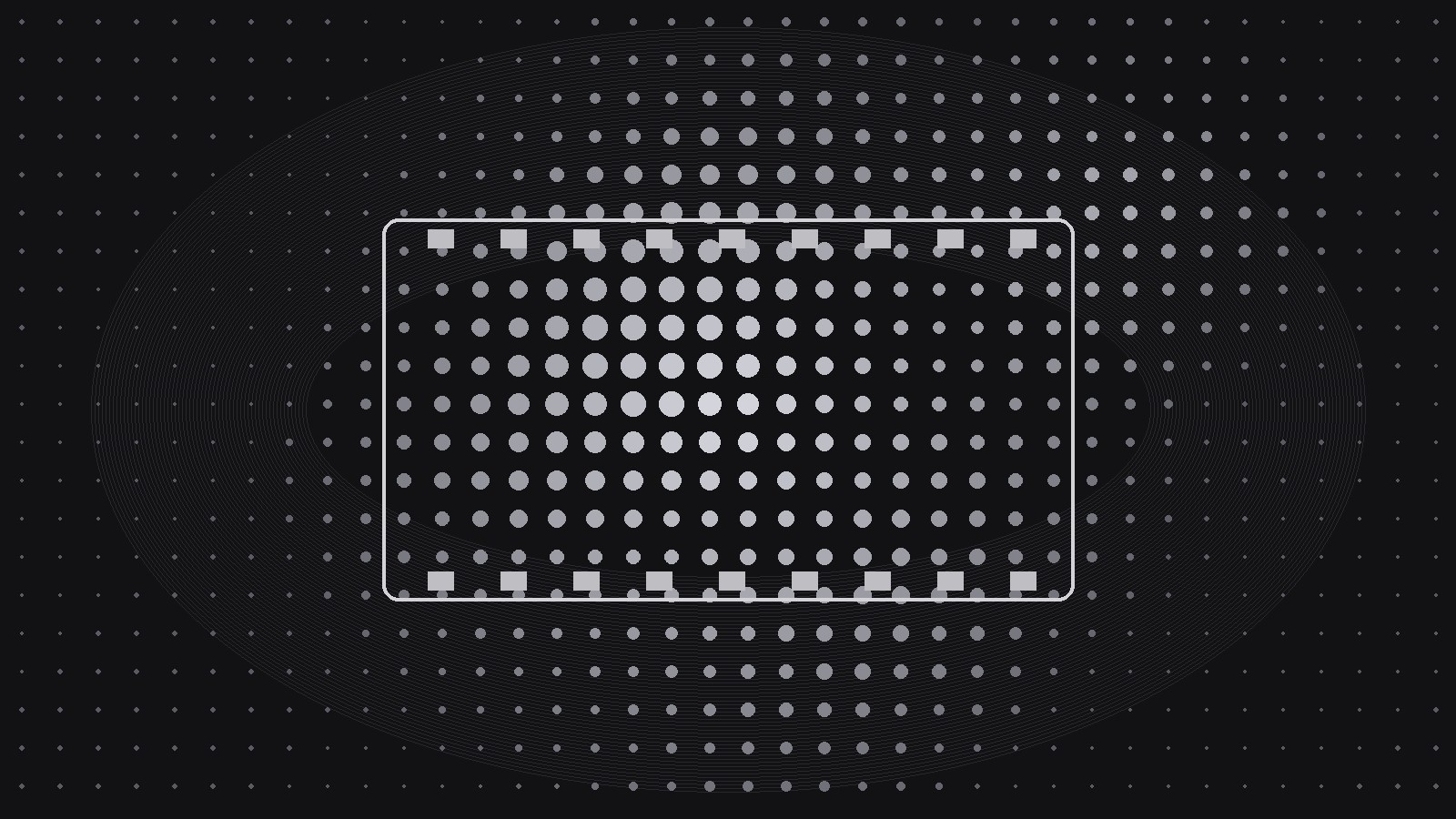
Turns your AI into a launch-video director that builds a launch film from a living halftone dot field rendered on canvas — dots that breathe, gather, and resolve into images, with a scene-by-scene storyboard and canvas performance rules.
Install it in 3 steps
No sign-up. No CLI tools. Pick your AI, copy one line, paste it over.
Prefer doing it yourself? Buy the skill ($4.99), download the ZIP from your checkout confirmation, unzip it into the directory shown above, restart your AI session — same result. Already bought it? Your AI assistant can download it for you.
What’s inside
One SKILL.md (the playbook) + one starter template. A preview:
Living-Halftone Canvas Film
When to use
- You are launching a product and want a launch video that looks like nothing else in the feed — print texture, digital motion
- Your brand already uses halftone, risograph, or screen-print textures, and the video should extend that language instead of switching to glossy 3D
- You need a video you can also ship as a live web experience — the same dot field running in the browser, not just a rendered file
- A previous motion attempt looked like a generic template: smooth gradients, floating shapes, no texture
- You have a launch date and need a storyboard, a build plan, and an export checklist — not just a mood board
Workflow
- Lock the dot language (input: brand assets + reference textures → output: dot spec)
Before any scene, define the dots themselves: dot shape (round, square, or diamond), dot size range (smallest to largest, in pixels at the target resolution), grid spacing, and the tonal rule (bigger dots = darker areas, or the reverse). Pick two ink colors maximum plus the paper tone — halftone gets its character from restraint. Render one test frame from a real product photo through this dot language and approve it before storyboarding; if the test frame doesn't read as your product, the dot spec is wrong, not the scenes. - Storyboard in dot beats (input: launch message + dot spec → output: storyboard)
Structure the film as 5–8 beats, each 4–8 seconds, for a total of 45–90 seconds. Every beat must be describable in one sentence about what the dots do: "dots gather from noise into the product silhouette," "dots ripple outward as the headline lands," "dots dissolve the old way, dots rebuild the new way." The dots are the cast — they breathe (subtle size oscillation at rest), gather (converge into images), scatter (explode into noise on transitions), and resolve (snap into sharp images at key moments). Write each beat with its dot behavior, its voiceover line, and its on-screen text. If a beat works just as well without dots, cut it or rewrite it — every beat must need the halftone.
Template preview
Living-Halftone Canvas Film — Storyboard & Build Template
One dot language, one film. Approve the dot spec and one test frame before storyboarding anything.
Dot spec
Test frame: {product photo → dots} — approved? [ ]
Storyboard (5–8 beats, 45–90s total)
Beat check: every beat needs the dots to tell it — if a beat works without dots, rewrite it.
Canvas engine rules
- Each dot is a particle with target size + position, easing toward targets per frame
- Image sampling: {brightness sampled on a grid, one dot per cell}
- Text rule: dots flatten to a calm field behind all type
- Product resolves into a recognizable image at least twice: beat {n} and beat {n}


