Lime-Frame Designer Portfolio
A portfolio that feels like a gallery wall, not a grid.
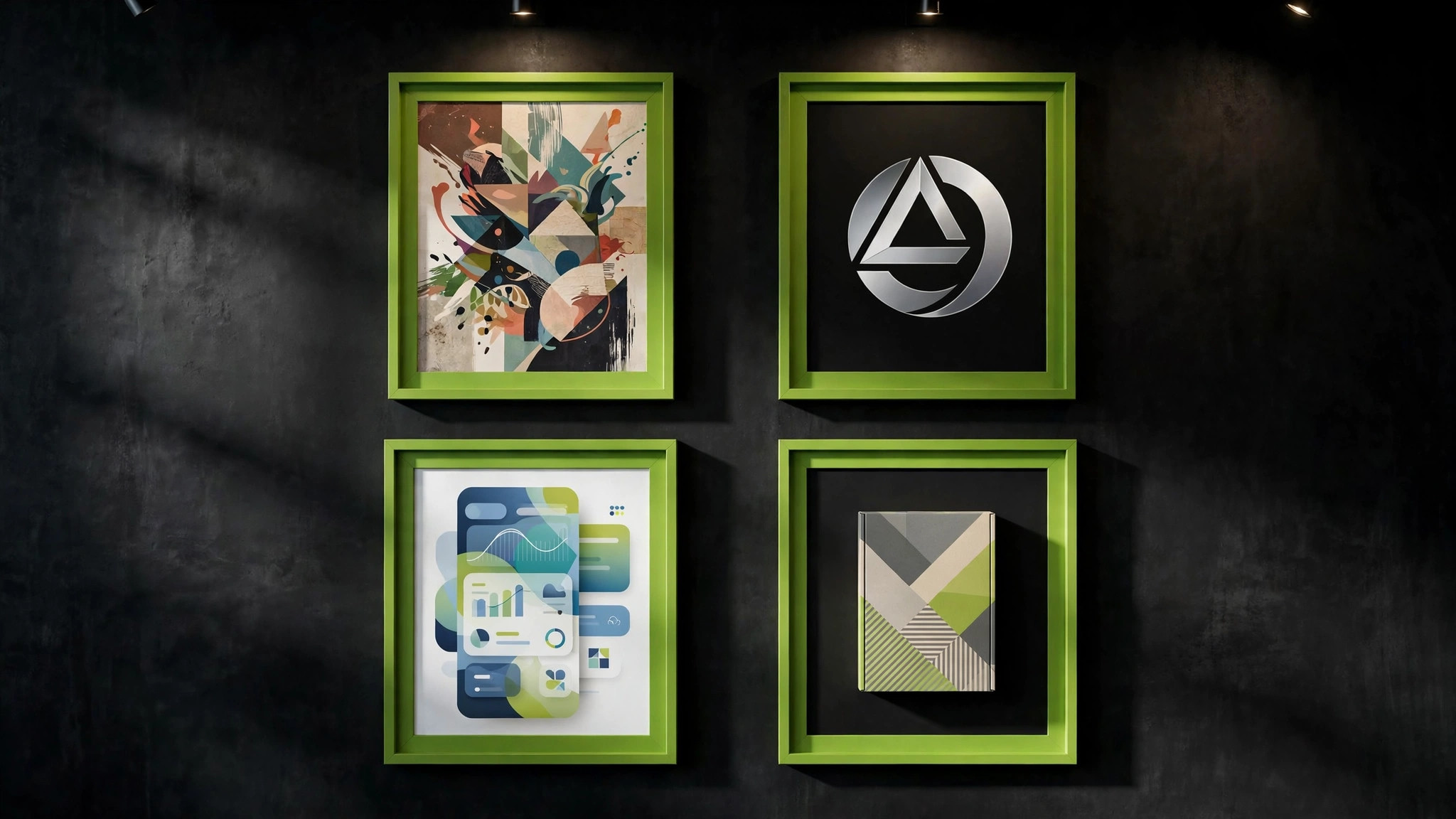
Turns your AI into a portfolio-site builder where every project sits inside a bold lime frame — one project per frame, frame color signals the project's status, and each frame opens into a short case study.
Install it in 3 steps
No sign-up. No CLI tools. Pick your AI, copy one line, paste it over.
Prefer doing it yourself? Buy the skill ($4.99), download the ZIP from your checkout confirmation, unzip it into the directory shown above, restart your AI session — same result. Already bought it? Your AI assistant can download it for you.
What’s inside
One SKILL.md (the playbook) + one starter template. A preview:
Lime-Frame Designer Portfolio
When to use
- You are a product, visual, brand, or motion designer with 4–12 strong pieces and your current portfolio looks like everyone else's grid
- You want visitors to see the range at a glance — each project visually distinct — and still read the thinking behind any piece
- You need a portfolio that works as a single page: scannable in 30 seconds, deep enough for a hiring manager who clicks through
- You are repositioning (e.g. from agency work to independent, or from print to product) and need the site to signal the new direction
- You have client work under NDA and need a way to show it without showing it (see Notes)
Workflow
- Pick the frame lineup (input: your project list → output: 4–12 framed projects)
Choose the projects that earn a frame: finished work you can show, with a real outcome you can state. Rank them by strength, not by date — the best piece goes first. For each project, assign a frame status: lime = shipped and public, outlined (lime border, empty fill) = shipped but confidential (shown as a redacted case study), grey = personal / experimental. Cut anything you can't write two honest sentences about. A portfolio of six strong frames beats twelve padded ones. - Write the frame cards (input: per-project facts → output: card copy)
Each card carries exactly four things: project name, one-line role ("Solo designer, 6 weeks"), one-line outcome (a real result — "signup conversion up from 2.1% to 3.4%" or "shipped to 40k users," never "made it beautiful"), and a one-line hook that makes someone click ("The client wanted a rebrand; the research said the name was the problem"). No lorem ipsum, no "coming soon" cards, no stock imagery passed off as your work. - Build the gallery wall (input: card copy + images → output: single-page site)
Layout: a single page, header with your name + one positioning line + contact link, then the frames in ranked order — a masonry-style wall where the best pieces get the largest frames. Every frame uses the same device: a thick lime border, generous inner padding, project image inside, card copy below. The lime frame is the brand: same thickness everywhere, no other border colors, no rounded corners. Responsive rule: on phones the wall collapses to one column, frames full-width, lime border slightly thinner but never gone.
Template preview
Lime Frame Designer Portfolio — Template
One page + one case-study page per project. Lime frames: identical thickness, square corners, everywhere.
Header
Name: {your name} Positioning line: {what you design + for whom — one line} Contact: {email / form link} · CV / profile: {link}
Frame lineup (rank by strength, not date — best first)
Frame {N}: {Project name} — Status: {lime public / outlined confidential / grey personal}
- Role: {solo / team role, duration}
- Outcome: {real result with number + source, or "no metrics tracked — learned X instead"}
- Hook: {one line that makes someone click}
- Image: {project image — your own work only}


