Latest Then History
Start with now, then rewind through how we got here.
Turns your AI into a motion designer for latest-first timelines — the newest event lands first, then the frame rewinds through history so viewers see how we got here. For news explainers, product stories, and retrospectives where the present only makes sense once the past is visible.
Install it in 3 steps
No sign-up. No CLI tools. Pick your AI, copy one line, paste it over.
Prefer doing it yourself? Buy the skill ($4.99), download the ZIP from your checkout confirmation, unzip it into the directory shown above, restart your AI session — same result. Already bought it? Your AI assistant can download it for you.
What’s inside
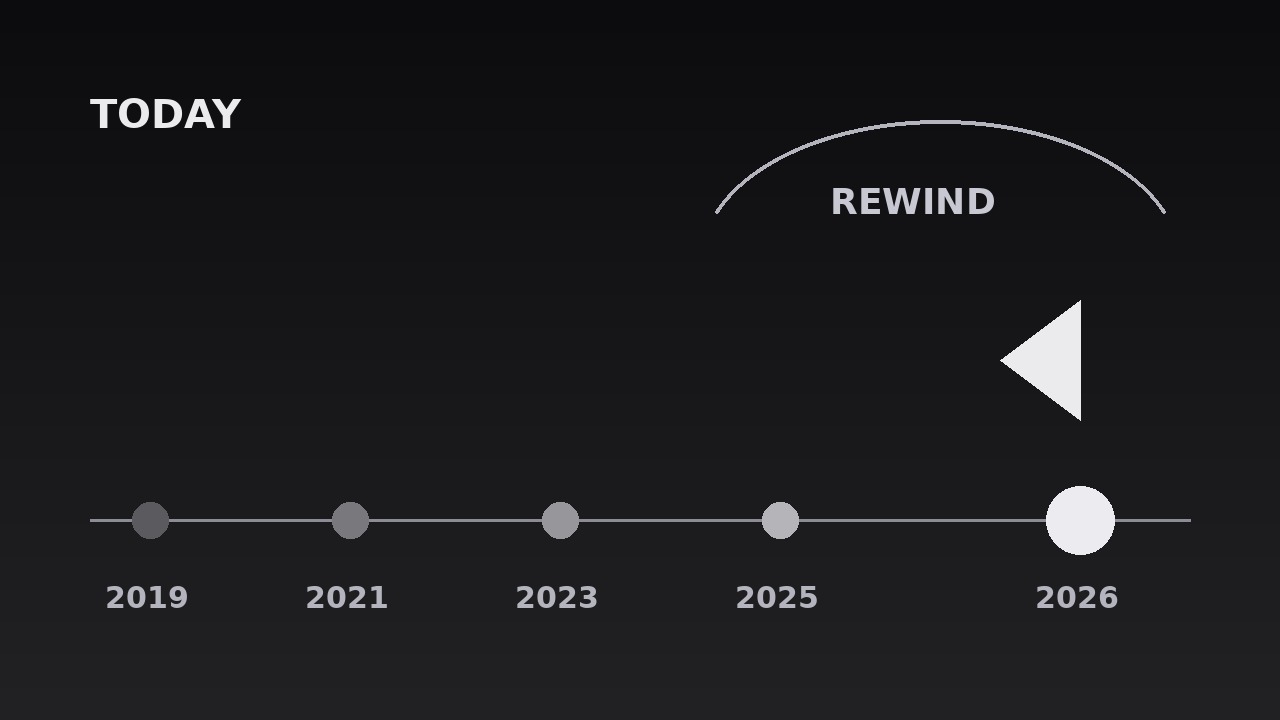
One SKILL.md (the playbook) + one starter template. A preview:
Latest Then History
When to use
- A news explainer opens on today's headline and the audience needs the backstory before they can judge it
- A product or company story starts with the launch everyone saw, then rewinds to the decisions that made it possible
- A retrospective or anniversary video anchors on the present moment, then walks backward through the milestones
- A "how we got here" segment where chronological order would bury the news, but the news alone lacks context
- A documentary or essay needs to answer "why is this happening now?" by showing the chain of events behind it
- A timeline would normally start at the beginning, but the beginning is slow and the ending is the hook
Workflow
- Anchor the latest event (input: your story → output: the "now" beat)
Pick the single newest event — the one the audience already knows or the one that just happened. It must be one event, one date, one sentence: "Today, X happened." If the latest beat needs two sentences, it is two events — pick the newer one. This event gets the biggest visual weight in the whole sequence and the most screen time, because everything that follows is measured against it. Write its date in full (day, month, year) — vague "recently" dates make the rewind feel unanchored. - Select the history beats (input: the backstory → output: 3–6 history events)
Work backward from the latest event and pick the 3–6 events that actually caused it or explain it — not everything that happened, just the load-bearing links in the chain. Each beat is one event, one date, one short label (≤6 words). Cut anything that is merely adjacent in time; if removing a beat leaves the causal chain intact, it does not belong. Order them newest-to-oldest for the rewind, and check that each beat's date is real and sourced — a timeline with one wrong date teaches the audience to doubt all of them. - Stage the present (input: the "now" beat → output: opening frame)
Open on the latest event alone: large label, full date, and one supporting visual (a photo, a headline, a frame from the event) filling the frame. Hold it for 1.5–2 seconds with no other timeline elements visible — the audience must absorb "this is now" before any rewinding starts. The frame should feel like a full stop: centred, stable, no motion except a slow 2-second push-in of at most 3% scale. If the opening already shows the timeline, the rewind has nothing to reveal.
Template preview
Latest Then History — Starter Template
Start with now. Then rewind, one causal beat at a time, and end back in the present.
Story: {title} | Sequence length target: {8–12s}
1. The "now" beat (one event, one date, one sentence)
- Event: {what just happened}
- Date: {day / month / year — full date, not "recently"}
- One-sentence version: "{Today, X happened.}"
- Opening visual: {photo / headline / frame from the event}
2. History beats (3–6, newest → oldest, causal chain only)
Cut test: removing any beat above must break the causal chain — if it doesn't, cut it: [ ]


