Keyword Cloud to Conclusion
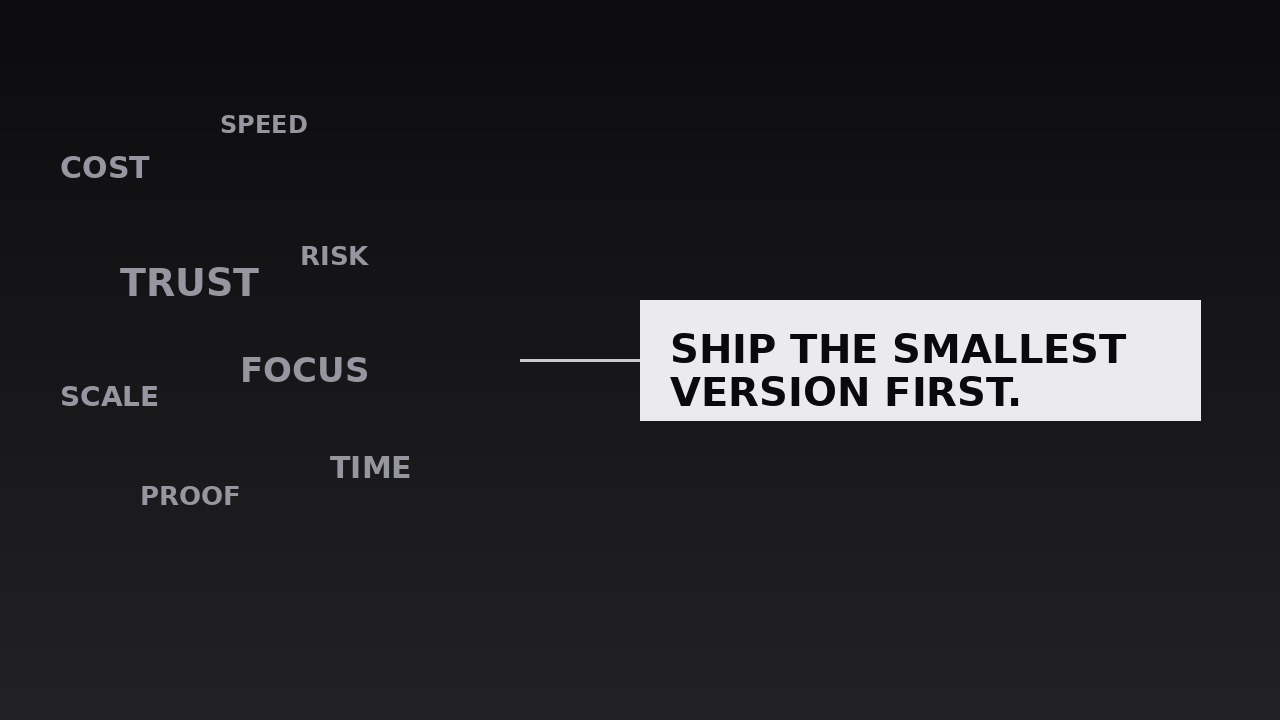
A cloud of keywords condenses into one conclusion.
Turns your AI into a motion designer for cloud-to-conclusion sequences — a drifting cloud of keywords from your argument condenses into the single concluding sentence, so the takeaway feels earned by everything that came before. For essays, talks, and explainer closings where the conclusion must land with weight.
Install it in 3 steps
No sign-up. No CLI tools. Pick your AI, copy one line, paste it over.
Prefer doing it yourself? Buy the skill ($4.99), download the ZIP from your checkout confirmation, unzip it into the directory shown above, restart your AI session — same result. Already bought it? Your AI assistant can download it for you.
What’s inside
One SKILL.md (the playbook) + one starter template. A preview:
Keyword Cloud to Conclusion
When to use
- A video essay or talk reaches its closing, and the conclusion needs to feel like the sum of everything argued, not a new claim dropped from nowhere
- An explainer has covered five or six sub-points and needs a visual recap before the final takeaway
- A pitch or keynote closes with one recommendation that the whole deck has been building toward
- A documentary segment gathers scattered evidence — names, places, numbers — and then states what it all means
- A lesson or training video ends with the one rule the learner should carry out of the room
- A social clip's final beat needs a payoff that replays the video's keywords in two seconds before the conclusion
Workflow
- Collect the cloud words (input: your script or argument → output: keyword cloud list)
Gather every keyword the piece actually used — 10–20 words or short phrases, each one a real term from the body of the argument, not invented for the cloud. If a word never appeared in the piece, it does not belong in the cloud; the cloud is a recap, and a recap that introduces new terms feels dishonest. Rank them loosely: the 3–4 load-bearing terms (the ones the conclusion depends on) get the largest sizes, the rest fill in smaller. Cut synonyms — if two words mean the same thing here, keep the one the audience already heard. - Lay out the cloud (input: keyword cloud list → output: cloud layout)
Scatter the keywords across the frame in a loose, organic cluster — varied sizes, varied angles (±12° maximum tilt), no grid, no columns. The largest words sit near the centre, smaller ones orbit them, and the edges stay soft: no word touches the frame edge, and no two words overlap enough to hurt legibility. Leave a clear patch of empty space where the conclusion will eventually sit — usually centre-frame or lower third — so the convergence has somewhere to go. The cloud should look like a thought in progress, not a word-search puzzle. - Set the drift (input: cloud layout → output: drifting cloud)
Give the cloud life before it converges: each word drifts slowly in its own direction — 4–10px of travel over 2–3 seconds, with a gentle 2–4° rotation wobble, eased in-out so the motion feels like floating, not sliding. Words never leave the frame and never collide hard; the drift is ambient, like dust in light. Hold this drift for 2–4 seconds while the voiceover recaps the argument, so the audience reads the cloud as "everything we just covered" before anything happens to it. The drift must be slow enough that any single word can be read while it moves.
Template preview
Keyword Cloud to Conclusion — Starter Template
The cloud is a recap of words the audience already heard. Every cloud word must have appeared in the body of the piece.
Piece: {title} — {runtime} | Conclusion beat at: {timestamp}
Conclusion sentence (≤12 words, final wording): "{conclusion}"
Spoken conclusion (must match on-screen word for word): "{same sentence}"
Cloud words (10–20, all from the body of the piece)
Honesty check: every word above was actually said in the piece — no invented terms: [ ] Synonym check: no two words mean the same thing here: [ ] (cut the weaker twin)
Layout
- Cloud area: {full frame / upper two-thirds on vertical}


