Issue to Resolution
From broken to fixed — the fix, shown step by step.
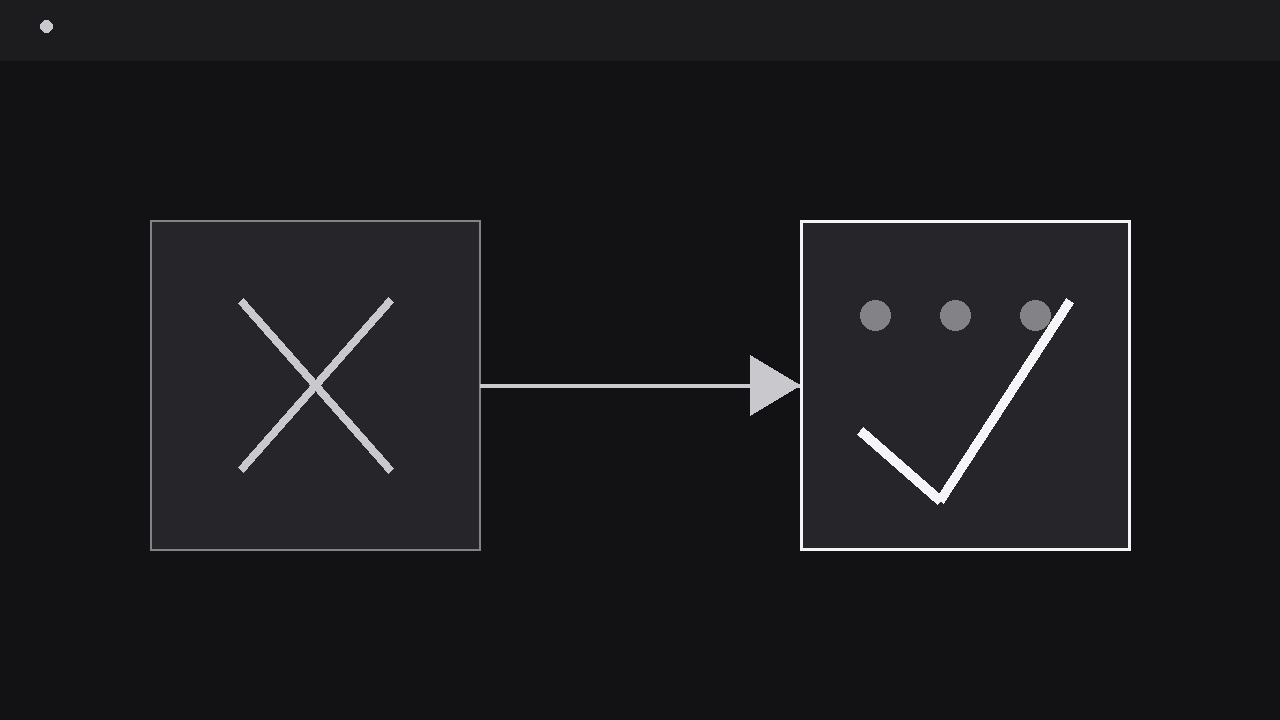
Turns your AI into a motion-graphics director for issue-to-resolution arcs — takes one problem, shows it clearly in its broken state, walks through the fix step by step, and lands on a visibly resolved state the audience can check against the opening. For support explainers, bug-fix videos, troubleshooting guides, and any story where the fix has to be believed.
Install it in 3 steps
No sign-up. No CLI tools. Pick your AI, copy one line, paste it over.
Prefer doing it yourself? Buy the skill ($4.99), download the ZIP from your checkout confirmation, unzip it into the directory shown above, restart your AI session — same result. Already bought it? Your AI assistant can download it for you.
What’s inside
One SKILL.md (the playbook) + one starter template. A preview:
Issue to Resolution
When to use
- A support or troubleshooting video shows a user hitting an error, a failure, or a broken state and needs the fix to feel proven rather than asserted
- A product update video demonstrates that a known problem is now fixed, and the audience must see the before and after of the same scene
- A tutorial walks through a repair, a debugging session, or a workaround where each step changes the state visibly
- A pitch or demo video tells a "we heard the complaint, here is the fix" story and needs the resolution to land with evidence
- A training clip teaches a diagnosis: recognise the issue, apply the fix, verify the result — in that order, with no step skipped
Workflow
- State the issue in one shot (input: problem to fix → output: issue statement)
Open on the broken state, not on an explanation of it. Show the error message, the failed load, the leaking pipe, the wrong number — the issue itself, full frame, for at least two seconds, with a short label naming it in plain language ("Checkout fails on card payment", "Report shows last month's numbers"). Write the issue as one sentence before animating, and make the opening frame prove it: if the audience cannot see what is broken, they cannot judge whether the fix worked. Resist the urge to open with context, branding, or backstory — the issue is the hook, and every second before it appears is a second the viewer spends wondering what the video is about. If the issue has a visible symptom and a hidden cause, show the symptom now and save the cause for the diagnosis step; confusing the two up front makes the fix look like guesswork. - Diagnose on screen (input: issue statement → output: diagnosis beat)
After the issue has held, name the cause with one visual beat: a highlight, a zoom, or a callout that points at the culprit — the misconfigured setting, the blocked field, the stale cache, the cracked seal. The diagnosis is one claim ("The API key expired on Friday") shown, not just said: the callout points at the actual expired date, the actual toggle, the actual line. Keep this beat short — 1–2 seconds of pointing, one label, no branching into secondary causes. If there are genuinely two candidate causes, show the ruled-out one being dismissed first (a quick cross-out or dim) and then the real one; a diagnosis that never considers alternatives reads as a script, while a visibly ruled-out alternative reads as an investigation. Never diagnose with a wall of text. One cause, one pointer, one label.
Template preview
Issue to Resolution — Starter Template
One issue, one cause, visible fix, proven resolution.
The issue (one sentence)
{Example: "Checkout fails when customers pay by card."}
The arc
Ruled-out alternative (optional): {candidate cause shown dismissed, e.g. crossed out} Waits in the fix: {e.g. restart ~40 s — show progress honestly} Prevention note (separate beat after resolution): {e.g. "Set a renewal reminder." / none}
Framing
- Opening shot: {describe angle/layout/scale}
- Closing shot: {same as opening — confirm match}
- Demo data: {generic / sample account / test card — never a real customer's data}
Timing
- Issue hold: {≥2 s} | Diagnosis beat: {1–2 s}


