Inputs Converge to One Result
Many inputs, one answer — watch them converge.
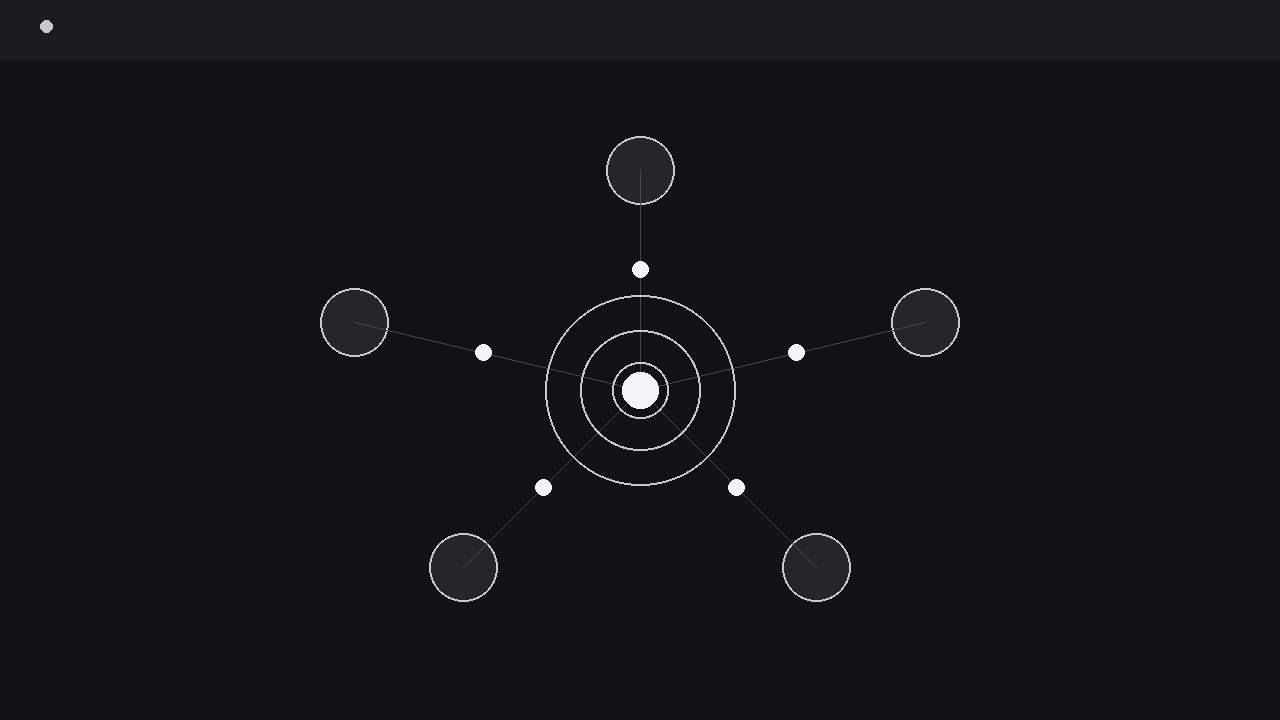
Turns your AI into a motion-graphics director for convergence sequences — takes several separate inputs, flies them inward from different directions, and merges them into one clear result the audience can point to. For explainers where many ingredients, signals, or opinions become a single decision, score, or answer.
Install it in 3 steps
No sign-up. No CLI tools. Pick your AI, copy one line, paste it over.
Prefer doing it yourself? Buy the skill ($4.99), download the ZIP from your checkout confirmation, unzip it into the directory shown above, restart your AI session — same result. Already bought it? Your AI assistant can download it for you.
What’s inside
One SKILL.md (the playbook) + one starter template. A preview:
Inputs Converge to One Result
When to use
- An explainer video shows how several factors — data sources, ingredients, opinions, signals — combine into one score, decision, or recommendation
- A product demo has to show that many tools, feeds, or uploads funnel into a single dashboard, report, or output
- A pitch video needs one image that says "everything you need becomes one answer" and then proves it by moving the pieces together
- A tutorial walks through a recipe, formula, or workflow where separate inputs must all be present before the result appears
- A debate or comparison video gathers several viewpoints and lands on one verdict, and the convergence itself is the argument
Workflow
- Name the inputs and the result (input: topic → output: inputs-and-result map)
Write the result first, in one line: "One credit score", "One launch decision", "One recommended plan". Then list the inputs that produce it — two to six, each one concrete enough to draw: a document, a measurement, a vote, a feed, a sensor reading. Each input gets a name (one or two words), a small icon, and a one-line role ("Sales data — what sold", "Support tickets — what broke"). Cap the inputs at six: beyond that the convergence reads as a crowd, and the audience stops tracking which pieces mattered. If two inputs are really the same thing described twice, merge them now — a convergence with a padded input list feels rigged. Check the logic honestly: the result must genuinely follow from these inputs together. If one input alone would decide it, the pattern is the wrong choice; show that input solo instead. - Stage the inputs around the result's home (input: inputs-and-result map → output: staged frame)
Place the inputs in a ring or arc around the centre, evenly spaced, each with its icon and a short label, all at equal visual weight — no input is pre-emphasised, because the point is that they combine. Leave the centre empty but visibly reserved: a faint outline, a dashed circle, or a dimmed result-shaped slot that reads as "something will appear here". The empty centre is a promise, and the audience watches it throughout the sequence. Keep the inputs at least 40 px from the frame edge at delivery size so none of them clips during motion, and keep the travel lanes (the spokes from each input to the centre) clear of labels and decorations. If the inputs have a natural order (steps 1–4), arrange them clockwise from the top in that order; if they are parallel, arrange them symmetrically so no order is implied.
Template preview
Inputs Converge to One Result — Starter Template
Many pieces in, one answer out — and the audience must see both.
The result (one line)
{Example: "One recommended plan: Pro, billed annually."}
Inputs (2–6, each concrete enough to draw)
Logic check: does the result genuinely follow from these inputs together? {yes / no — if no, pick a different pattern}
Result display
Main result (one thing): {e.g. "Score: 78" / "Decision: Launch"} Sub-line (optional, fades in 1 s later): {e.g. "Based on Q3 data · Updated weekly"}
Staging
- Input arrangement: {ring / arc, clockwise from top / symmetric}
- Centre: {faint outline / dashed circle / dimmed result-shaped slot}


