Inkwell Portfolio
A portfolio where every project reads like a manuscript page.
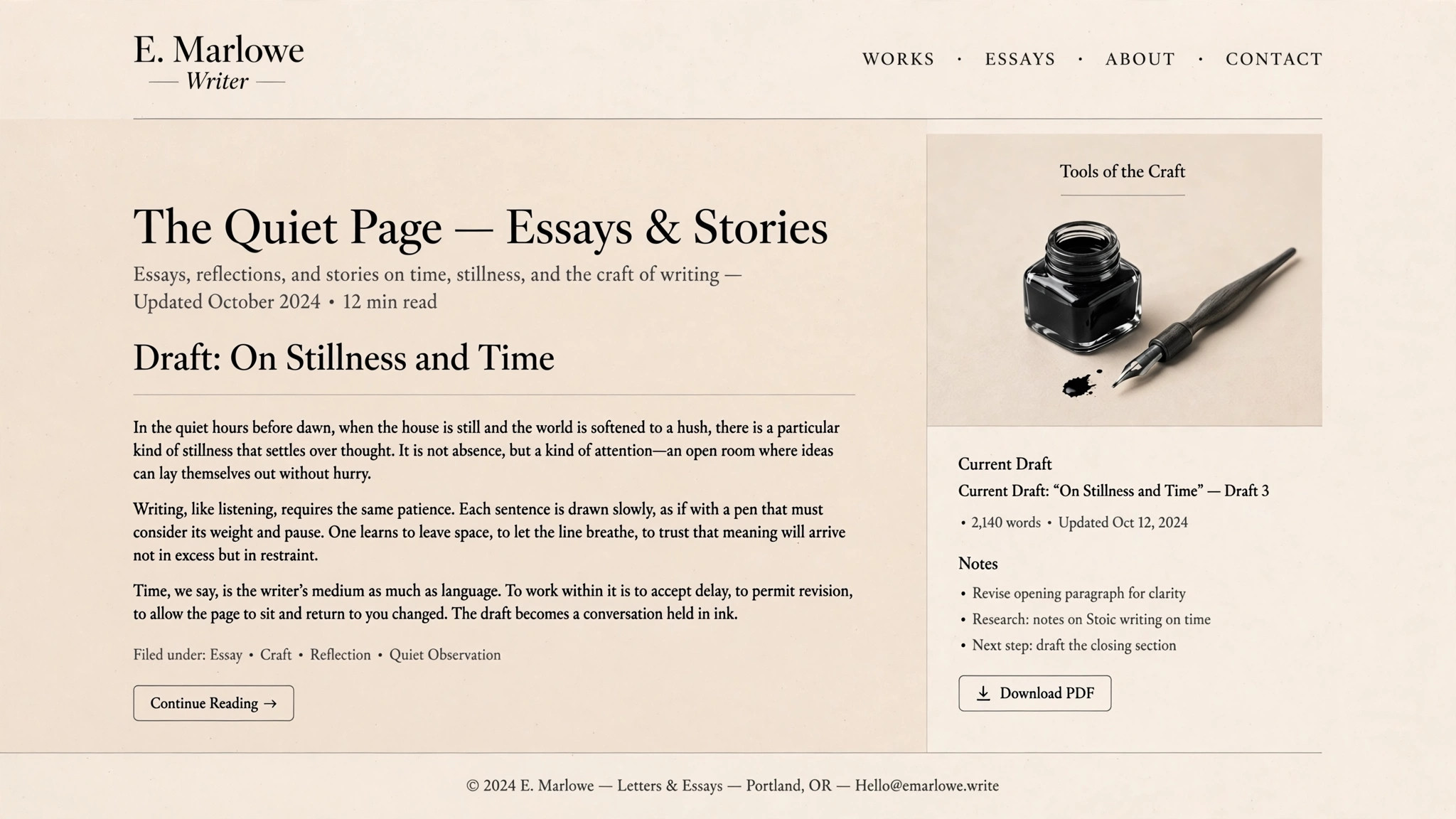
Turns your AI into a portfolio-site designer for writers, illustrators, and editors — a site built around the inkwell metaphor, where every project reads like a manuscript page moving from first draft to final ink.
Install it in 3 steps
No sign-up. No CLI tools. Pick your AI, copy one line, paste it over.
Prefer doing it yourself? Buy the skill ($4.99), download the ZIP from your checkout confirmation, unzip it into the directory shown above, restart your AI session — same result. Already bought it? Your AI assistant can download it for you.
What’s inside
One SKILL.md (the playbook) + one starter template. A preview:
Inkwell Portfolio
When to use
- You are a writer, illustrator, editor, or translator and your portfolio needs to show how you think, not just a grid of finished thumbnails
- Your current portfolio is a generic template that makes your essays look like a design agency's case studies and your illustrations look like stock art
- You want visitors to read your work on the site — excerpts, drafts, process — instead of bouncing to a PDF
- You need a portfolio that a literary agent, editor, or art director will actually read to the end, not skim in ten seconds
- Your work spans drafts, revisions, and published pieces, and you want the site to make that journey part of the story
Workflow
- Gather the work and the arc (input: your pieces + career story → output: portfolio brief)
List every piece worth showing, then cut to the 8–15 strongest — a portfolio that shows everything shows nothing. For each kept piece, note three things: what it is (essay, illustration series, edited book), what it became (published where, what changed), and one line about the work behind it. Write the site's one-line arc: the sentence that connects the pieces ("I write about cities and the people who leave them" beats "Welcome to my portfolio"). The arc decides what gets in and what stays out. - Structure the site as a manuscript (input: portfolio brief → output: site map)
Build four sections: Home (the arc in one line, three featured pieces, one way to contact you), Work (the full list, each piece a manuscript page), About (your story in your voice, 200 words max, plus a plain list of credentials), and Contact (one form or one email, no obstacle course). The Work section orders pieces by strength, not chronology — the best piece goes first, because most visitors never scroll past the third. Every piece gets the same manuscript structure: title, one-line summary, the work itself (excerpt or images), and a short "from draft to final" note. - Design the inkwell system (input: site map → output: visual system)
Set the visual language: warm paper background, near-black ink text, one ink-blue or sepia accent for links and the single call to action, and a serif for body text that invites long reading. The inkwell motif appears sparingly — a small ink-drop mark for the logo, a dip-pen divider between sections, a blotted-ink hover on links — never as a busy background. Type is the design: generous line height, a measure (line length) that never exceeds ~70 characters, and margins that give long text room to breathe.
Template preview
Inkwell Portfolio — Build Template
One portfolio site = one completed template. Cut to the strongest pieces before designing.
Portfolio: {your name} — {one-line arc connecting the pieces}
Arc (one sentence): {e.g. "I write about cities and the people who leave them."}
Piece list (8–15 strongest, ordered by strength — best first)
Cut list (pieces left out, and why): {titles + one-line reasons — a portfolio that shows everything shows nothing}
Site map
- Home: arc in one line + 3 featured pieces + one contact link
- Work: full list, every piece in the manuscript structure below, ordered by strength


