Ink Ridge Hero
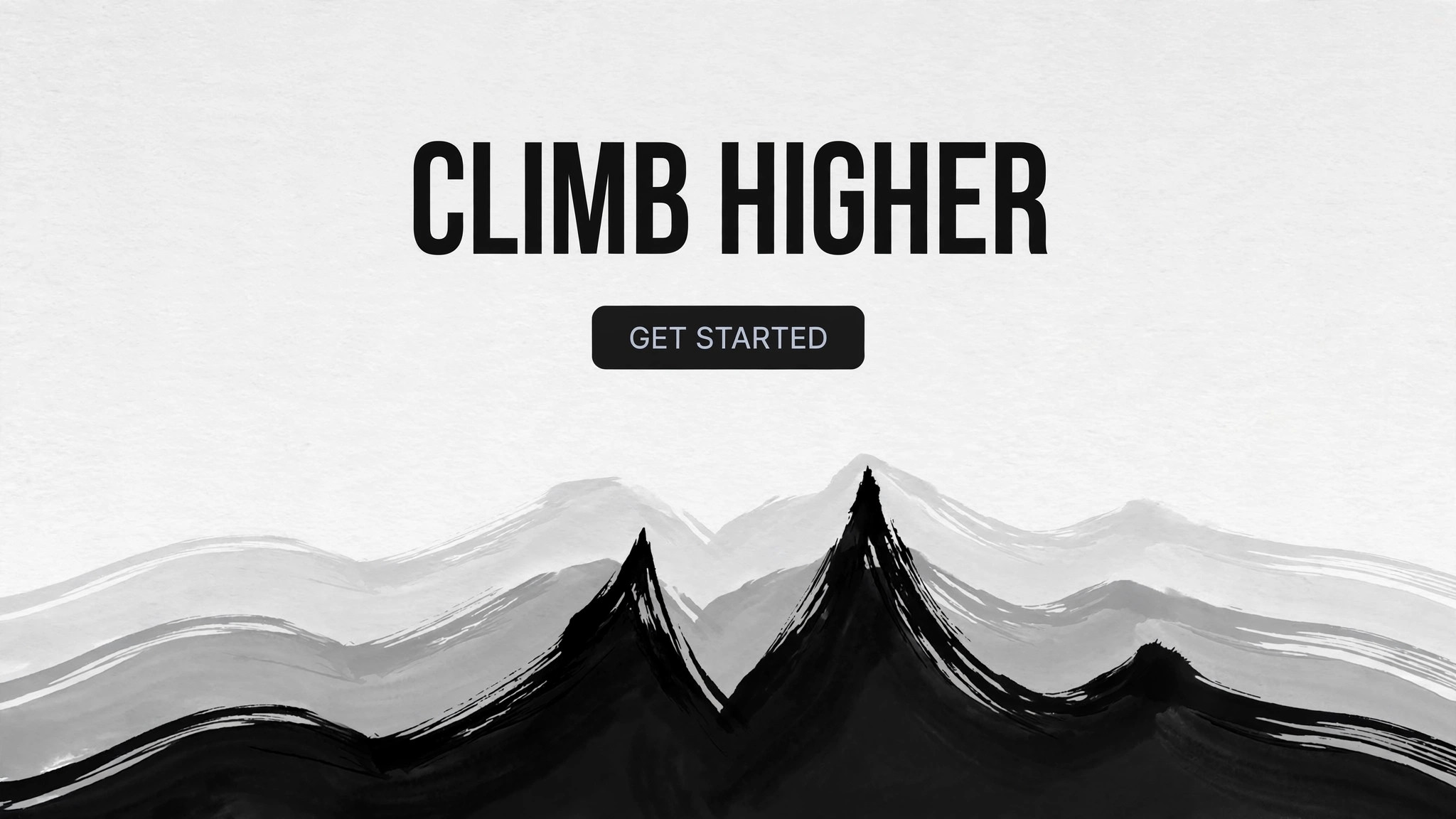
A hero with one ink-brush ridgeline and a sky full of air.
Turns your AI into a hero-section designer that builds a landing-page hero around a single ink-brush mountain ridgeline — layered ridge silhouettes, a sky full of air, and a headline that sits in the open space above the peaks.
Install it in 3 steps
No sign-up. No CLI tools. Pick your AI, copy one line, paste it over.
Prefer doing it yourself? Buy the skill ($4.99), download the ZIP from your checkout confirmation, unzip it into the directory shown above, restart your AI session — same result. Already bought it? Your AI assistant can download it for you.
What’s inside
One SKILL.md (the playbook) + one starter template. A preview:
Ink Ridge Hero
When to use
- Your landing page is for something grounded in place, craft, endurance, or the outdoors — a retreat, a trail brand, a studio, a mountain town — and a generic photo hero undersells it
- You want a hero with a strong, memorable silhouette that works at any size, from a billboard to a phone, without depending on photography
- Your current hero is a busy photo with text fighting it, and you want the opposite: a calm sky, one bold shape, words with room
- You need a hero that loads instantly and stays crisp — a vector ridgeline beats a 2MB mountain photo on both counts
- Your brand's feeling is "high, quiet, and far away" and you want the first screen to say that in one glance
Workflow
- Name the ridge (input: brand + page goal → output: hero brief)
Decide what the ridge stands for: a real range your audience knows, a metaphor for the climb your product helps with, or pure atmosphere. Write the headline (≤8 words) and the single call to action first — the ridge is a stage for those words, not the star. Specify the page's one job (book, sign up, explore) so every later decision serves it. A hero that tries to do three jobs ends up with three headlines and no ridge. - Draw the ridgeline (input: hero brief → output: ridge composition)
Compose the ridge from two to four layered silhouettes: a distant pale ridge, one or two mid ridges, and one near, darkest ridge that anchors the bottom of the hero. Each ridge is a single continuous ink-brush line — varied in weight, with one or two decisive peaks, never a sawtooth of equal bumps. The sky above the highest peak stays at least a third of the hero's height: that empty sky is where the headline lives. Vary the ridge's character to match the brand — sharp and steep for endurance, soft and rolling for retreat. - Place the headline in the sky (input: ridge composition → output: hero layout)
Set the headline in the open sky, left-aligned or centered, in a strong serif or bold sans with generous letter spacing. The call to action sits directly beneath it, one button, high contrast against the sky. No text ever sits on the ridge itself — the ink shapes stay clean and the words stay readable. If a subhead is needed, keep it to one line under the headline; a second paragraph means the headline isn't doing its job.
Template preview
Ink Ridge Hero — Build Template
One hero = one completed template. Name the ridge (the brief) before drawing anything.
Hero: {page / brand} — {what the ridge stands for}
Headline (≤8 words): {headline} Subhead (one line max): {subhead} CTA (one button): {button text → destination} Page's one job: {book / sign up / explore}
Ridge composition (2–4 layered silhouettes)
Peak character: {sharp and steep / soft and rolling} — must match the brand feeling. Sky: ≥1/3 of hero height, empty — the headline lives here. Ridge rule: one continuous brush line per layer, varied weight, 1–2 decisive peaks, never a sawtooth.


