Headless CMS Landing
A landing page developers and editors both believe.
Writes and structures a landing page for a headless CMS that speaks to both audiences — a real code sample for developers, a preview-and-publish story for editors, and honest answers to the two hardest objections.
Install it in 3 steps
No sign-up. No CLI tools. Pick your AI, copy one line, paste it over.
Prefer doing it yourself? Buy the skill ($4.99), download the ZIP from your checkout confirmation, unzip it into the directory shown above, restart your AI session — same result. Already bought it? Your AI assistant can download it for you.
What’s inside
One SKILL.md (the playbook) + one starter template. A preview:
Headless CMS Landing
When to use
- You're launching a headless CMS and need a landing page that speaks to both developers and content editors
- Your current CMS landing page leans on jargon ("omnichannel content infrastructure") and converts nobody
- You need to explain "headless" to a non-technical buyer without dumbing it down into meaninglessness
- Your product has a free tier or trial and the page must get a developer from headline to first API call fast
- You're comparing your page against competitors and yours reads like a feature list instead of a story
- You need one page that can serve as the ad landing page, the docs front door, and the sales handout
Workflow
- Map the two audiences (input: your buyer profiles → output: audience map)
A headless CMS has two buyers who care about opposite things: developers want the API, SDKs, and content modelling; editors want a fast writing experience, preview, and scheduling. Write down one primary reader (whoever signs first) and one secondary reader. Every section of the page is then assigned to one of them — no section tries to please both, because sections that try to please both please neither. - Define the core promise (input: product strengths → output: one-sentence promise)
Distil the product into one sentence that names who it is for and what changes: "Content your developers can model in minutes and your editors can publish anywhere." Test it against the jargon rule: if a marketing manager can't repeat it back after one read, rewrite it. This sentence becomes the hero headline or its subline — it is the page's spine. - Structure the page (input: promise + audience map → output: section outline)
Order the sections by reader journey: hero (promise + primary CTA) → proof strip (logos or usage numbers you can actually stand behind) → "how it works" in three steps (model → write → publish anywhere) → developer section (API, SDKs, code sample) → editor section (writing UI, preview, scheduling) → comparison or FAQ handling the two hardest objections → final CTA. Cut any section that doesn't move one of the two readers toward signing up. - Write the developer section (input: API docs + SDK list → output: developer copy + code sample)
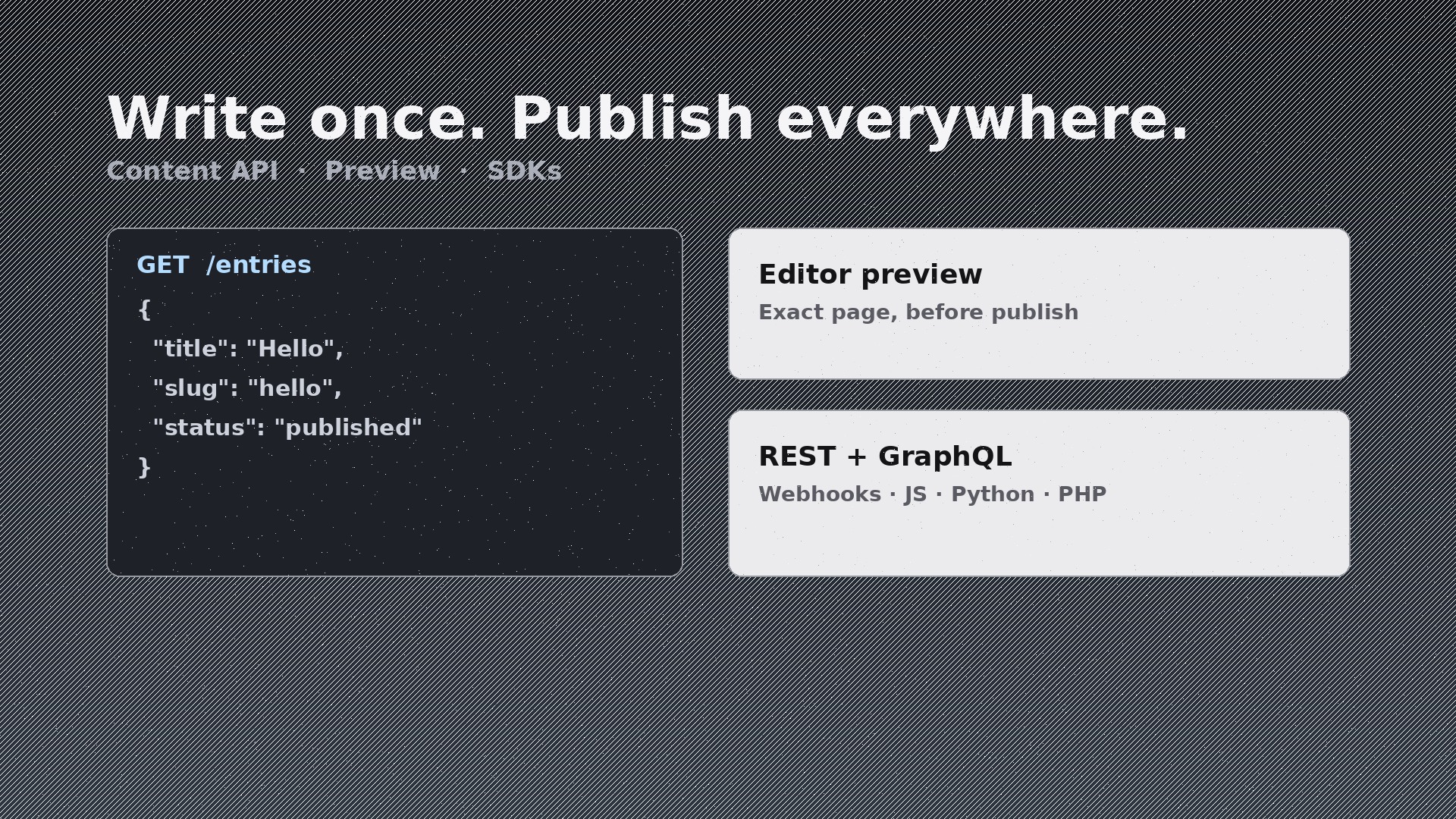
Show, don't claim: a short real code sample (fetch one entry, render it) in the language your users actually use, the list of SDKs and frameworks with first-class support, and the honest facts — REST and/or GraphQL, webhook support, content modelling limits. Never claim SDKs or integrations you don't ship; developers check, and one false claim poisons the whole page.
Template preview
Headless CMS Landing — Starter Template
Fill in every {placeholder} with real product facts only. Never invent integrations, customers, or numbers.
Audience map
- Primary reader: {developer_or_editor — whoever signs first}
- Secondary reader: {the_other_role}
- Sections for developers: {list} · Sections for editors: {list}
Core promise (one sentence, jargon-free)
{promise_sentence, e.g. Content your developers can model in minutes and your editors can publish anywhere.}
Section outline
- Hero — promise + primary CTA: {cta_text} → {cta_destination}
- Proof strip — only verified proof: {logos_or_numbers_or_omit}


