Harbor SaaS Suite
A full SaaS marketing site that feels like one calm harbor.
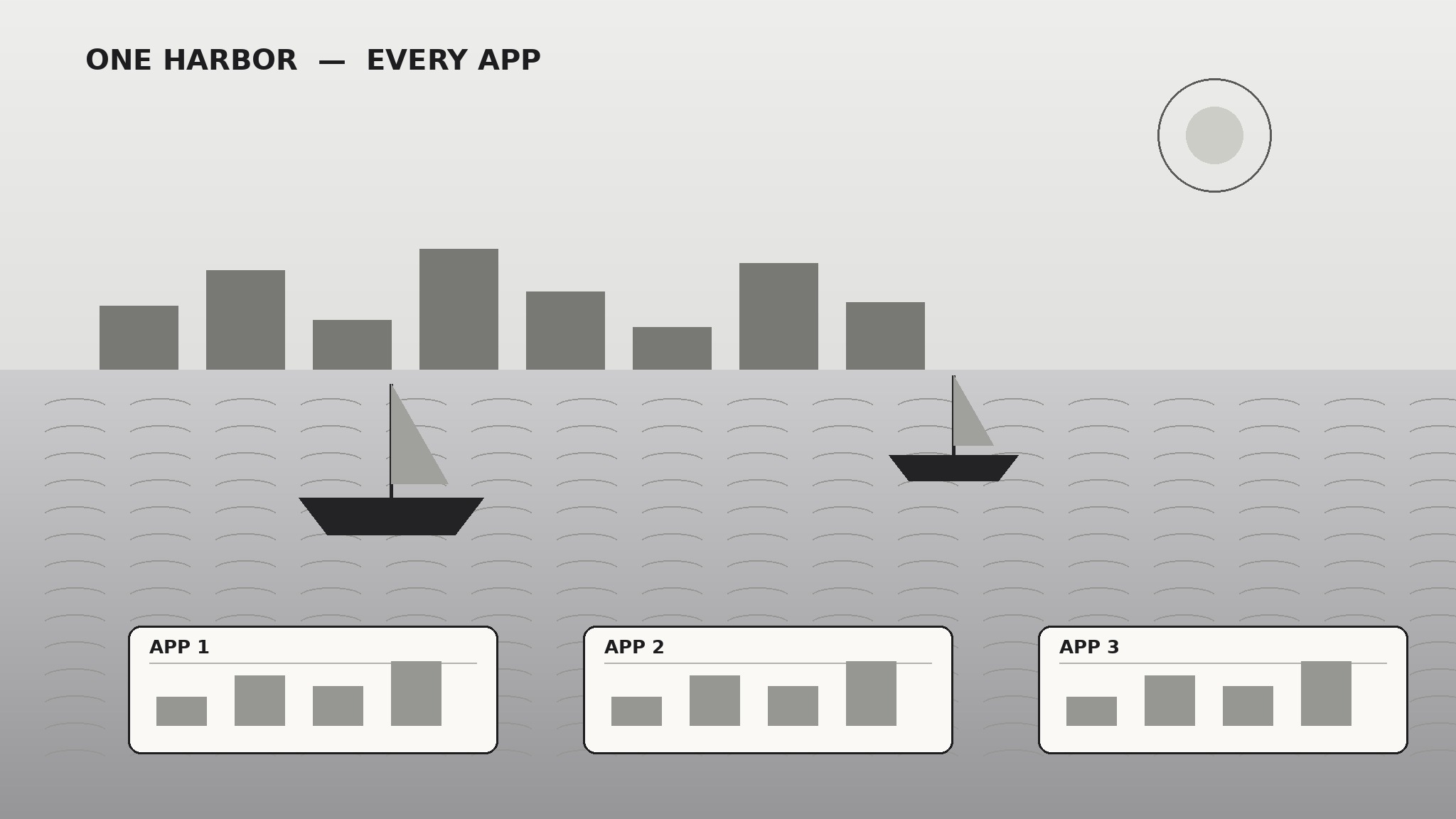
Designs a calm, consistent suite of SaaS pages — home, features, pricing, docs — with one shared navigation, one voice, and clear paths from first visit to signup.
Install it in 3 steps
No sign-up. No CLI tools. Pick your AI, copy one line, paste it over.
Prefer doing it yourself? Buy the skill ($4.99), download the ZIP from your checkout confirmation, unzip it into the directory shown above, restart your AI session — same result. Already bought it? Your AI assistant can download it for you.
What’s inside
One SKILL.md (the playbook) + one starter template. A preview:
Harbor SaaS Suite
When to use
- Your SaaS site has accumulated pages over time and now feels inconsistent — different navs, different voices, different pricing stories
- You are launching a SaaS product and need the full marketing site, not just a landing page
- Trial signups are low and you suspect visitors cannot find what the product does or what it costs
- You are rebranding or repositioning and every page needs to tell the same story
- Your docs, blog, and marketing pages feel like they belong to different companies
Workflow
- Map the suite (input: product + audience → output: site map + one story)
List every page the site needs — Home, Features (or Product), Pricing, Docs or Help, About, Blog, Legal — and for each, write one sentence on what it must convince the visitor of. Then write the one story all pages tell: who the product is for, what problem it removes, and why it is the safe choice. If a page cannot connect to that story, it gets cut or rewritten. The harbor metaphor is the test: every page should feel like the same calm harbor, not a different port each time. - Design the shared shell (input: site map → output: navigation + footer + page shell)
Build one shell every page shares: top navigation with the same 4–6 items in the same order, a consistent header treatment, and a footer with product, company, resources, and legal links. The shell also fixes the type scale, button styles, and spacing rules. This is the highest-leverage step in the whole skill — a shared shell makes a dozen pages feel like one product even before any copy is written. - Write the home page (input: story + shell → output: home page)
Structure the home page as a visitor's first walk through the harbor: headline stating the outcome (not the feature list), one short paragraph on who it is for, three feature blocks tied to real jobs the visitor does, one proof element (customer quote, usage number, or integration list — only what you can verify), and one signup path repeated at top and bottom. Every claim must be one the product can back up on the next click. No auto-playing video, no chat widget that opens itself. - Build features and pricing (input: story + shell → output: features + pricing pages)
Features pages follow one pattern per feature: the job, how it works in two or three steps, and what changes for the user. Screenshots beat adjectives — show the actual interface. Pricing shows every plan side by side with the same rows in the same order, the price stated plainly with billing period, and what is not included stated as clearly as what is. If a visitor has to contact sales to learn the price, say so in one line and say why.
Template preview
Harbor SaaS Suite — Site Build Template
One story, one shell, every page. Write the story and shell before any page copy.
The one story (every page must connect to this)
Who it is for: {audience}
Problem it removes: {problem, in the visitor's words}
Why it is the safe choice: {reason}
Site map (one sentence per page: what it must convince the visitor of)
Cut list (pages that duplicate another page's job): {pages to cut or merge}
Shared shell (identical on every page)
Navigation (4–6 items, same order everywhere): {items}
Footer: Product: {links} | Company: {links} | Resources: {links} | Legal: {links}


