Hand-Rendered Explainer
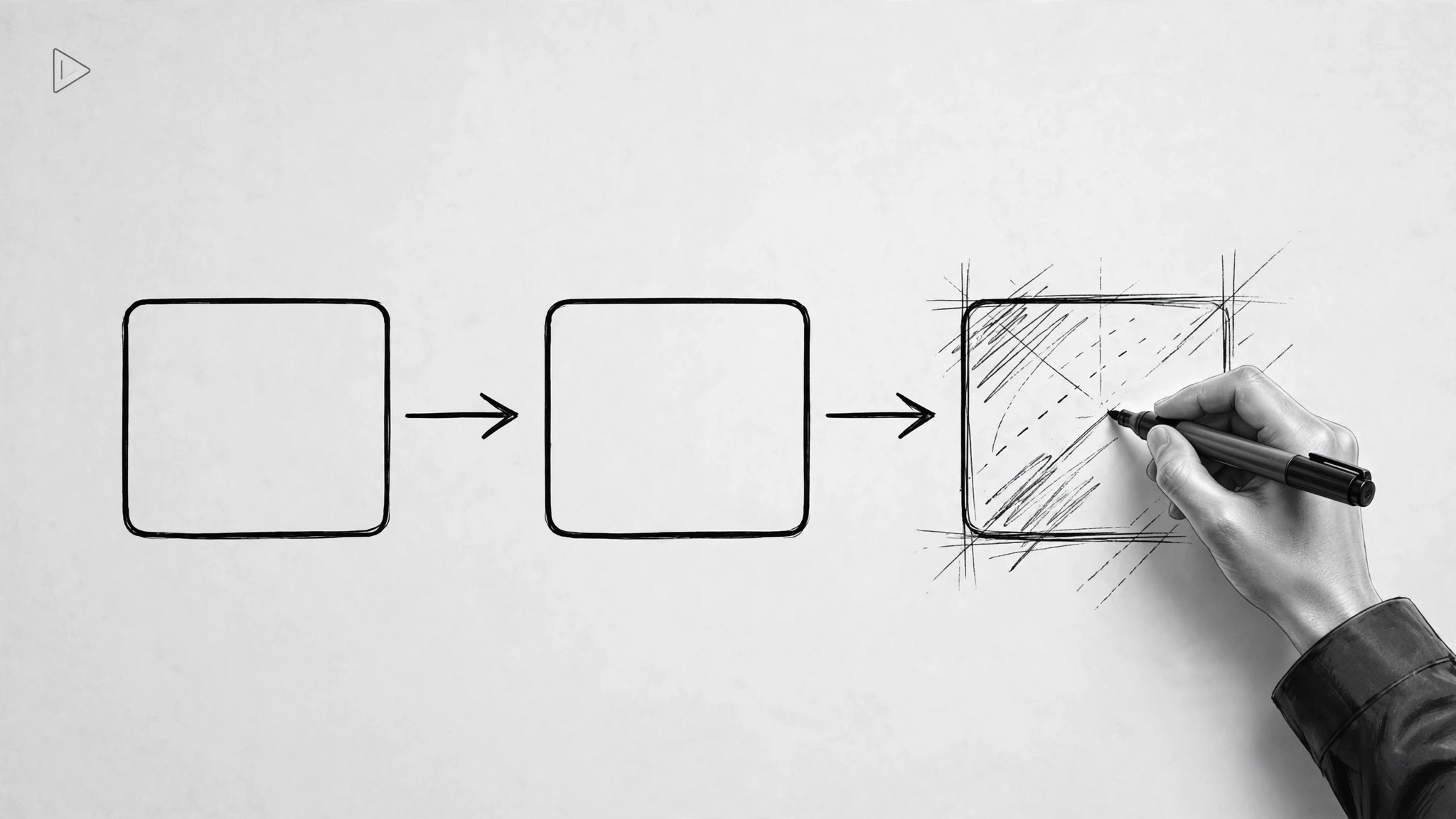
Drawings that build on screen as the narration explains.
Scripts, storyboards, and animates a hand-rendered style explainer video where drawings build on screen in sync with the narration, so a complicated idea feels obvious by the end.
Install it in 3 steps
No sign-up. No CLI tools. Pick your AI, copy one line, paste it over.
Prefer doing it yourself? Buy the skill ($4.99), download the ZIP from your checkout confirmation, unzip it into the directory shown above, restart your AI session — same result. Already bought it? Your AI assistant can download it for you.
What’s inside
One SKILL.md (the playbook) + one starter template. A preview:
Hand-Rendered Explainer
When to use
- You need to explain a product, process, or concept that people glaze over when they read about it
- A sales or onboarding video has to work for viewers who know nothing about the topic
- Your pitch deck is not landing and you want a 60–90 second version that does the explaining
- A tutorial needs to show a sequence of steps in a way viewers can follow without rewinding
- You want a video style that feels human and approachable rather than corporate and templated
Workflow
- Find the one idea (input: topic + audience → output: single message + viewer takeaway)
Decide what the viewer should be able to say after watching: one sentence, in plain language. Everything in the video serves that sentence. If you have two messages, you have two videos. Also name the audience precisely — "new hires on day one" produces a different script from "busy executives" — and note the one thing they currently misunderstand, because the video's job is to replace that misunderstanding. - Write the spoken script (input: single message → output: narration script, 130–160 words per minute of video)
Write for the ear, not the eye: short sentences, everyday words, one idea per sentence, and the structure problem → why it matters → how it works → what to do next. Read it aloud as you write — any sentence you stumble over gets rewritten. Mark the words that need visual support ("when I say 'three steps', three drawings appear") so the narration and the drawing stay locked together. - Storyboard the drawings (input: script → output: panel-by-panel storyboard)
Break the script into beats of 3–8 seconds and sketch one panel per beat: what gets drawn, in what order, and what stays on screen. The hand-rendered style means drawings build up stroke by stroke in sync with the narration — a diagram that appears fully formed breaks the illusion, so every panel must show the drawing order. Keep each panel to one focal drawing plus at most one short on-screen label; a busy frame defeats the style. - Record narration and animate (input: script + storyboard → output: timed video draft)
Record the narration first in a quiet room, in a conversational tone — the drawing timing follows the voice, never the other way round. Then animate: each drawing appears stroke by stroke, timed to the words it illustrates, with a hand or pen cursor if the tool supports it. Pace the reveals so the viewer is always looking at what the voice is talking about; nothing should appear more than a beat before it is mentioned.
Template preview
Hand-Rendered Explainer — Production Template
One video = one message. Fill in the brief before writing a single line of script.
Brief
Topic: {topic}
Audience (be precise): {e.g. new hires on day one}
One takeaway sentence (what the viewer should be able to say afterwards): {sentence}
Misunderstanding this video replaces: {what they currently think}
Target length: {60–90 sec typical / up to 3 min for complex topics}
Narration script (130–160 words/min, write for the ear, read aloud as you write)
Structure: Problem → Why it matters → How it works → What to do next
Read-aloud check: [ ] No sentence stumbled over [ ] Everyday words throughout


