Grid-Paper Beverage Brand Site
A drink site that reads like the label: exact, not flowery.
Turns your AI into a brand-site builder for a beverage brand — designs a single-page site in a grid-paper spec-sheet system (measured layouts, honest spec blocks, flavor grid) with a flavor lineup, nutrition facts, and a stockist/buy path. For drink brands whose site should read like the label: exact, not flowery.
Install it in 3 steps
No sign-up. No CLI tools. Pick your AI, copy one line, paste it over.
Prefer doing it yourself? Buy the skill ($4.99), download the ZIP from your checkout confirmation, unzip it into the directory shown above, restart your AI session — same result. Already bought it? Your AI assistant can download it for you.
What’s inside
One SKILL.md (the playbook) + one starter template. A preview:
Grid-Paper Beverage Brand Site
When to use
- You sell a drink (soda, seltzer, cold brew, kombucha, juice, energy) and your site is a generic shop template
- Your label already does the hard work — exact ingredients, real numbers — but your site hides it behind lifestyle copy
- A new flavor launch needs a page that shows the specs, not just a mood photo
- Stockists, buyers, and press keep asking for the same facts (ingredients, nutrition, pack sizes, MOQs) and there is no single page to send them
- You need a single-page brand site a small team can maintain without a developer
Workflow
- Collect the spec sheet (input: labels, nutrition panels, price lists → output: spec brief)
Gather the exact facts for every flavor: full ingredient list as printed on the label, nutrition facts per serving, pack sizes and case counts, prices, allergen and dietary notes (vegan, gluten-free, caffeine content), and stockist/wholesale terms if you sell B2B. Copy numbers from the label, never from memory — a site that disagrees with the label by one gram is a site nobody trusts. If a fact is not on the label and not verified, it does not go on the page. - Structure the page (input: spec brief → output: section outline)
Order the page like a spec sheet a buyer can scan: hero (one drink, one promise, one buy button) → flavor grid (every flavor, one cell each) → the spec block (ingredients + nutrition, per flavor, expandable) → how it's made (process in 3–4 measured steps) → buy/stockist path (retail buy + wholesale enquiry, kept separate) → FAQ (caffeine, storage, shelf life, shipping) → final buy block. Every section answers the next question a buyer or stockist would ask; lifestyle copy earns its place only if it carries a fact. - Design the grid-paper system (input: outline → output: styled page)
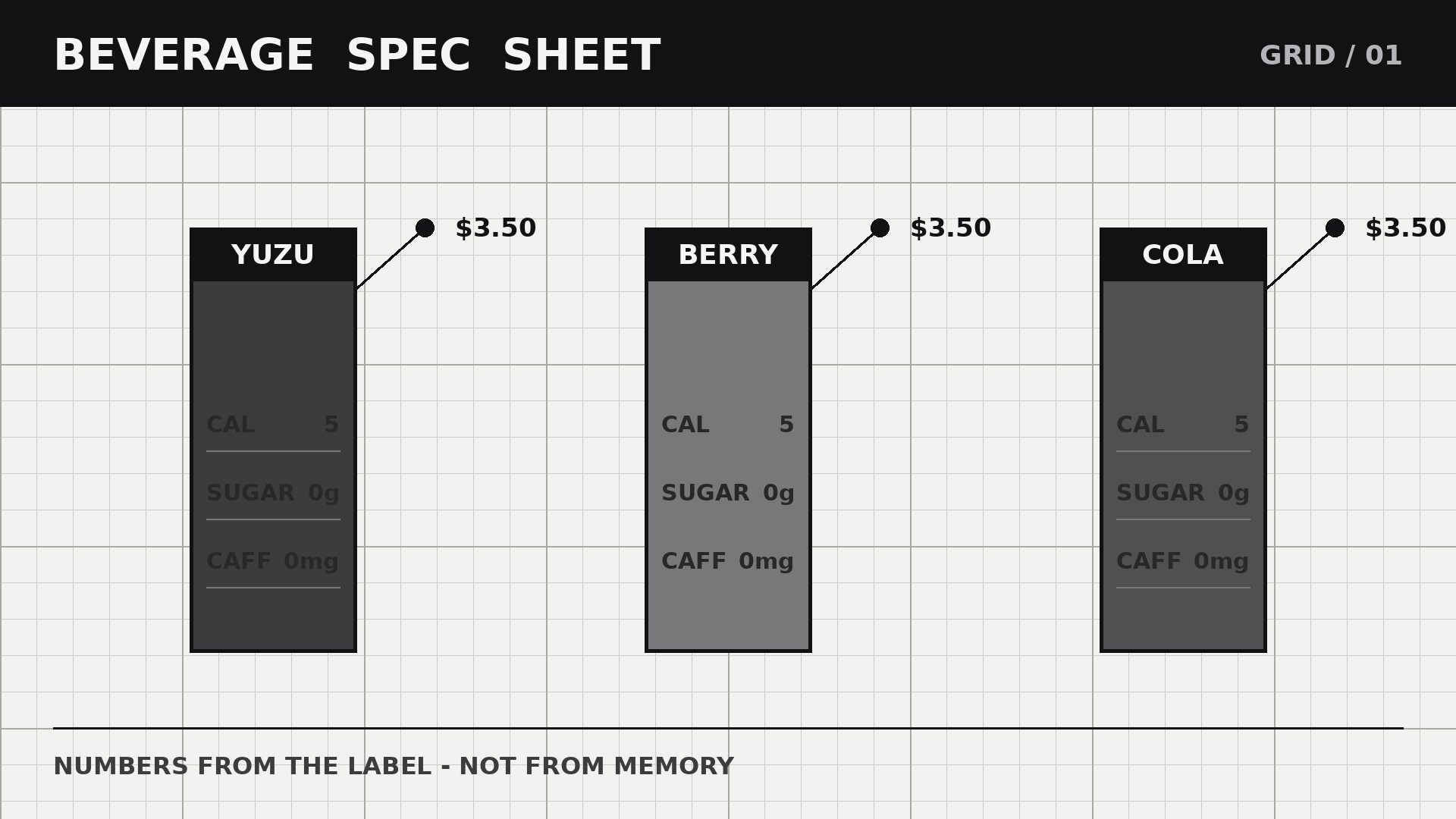
Build a disciplined graph-paper system: white background with a faint grid, thin ruled lines separating every block, monospace or tabular numerals for every number, one ink color for text, one accent for the single buy action. Flavor cells sit on the grid like samples pinned to a sheet — aligned, measured, evenly spaced. Numbers line up in columns; nothing is centered "for balance" at the cost of scannability. The grid is the brand: precise, honest, a little technical.
Template preview
Grid-Paper Beverage Brand Site — Site Template
The label is the source of truth. Copy numbers from the label, never from memory.
Brand: {name} — {one-line promise}
Pack sizes: {e.g. 330ml cans, 12 per case} | Shipping areas: {areas} | Minimum order: {n}
Flavor grid (one cell per flavor)
Spec block (per flavor — copied from the label)
{Flavor}:
- Ingredients: {full list as printed on the label}
- Nutrition per serving ({serving size}): {panel copied from the label}
- Dietary notes: {vegan / gluten-free / ... — only if on the label}
- Source check: [ ] matches the printed label


