Funnel Absorption
Many inputs in, one output out.
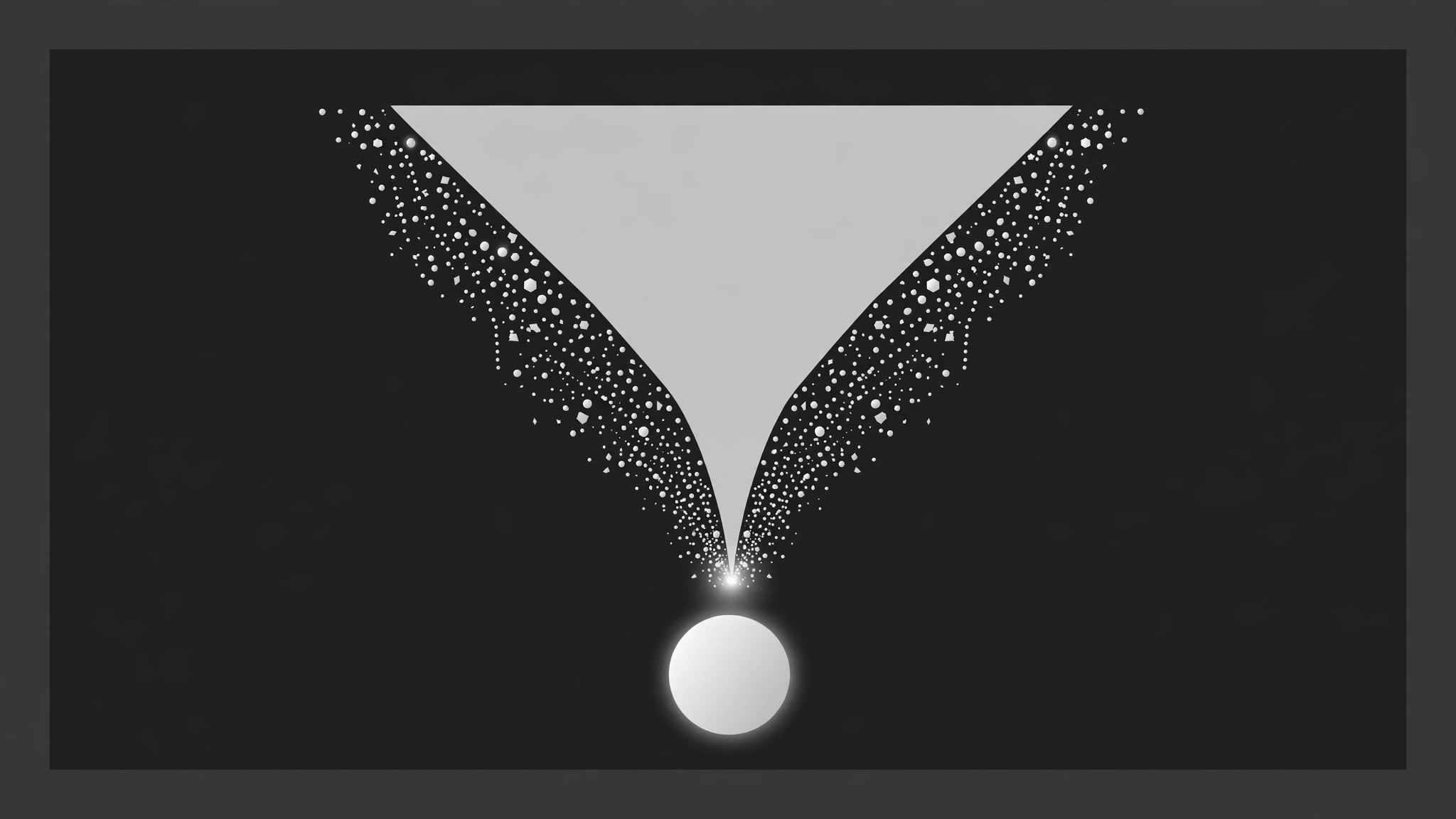
Scattered inputs stage above a funnel, travel down its walls shrinking as it narrows, compress into a glowing point at the neck, and emerge below as one unified output carrying every input's colour chip. Built for lead-gen explainers, data pipelines, and strategy recaps.
Install it in 3 steps
No sign-up. No CLI tools. Pick your AI, copy one line, paste it over.
Prefer doing it yourself? Buy the skill ($4.99), download the ZIP from your checkout confirmation, unzip it into the directory shown above, restart your AI session — same result. Already bought it? Your AI assistant can download it for you.
What’s inside
One SKILL.md (the playbook) + one starter template. A preview:
Funnel Absorption
When to use
- A marketing or sales video shows many leads, channels, or touchpoints becoming one pipeline
- A data or AI explainer shows many sources feeding one model, report, or decision
- A strategy video shows scattered ideas, feedback, or requests converging into one plan
- A product video demonstrates aggregation: many inputs in, one dashboard / one answer out
- A recap video compresses a messy process (research, interviews, drafts) into one deliverable
- You have 4–10 distinct inputs and one output they jointly produce, and the merging is the story
Workflow
- Name the inputs and the single output (input: your process → output: funnel map)
List 4–10 inputs, each with a short label (2–4 words: "Surveys", "Support tickets", "Ad clicks") and a distinct colour chip or icon. Then write the output: one thing (a report, a shortlist, a decision, a product) with a 2–5 word name. The output must genuinely be made of the inputs — if two inputs never affect the output, cut them. The funnel's claim is "these became this"; every input that enters must be absorbed, none may be quietly dropped. - Draw the funnel (input: funnel map → output: layout)
The funnel is a wide-top trapezoid or cone, centred, spanning 75–90% of frame width at the mouth and narrowing to 12–18% at the neck. The mouth sits in the upper third of the frame; the neck ends at mid-frame; the output zone occupies the lower third, empty at the start. Funnel walls are solid 2–3px strokes or a filled shape at low opacity — visible enough to guide the eye, quiet enough not to compete with the inputs. Label the funnel stages if the process has them (e.g. "Gather → Filter → Decide") in small text along the left wall — 3 stages maximum, or the funnel becomes a diagram. - Release the inputs (input: layout → output: entry choreography)
Inputs appear above the mouth, one at a time, 250–350ms apart: each fades + drops 10px in over 200ms, settling in a loose row above the funnel. Hold the full row of inputs for 500ms so the viewer reads what is going in. Inputs keep their colour chips — colour is identity here; if two inputs share a colour, the viewer cannot track who got absorbed. Never drop inputs straight into the funnel without this staging beat; a funnel with no visible ingredients is just a shape.
Template preview
Funnel Absorption — Starter Template
Fill in every {placeholder}. Inputs in = absorptions = chips under the output, one-to-one.
Funnel map
Inputs (4–10, each with a distinct colour chip)
Output (one thing)
- Output name (2–5 words): {output_name}
- What it is: {report | shortlist | decision | product | dashboard}
- Genuinely made of all inputs? {yes — inputs that never affect the output are cut}
Layout
- Funnel mouth: {75–90%} of frame width, upper third · Neck: {12–18%} of frame width, ends mid-frame
- Output zone: {lower third}, empty at the start
- Funnel walls: {2–3px} strokes / filled shape at low opacity — visible, quiet


