Folder Grid Filing
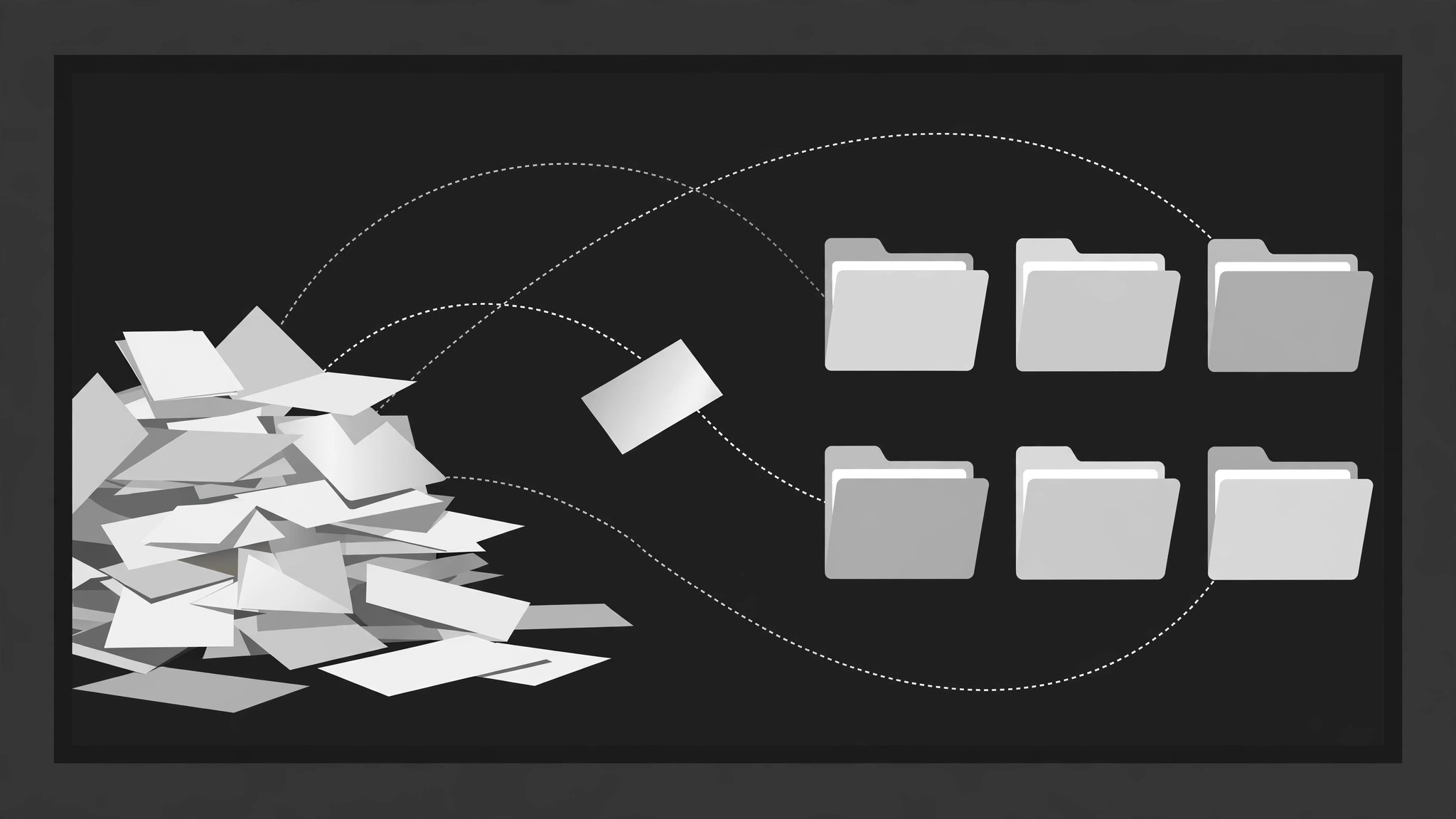
A messy pile files itself into a tidy grid.
Loose files, cards, and clips fly one at a time along gentle arcs into a grid of labelled folders, each folder's count badge ticking up as it lands, until the pile is gone and the system stands revealed. Built for organisation explainers and digital declutter videos.
Install it in 3 steps
No sign-up. No CLI tools. Pick your AI, copy one line, paste it over.
Prefer doing it yourself? Buy the skill ($4.99), download the ZIP from your checkout confirmation, unzip it into the directory shown above, restart your AI session — same result. Already bought it? Your AI assistant can download it for you.
What’s inside
One SKILL.md (the playbook) + one starter template. A preview:
Folder Grid Filing
When to use
- A digital declutter or organisation video shows a messy pile of files becoming a tidy system
- A tutorial explains a filing structure (by project, by client, by year) by filing example items into it
- A recap or case-study video sorts scattered assets — clips, docs, screenshots — into categories
- A product video demonstrates auto-filing, smart folders, or tagging by filing items on screen
- An explainer introduces a taxonomy: the folders are the categories, the filing is the proof
- You have 6–16 loose items and 3–6 categories, and the transformation from pile to system is the point
Workflow
- Define the folders and the items (input: your material → output: filing plan)
Define 3–6 folders, each with a short tab label (1–3 words: "Receipts", "Contracts", "Photos"). Then list 6–16 items, each assigned to exactly one folder before animating — no item files into two folders, no item is left unfiled. Each item gets a 2–5 word label and a visual type (doc, image, clip, note) with a distinct icon or thumbnail. If an item genuinely fits two folders, decide the primary one now and say so in the narration — the animation must not imply an ambiguity you have not resolved. - Stage the mess (input: filing plan → output: pile layout)
Open on the pile: items scattered in a loose heap on one side of the frame (left or bottom), at random rotations of −12° to +12°, overlapping, slightly messy but every item ≥60% visible. The folder grid sits on the other side: folders in a clean grid (2 columns × 2–3 rows, or 3 × 2), equal size, closed, tabs visible, labels legible. The contrast between the messy pile and the tidy grid is the setup — keep the grid visibly empty at the start so the filing has somewhere to go. - File one item at a time (input: pile layout → output: filing choreography)
File items one at a time, 450–650ms apart, in an order that teaches the system (all of one folder's items in a run, or one item per folder cycling — pick one pattern and keep it). Each item's flight has three beats over 400ms, ease-in-out: (a) the item lifts — scale 1.0 → 1.08, shadow deepens, rotation straightens to 0° over 120ms; (b) it flies along a gentle arc (never a straight diagonal — an arc reads as "picked up and placed") to its folder over 280ms; (c) it shrinks to slot size and drops into the folder with a 100ms settle (translateY +4px → 0). The target folder opens as the item approaches — its tab lifts and its mouth opens 150ms before arrival — and closes 150ms after the item lands, with a tiny 80ms folder jiggle (rotate ±1°) on close. Never file two items at once: simultaneous flights look like a magnet, not filing.
Template preview
Folder Grid Filing — Starter Template
Fill in every {placeholder}. Every item gets exactly one folder before animating — no item files twice, none left behind.
Filing plan
Folders (3–6)
Items (6–16)
- Filing order pattern (pick one, keep it): {all_of_one_folder_per_run | one_per_folder_cycling}
- Filing order: {item sequence, e.g. 1 → 4 → 2 → 5 → 3 → 6}
Pile layout (the mess)
- Pile position: {left | bottom} · Grid position: {opposite_side}
- Item rotations: {−12° to +12°} each · Overlapping, every item ≥{60%} visible
- Grid: {2_columns × 2–3_rows | 3 × 2} · Folders equal size, closed, tabs visible, labels legible
- Grid at start: {visibly_empty}


