AI Services Market › Skills factory › Video › Focus Bars
$4.99 · No sign-inv1.0.0– views
Focus Bars
Every bar grows — then one takes the spotlight.
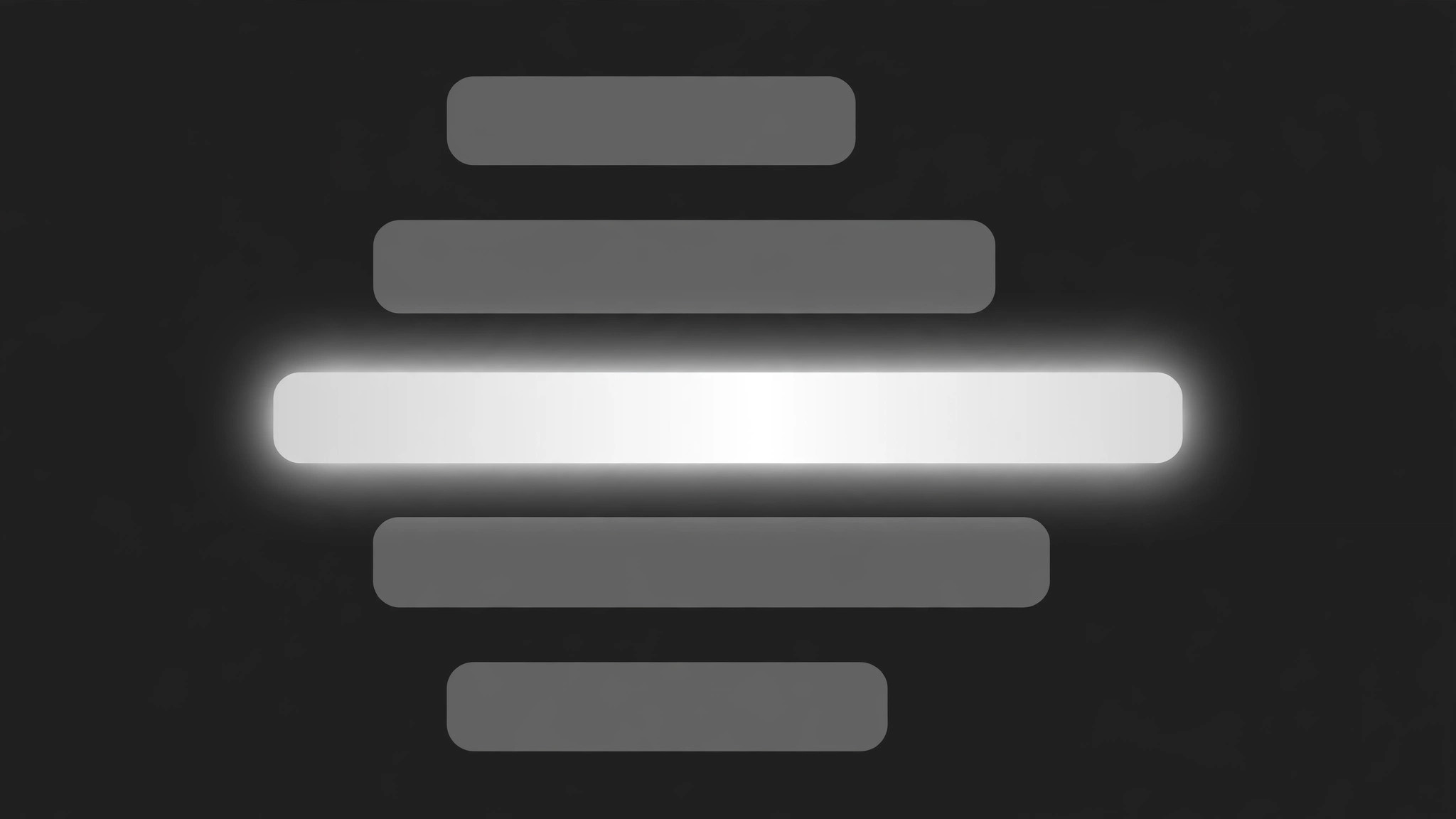
A set of horizontal bars grows to its values together, then one focus bar expands to full width and full brightness while the rest shrink and dim. Built for ranked lists, poll results, and comparisons where one entry deserves the spotlight.
Best for
Data storytellers, presenters, and comparison-video editors
Time needed
20 min
Level
Beginner
Install it in 3 steps
No sign-up. No CLI tools. Pick your AI, copy one line, paste it over.
Prefer doing it yourself? Buy the skill ($4.99), download the ZIP from your checkout confirmation, unzip it into the directory shown above, restart your AI session — same result. Already bought it? Your AI assistant can download it for you.
What’s inside
One SKILL.md (the playbook) + one starter template. A preview:
Focus Bars
When to use
- A ranked list or poll result needs to spotlight the winner without hiding the rest
- A comparison video shows several options' results, budgets, or votes, then focuses on one
- A data story walks through categories (spending, screen time, survey answers) and pauses on the biggest
- A product video compares battery life, price, or speed across models and highlights the leader
- A recap video revisits a set of numbers and picks one out for a closer look
- You have 3–6 bars of comparable data and one bar the audience should remember
Workflow
- Pick the bars and the focus bar (input: your data → output: bar list)
List 3–6 bars: each with a short label (≤4 words) and a value that sets its length (a number, a percentage, a rating). One bar is the focus bar — the one the sequence spotlights. The focus bar must earn it: the highest value, the winner, the surprising result. If no bar stands out, this pattern is the wrong choice — a focus effect with nothing to focus on is just decoration. Order the bars by value (largest first) or by story order, and decide before animating: reordering mid-sequence looks like the data changed. - Lay out the bars (input: bar list → output: layout)
Horizontal bars, stacked with equal gaps (16–24px), labels left-aligned above or beside each bar, values at the bar's end. All bars share one track: a faint full-width background track in grey at 15% opacity, so even a short bar reads against the same scale. Bar height 24–36px, corner radius 4–6px. The focus bar uses the accent colour; the rest use a single neutral (grey or muted silver). Never colour each bar differently — rainbow bars make the focus bar's colour meaningless. - Grow all bars together (input: layout → output: growth keyframes)
All bars grow from 0 to their values together: width 0 → value over 700ms, ease-out, staggered 60ms apart top to bottom. The track fades in first over 200ms so the bars have something to grow along. Values count up in step with the bars (0 → final value over the same 700ms). Hold the full set for 600ms so the viewer reads the whole picture before the focus move — the focus only means something after the comparison exists.
Template preview
Focus Bars — Starter Template
Fill in every {placeholder}. One focus bar only — two spotlights is no spotlight.
Bars
- Bar count: {3–6} · Order: {by_value_largest_first | story_order} — fixed before animating
- Why the focus bar earns it: {highest_value | winner | surprising_result}
- Is the focus bar the longest? {yes / no — if no, the annotation must say why it still matters}
Layout
- Bar height: {24–36px} · Gap between bars: {16–24px} · Corner radius: {4–6px}
- Track: full-width, grey at {15%} opacity, visible behind every bar
- Focus bar colour: {accent_hex} · Other bars: {one_neutral — grey or muted silver}


