Film Strip Hero
Your best frames, in a row, under one headline.
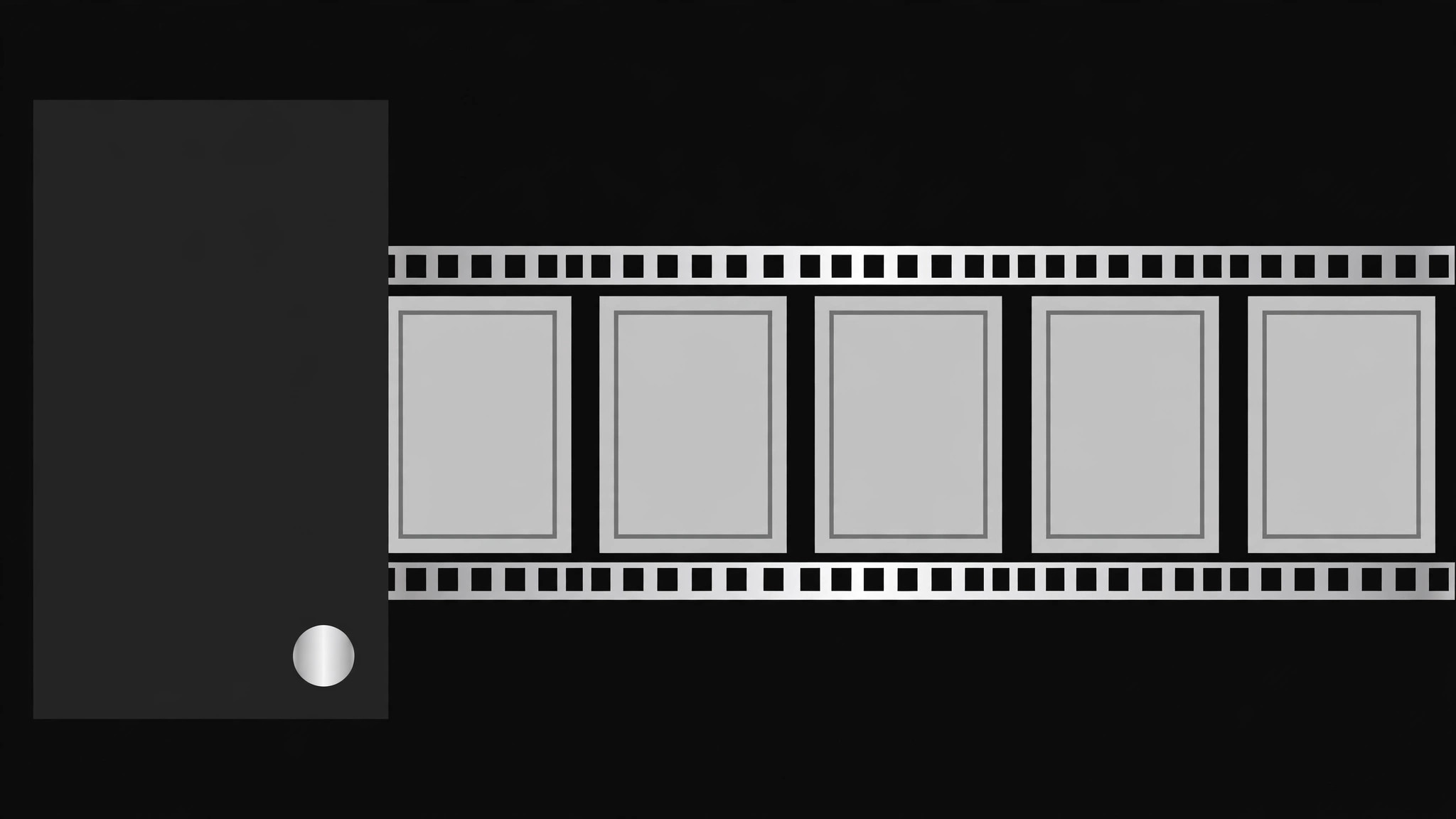
A hero section built as a film strip: a scrolling row of 6–10 frames behind a sharp headline and one call to action, with restrained motion and a mobile fallback that keeps the CTA above the fold.
Install it in 3 steps
No sign-up. No CLI tools. Pick your AI, copy one line, paste it over.
Prefer doing it yourself? Buy the skill ($4.99), download the ZIP from your checkout confirmation, unzip it into the directory shown above, restart your AI session — same result. Already bought it? Your AI assistant can download it for you.
What’s inside
One SKILL.md (the playbook) + one starter template. A preview:
Film Strip Hero
When to use
- Launching a portfolio, photography, or video product where the work itself should sell it
- Your homepage hero feels like a generic stock photo and says nothing about what you do
- You have 5–10 strong images but no single one deserves the full-bleed treatment
- You want motion in the hero without the weight of an autoplaying video
- You need a hero that still works on mobile without cropping the key subject out of frame
Workflow
- Pick the frames (input: your image library → output: 6–10 chosen frames)
Choose frames that read at small size: strong subject, high contrast, no fine text. Mix wide and close shots, and order them so the strip reads left to right as a mini-story (establishing → detail → human → payoff). Drop any frame that needs a caption to make sense — at hero size, nobody reads captions. - Write the headline first (input: frames + offer → output: headline + subhead + CTA)
Headline of 8 words or fewer, one promise. Subhead of one line: who it's for plus what happens next. One primary CTA, one secondary at most. Write the copy before laying anything out — the strip frames the words, not the other way round. - Lay out the strip (input: frames + copy → output: hero layout spec)
Full-width strip of equal-height frames behind or beside the headline block, with sprocket-hole edging or thin gutters as the film cue, kept subtle. The headline sits on a solid or softly darkened panel so text contrast holds. Specify frame aspect (for example 3:4 portraits in a row), gutter width, and strip height as a fraction of the viewport. - Add motion with restraint (input: layout spec → output: motion spec)
Slow continuous drift or scroll-linked pan; pause on hover and on focus; respect reduced-motion settings by showing a static strip. Motion must never move the headline or the CTA. Specify speed in seconds per loop and a still fallback frame. - Make it responsive and accessible (input: motion spec → output: shipped hero)
On mobile the strip collapses to 3 frames or a single swipeable row; the headline stays above the fold; every frame gets alt text; the CTA is reachable by keyboard; frames below the fold lazy-load. Test at 360px wide and with images off — the headline and CTA must still sell the page.
Output spec
- Frame list: 6–10 images with alt text and crop notes
- Copy block: headline of 8 words or fewer, subhead of 20 words or fewer, 1 primary + optional secondary CTA
- Layout spec: strip height, frame aspect, gutters, headline panel treatment
- Motion spec: drift or scroll behavior, speed, pause + reduced-motion fallback
- Responsive rules: breakpoints, mobile frame count, image-off fallback
Good vs. bad examples
Template preview
Film Strip Hero — Build Template
Fill in the frames first, then the copy, then the layout. One hero = one strip.
Frames (6–10)
Dropped frames (and why): {frame — reason}
Copy
Headline (8 words or fewer): {headline}
Subhead (one line — who it's for + what happens next): {subhead}
Primary CTA: {CTA text} → {destination} Secondary CTA (optional): {CTA text} → {destination}
Layout spec
- Strip height: {fraction of viewport, e.g. 62vh}
- Frame aspect: {e.g. 3:4}
- Gutter width: {px}
- Film cue: {sprocket row / thin gutters / none — one only}
- Headline panel: {solid / soft dark overlay} — contrast check: {pass/fail}


