Ember E-Bike Store
Specs translated into rides — a store page that answers every pre-purchase worry first
Turns an e-bike spec sheet into a store page: torque and range translated into real trips, honest comparisons, and a calm, complete purchase block.
Install it in 3 steps
No sign-up. No CLI tools. Pick your AI, copy one line, paste it over.
Prefer doing it yourself? Buy the skill ($4.99), download the ZIP from your checkout confirmation, unzip it into the directory shown above, restart your AI session — same result. Already bought it? Your AI assistant can download it for you.
What’s inside
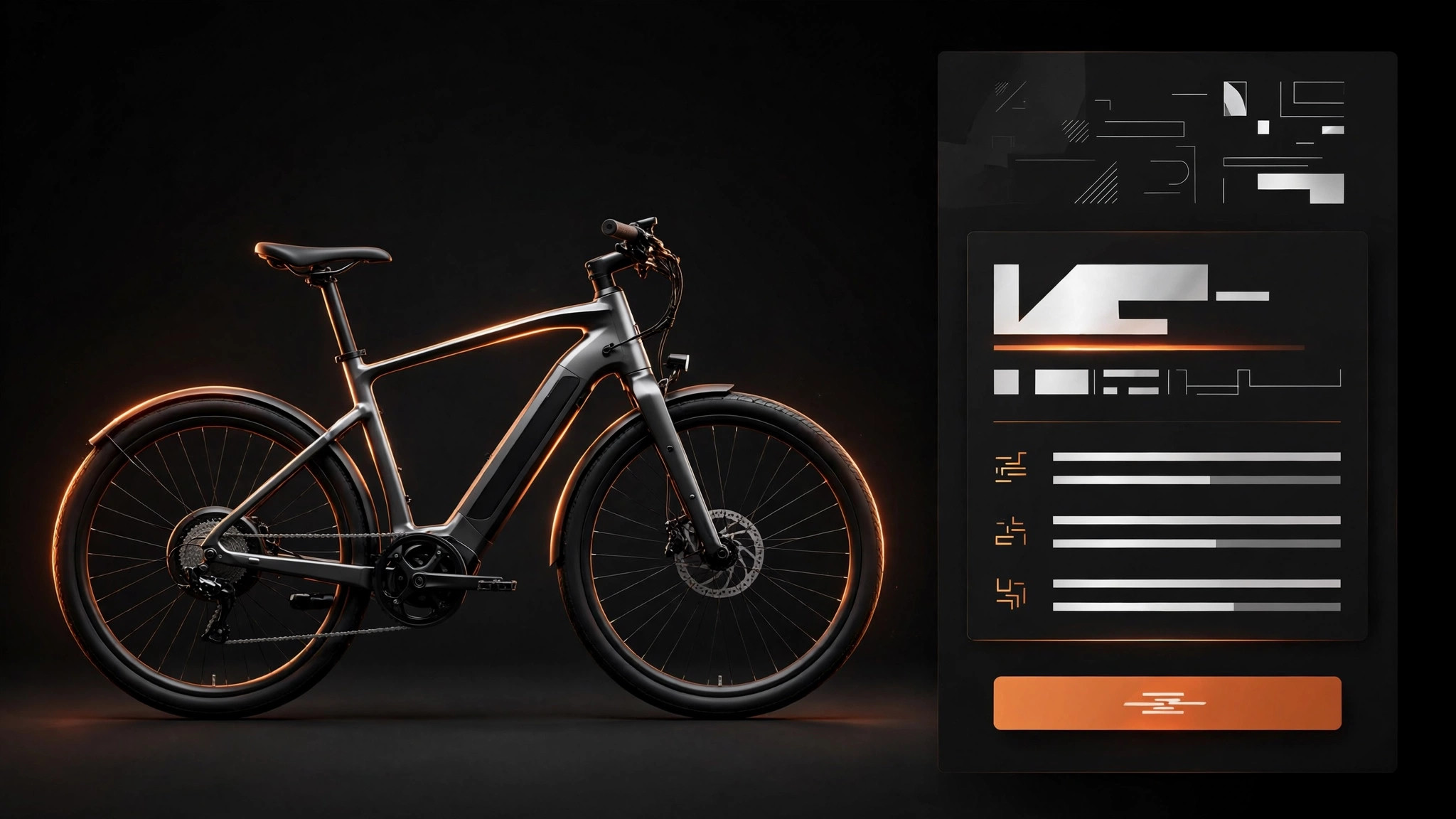
One SKILL.md (the playbook) + one starter template. A preview:
Ember E-Bike Store
When to use
- Your e-bike product page is a spec sheet — watts, newton-meters, amp-hours — and buyers leave unsure what any of it means for their ride
- Shoppers keep asking the same questions (real range? hills? weight? warranty?) that the page should already answer
- You sell one hero e-bike model (or a small range) and need a page that sells the ride, not the component list
- Your returns or support load is high because buyers expected a different bike than the one that arrived
- You're launching a store page for a new model and want the copy right the first time
Workflow
- Name the buyer and their ride (input: who buys + how they'll ride → output: buyer + primary ride profile)
An e-bike page sells one ride first. Define the primary buyer (commuter, hill-climbing leisure rider, trail rider, cargo hauler) and their defining ride: distance, terrain, and what they carry. Write it as a concrete trip — "12 km each way, one steep hill, a laptop and groceries" — not a demographic. If the bike genuinely serves two buyers, pick the primary one for the hero section and give the second a clearly marked section lower down; a page that opens by serving everyone serves no one. - Translate every spec into a ride (input: spec sheet → output: translated spec table)
Go through the spec sheet line by line and translate each number into what the rider feels or does: motor torque becomes "pulls you up a 12% hill without standing," battery becomes "about 60–90 km on flat ground at medium assist — less on hills, more on eco," weight becomes "heavy to carry up stairs, steady at speed." Keep the raw numbers too, in a spec table for the buyers who want them — translation replaces nothing, it adds meaning. Where a number depends on conditions (range above all), say so plainly and give the range of outcomes, not the best case. - Structure the page as a buying journey (input: translated specs + buyer profile → output: page draft)
Order: hero (the bike, the ride, the price — one screen), the ride story (what a week on this bike feels like, in plain sentences), the translated specs (the five numbers that decide a purchase, explained), the honest comparison (this model vs. your next model up or down, or vs. a regular bike — who should buy which), sizing and fit, then the trust block (warranty, returns, servicing, delivery and assembly). The comparison is not a trap — a buyer steered to the right bike is a buyer who doesn't return it.
Template preview
Ember E-Bike Store — Template
Sell the ride, not the component list. Translate every spec; answer every worry in place.
Buyer + ride profile
Primary buyer: {commuter / leisure rider / trail rider / cargo hauler} Defining ride: {concrete trip — distance, terrain, what they carry, e.g. "12 km each way, one steep hill, laptop and groceries"} Secondary buyer (if any): {buyer} — gets a marked section lower down, not the hero
Hero (one screen)
Bike: {model name} The ride, in one line: {what a week on this bike feels like} Price: {all-in price} — includes: {bike, charger, delivery}


