Editorial Studio SaaS
A multi-page product site where features are jobs, and the pricing page tells the truth
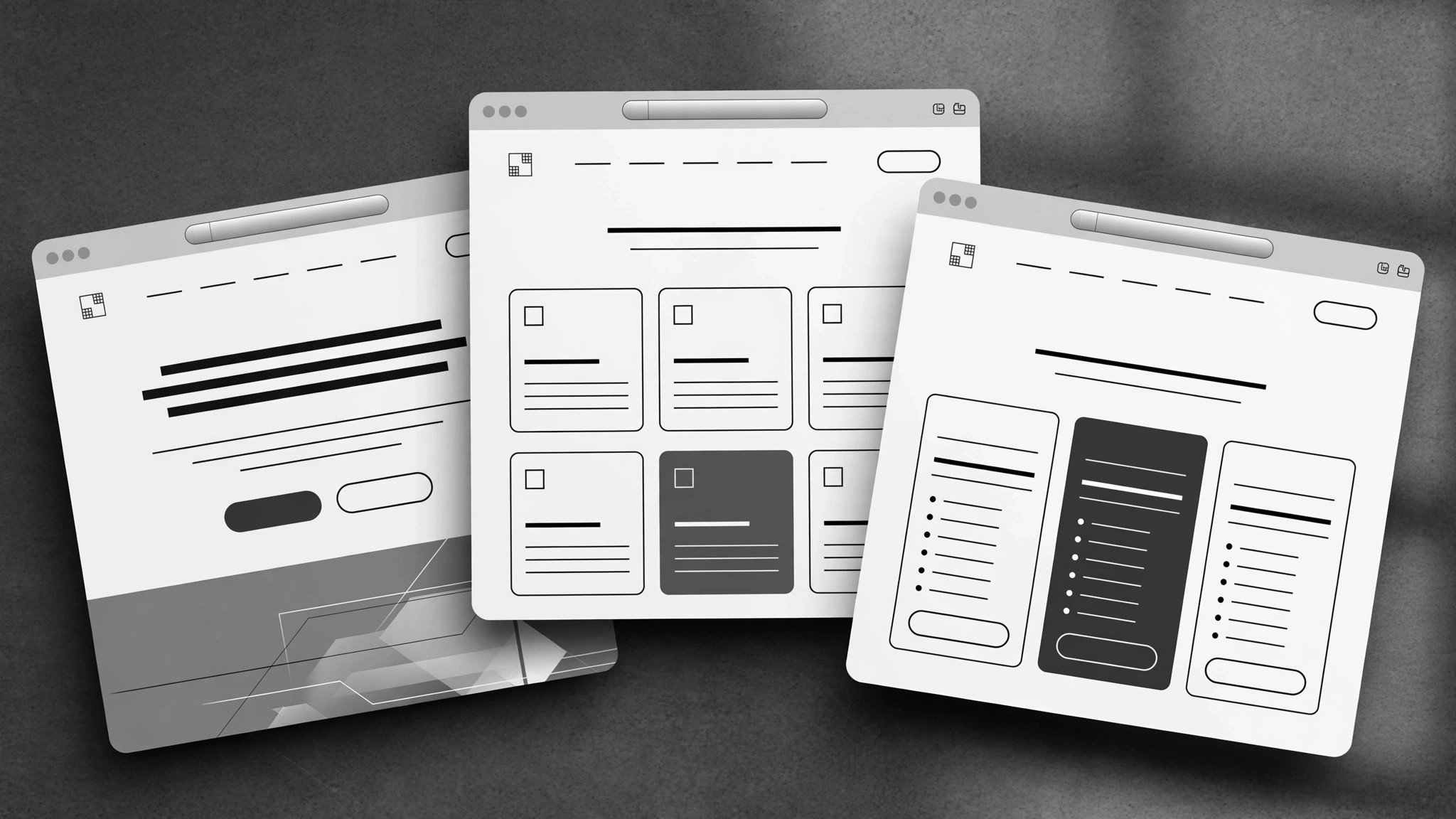
Maps the buyer journey into a coherent SaaS marketing site: home, feature pages written from jobs to be done, believable pricing, and about.
Install it in 3 steps
No sign-up. No CLI tools. Pick your AI, copy one line, paste it over.
Prefer doing it yourself? Buy the skill ($4.99), download the ZIP from your checkout confirmation, unzip it into the directory shown above, restart your AI session — same result. Already bought it? Your AI assistant can download it for you.
What’s inside
One SKILL.md (the playbook) + one starter template. A preview:
Editorial Studio SaaS
When to use
- A design studio (or small team) shipped a SaaS product and its site is one long homepage trying to do everything
- Your feature pages are spec lists — what the product does — with nothing about what the buyer is trying to get done
- Prospects keep asking the same pre-sales questions your site should already answer
- Your pricing page confuses people: too many tiers, unclear limits, or the "contact us" tier that hides the real price
- You're launching and need home, features, pricing, and about pages that read like one product, not four documents stapled together
Workflow
- Map the buyer journey (input: who buys + how they decide → output: journey map)
List the actual buyers (not "users" — the person who pays, the person who approves, the person who uses it daily are often three different people), then trace how each one goes from unaware to paying: what question are they asking at each step, and what page answers it? A site built from this map has a reason for every page; a site built from a template has a page for every template section. If a page doesn't answer a question a real buyer asks, it doesn't get built. - Design the information architecture (input: journey map → output: page list + purpose per page)
Typical shape: Home (the promise + the proof + the path), Features (organized by job, not by menu — see step 3), Pricing (one page, all tiers, honest limits), About (who built this and why it exists), plus one help or changelog page if the product is live. Every page gets a one-line purpose statement before it's written. Keep the count small — five strong pages beat twelve thin ones — and make the navigation reflect the buyer's questions, not your org chart. - Write feature pages from jobs to be done (input: feature list + user interviews or support questions → output: feature page drafts)
Group features by the job the buyer hires them for ("publish a release without waiting on engineering"), not by your internal modules. Each group gets: the job stated in the buyer's words, the outcome (what's different after using it), how it works in three steps or fewer, and one proof point (a real customer's result, a screenshot with a caption, or a plain limitation stated honestly). Lead with the job, never with the feature name — nobody wakes up wanting "advanced webhook configuration."
Template preview
Editorial Studio SaaS — Template
Five strong pages beat twelve thin ones. Fill in order: journey first, pages second.
Buyer journey map
Page list (4–6 pages)
Feature pages — one block per job
Job: {stated in the buyer's words — e.g. "Publish a release without waiting on engineering"}
Outcome: {what's different after using it} How it works (≤3 steps):
- {step}
- {step}
- {step}
Proof or honest limitation: {real customer result / captioned screenshot / plain limitation}
(Repeat per job.)
Pricing page
At the boundary: {overage behavior, upgrade path — stated plainly} Trial: {length, card required?} | Refund / cancellation: {plain terms}


