AI Services Market › Skills factory › Video › Echo Burst Statement
$4.99 · No sign-inv1.0.0– views
Echo Burst Statement
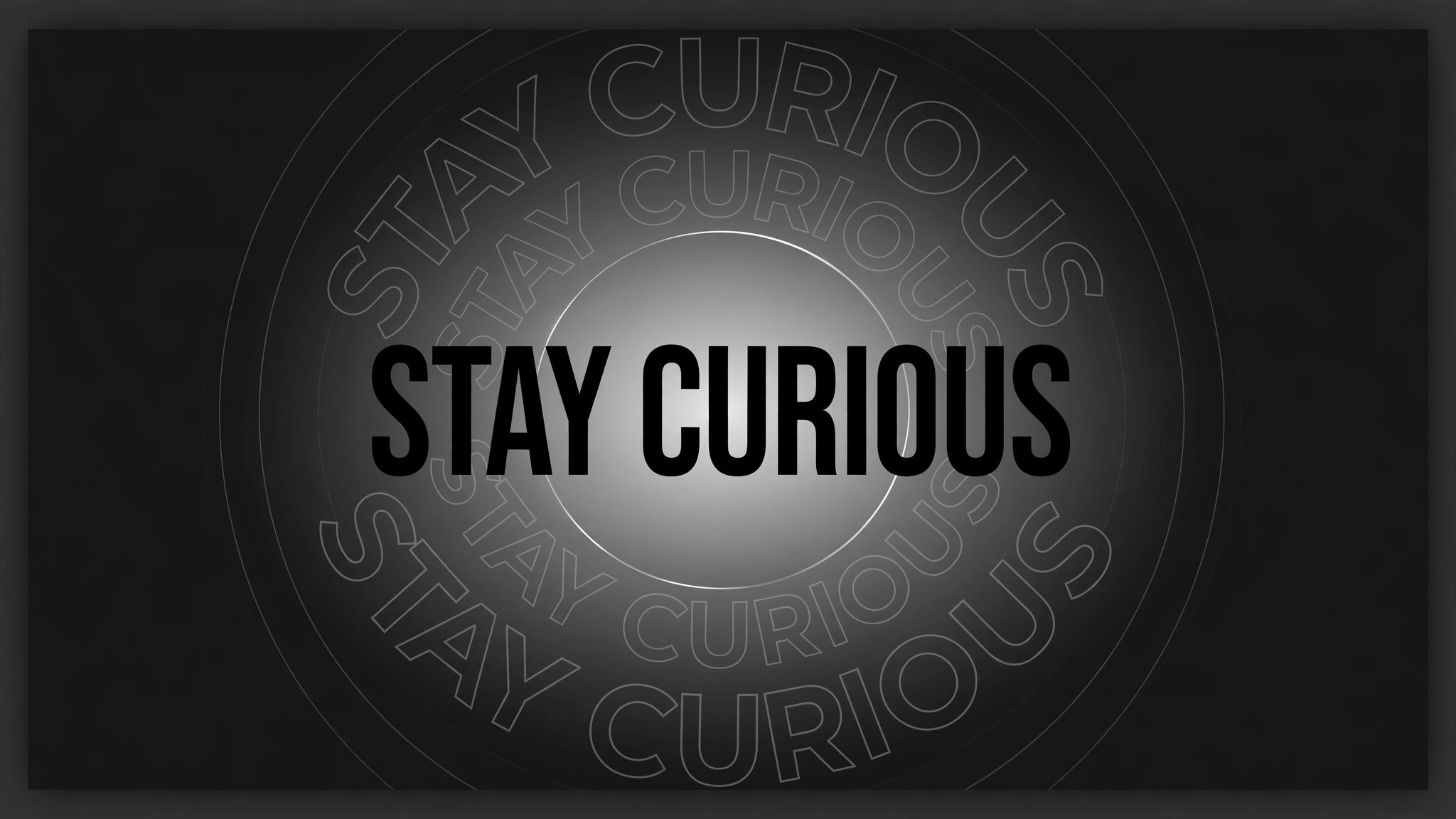
One line lands like a shout, echoes radiating outward.
A single statement slams into the centre of the frame, then three ghost copies burst outward in fading rings while the original stays sharp. Built for openers, trailers, and turning-point lines that need to hit hard.
Best for
Video essayists, keynote speakers, and trailer editors
Time needed
20 min
Level
Beginner
Install it in 3 steps
No sign-up. No CLI tools. Pick your AI, copy one line, paste it over.
Prefer doing it yourself? Buy the skill ($4.99), download the ZIP from your checkout confirmation, unzip it into the directory shown above, restart your AI session — same result. Already bought it? Your AI assistant can download it for you.
What’s inside
One SKILL.md (the playbook) + one starter template. A preview:
Echo Burst Statement
When to use
- A keynote, talk, or video essay opens on one thesis sentence that the whole piece argues for
- A trailer needs a single tagline to land with impact before the title card
- A product launch video states its boldest claim ("No more waiting.") and needs the audience to feel it
- A social clip's hook is one provocative line that must stop the scroll in the first second
- A documentary or explainer reaches the turning-point sentence and needs a visual full stop
- You have one line of copy that matters more than everything around it, and the edit should say so
Workflow
- Pick the one statement (input: your script → output: the statement)
One line, ≤10 words, one claim. If it needs a comma and a second clause, it is two statements — cut it. The statement must survive being read at a glance: no jargon, no subordinate clauses, no numbers that need a footnote. Write it in sentence case or all caps, but decide once — the echoes copy it exactly, so a typo echoes too. Test: read it aloud once. If a stranger could not repeat it back, shorten it. - Stage the frame (input: the statement → output: layout)
The statement sits dead centre, large — sized so it spans 70–85% of frame width, never touching the edges. Background is dark or plain so the text owns the frame; any background footage stays dimmed to ≤30% brightness or blurred. Leave generous empty space around the text: the echoes need room to expand into. Set the type first, then check legibility on a phone screen — if the smallest word is unreadable at arm's length, the burst will be noise, not emphasis. - Land the statement (input: layout → output: impact keyframes)
The statement enters in one beat: scale 0.85 → 1.0 over 160ms with ease-out, opacity 0 → 100% over the same 160ms, plus a 60ms overshoot to scale 1.03 that settles back to 1.0 by 240ms. No slide-in, no letter-by-letter stagger — the whole line arrives at once, like a stamp. Hold it clean for 250ms before anything else moves: the audience must read the real words before the echoes start. - Fire the echo bursts (input: impact keyframes → output: echo choreography)
After the 250ms clean hold, the echoes fire: 3 ghost copies of the exact same statement, each starting at the same centre position and scaling outward. Echo 1 fires at 0ms, echo 2 at 120ms, echo 3 at 240ms. Each echo animates over 500ms: scale 1.0 → 1.6, opacity 55% → 0%, ease-out, no rotation. The echoes are outline-only or 55%-opacity filled copies — never solid, never brighter than the original — so the real statement stays the sharpest thing on screen. Between echoes, the original stays perfectly still: the burst moves, the statement does not.
Template preview
Echo Burst Statement — Starter Template
Fill in every {placeholder}. One statement, one claim — the echoes copy it exactly.
Statement
- Statement: {one_line_≤10_words}
- Claim it makes: {single_claim}
- Casing: {sentence_case | ALL_CAPS}
- Where it sits in the video: {opener | turning_point | trailer_tagline}
Layout
- Statement width: {70–85%} of frame width · Position: {centred}
- Background: {dark | plain | dimmed_footage_≤30%_brightness | blurred}
- Typeface / weight: {font} · {weight} · Colour: {hex}
Impact (statement lands)
- Entry: scale {0.85} → 1.0 over {160ms}, ease-out · Opacity 0 → 100% over {160ms}
- Overshoot: scale to {1.03}, settling to 1.0 by {240ms}


