Dossier Beside a Role
Claim first, evidence beside it.
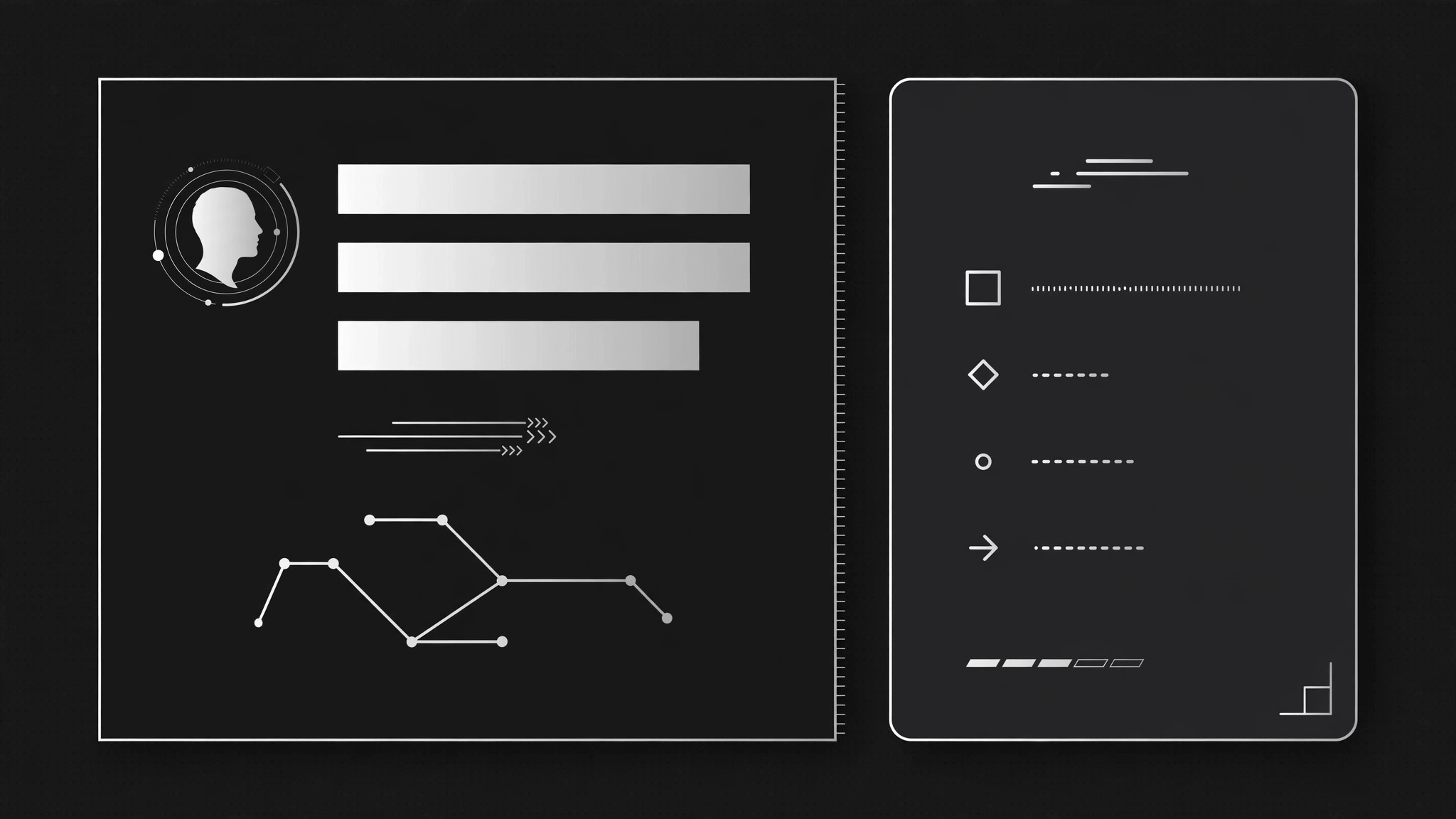
Introduces a person with their role line alone, then slides a compact evidence dossier in beside it — credentials and facts, strongest first — so viewers read the role and the proof in one glance.
Install it in 3 steps
No sign-up. No CLI tools. Pick your AI, copy one line, paste it over.
Prefer doing it yourself? Buy the skill ($4.99), download the ZIP from your checkout confirmation, unzip it into the directory shown above, restart your AI session — same result. Already bought it? Your AI assistant can download it for you.
What’s inside
One SKILL.md (the playbook) + one starter template. A preview:
Dossier Beside a Role
When to use
- An explainer introduces a person (founder, expert, witness, hire) and the audience needs the role plus the proof in one frame — not a name card now and credentials later
- A pitch deck introduces team members where the role ("Head of Ops") only matters if the dossier ("ran logistics for 400 stores") backs it
- A case-study video presents a subject beside their job title, and the usual lower-third feels too thin
- A comparison introduces two or more people in sequence and each needs the same role-plus-evidence treatment
Workflow
- Write the role line (input: your person → output: role line)
One line: name + role, in the form "{Name} — {Role}" (e.g. "Mara Chen — Head of Operations"). The role is a job function, not a boast ("Head of Operations", not "Operations Genius"). Keep it to one line at display size; if it wraps, shorten the role, not the type. - Build the dossier (input: your person → output: dossier card, 3–5 items)
The dossier is a compact card with 3–5 evidence items, each one line: a credential, a number, or a fact ("Ran logistics for 400 stores", "12 years in supply chain", "Ex–{Company}"). Every item must be verifiable and specific — vague items ("passionate leader", "proven track record") get cut. Order strongest first. The card is visually quieter than the role line: smaller type, muted tone, so the role leads and the dossier supports. - Stage the role (input: role line → output: opening frame)
The role line enters first, alone: slide in from the left ~24px + fade, ~0.4s, ease-out, landing on one side of the frame (left half on wide frames, top on vertical). Hold 0.5–0.7s with just the role on screen — the viewer reads the claim before the evidence arrives. - Slide the dossier beside it (input: opening frame → output: two-panel frame)
The dossier card slides in from the opposite side (~24px + fade, ~0.4s, ease-out) and docks beside the role — right of it on wide frames, below it on vertical. A thin divider or a small gap separates the two panels; they never overlap. As the dossier lands, its items stagger in one by one (0.06s apart, fade + 8px rise each) so the card reads as assembled evidence, not a wall of text. The role line stays put and stays dominant throughout. - Hold and exit (input: two-panel frame → output: finished motion)
Hold the two-panel frame 2–3s so the dossier can be read (longer if the items are dense). Exit by sliding the dossier out the way it came (~0.3s, ease-in) while the role line lingers 0.3s longer, then fades — the role is what the viewer should carry into the next scene, not the card. If the next scene introduces another person, reset to a clean frame between dossiers; never crossfade one dossier into the next.
Template preview
Dossier Beside a Role — Motion Brief Template
Claim first, evidence beside it. Fill this in before keyframing.
Person: {name}
Role line: {Name} — {Role} (job function, not a boast; one line, no wrap)
Dossier card (3–5 items, strongest first, each one line, specific + verifiable)
- {credential / number / fact}
- {credential / number / fact}
- {credential / number / fact}
- {credential / number / fact}
- {optional}
Cut list (vague items removed): {e.g. "passionate leader" — cut because unverifiable}
Layout
- Frame: {wide: role left, dossier right / vertical: role top, dossier below}
- Divider: {thin rule / gap of {n}px} — panels never overlap


