Digital Handyman
Dump your random computer chores on it in plain language.
Takes your random computer chores in plain language — files, slides, spreadsheets, cleanup — and does them with your approval where it matters.
Install it in 3 steps
No sign-up. No CLI tools. Pick your AI, copy one line, paste it over.
Prefer doing it yourself? Buy the skill ($4.99), download the ZIP from your checkout confirmation, unzip it into the directory shown above, restart your AI session — same result. Already bought it? Your AI assistant can download it for you.
Real-world proof
Real people did this exact job with AI agents.
Schedule meetings, tidy Drive and log reward balances
Read case →Use caseUse a coding agent for everyday non-programming chores
Read case →Use caseUse Codex for non-coding chores
Read case →What’s inside
One SKILL.md (the playbook) + one starter template. A preview:
Digital Handyman
When to use
- You have a pile of small chores (rename files, tidy a folder, build a slide deck, clean a spreadsheet) and no desire to do them
- Your downloads folder is full of old installers eating gigabytes and you want them gone safely
- You need a quick fetch (a video transcript, a file moved, a wiki page started) without learning a new tool
- You want recurring digital chores (calendar scheduling, reward-balance logging) handled semi-automatically
- A browser step is blocked (login wall, CAPTCHA) and you need a fallback plan
Workflow
- Say the chore in plain language (input: your words → output: task + acceptance criteria)
Describe what needs doing and what "done" looks like. Vague asks get a plan back for confirmation first — a coding agent with a shell has infinite tools, which is exactly why the target needs to be clear. - Show the plan first (input: task → output: execution plan)
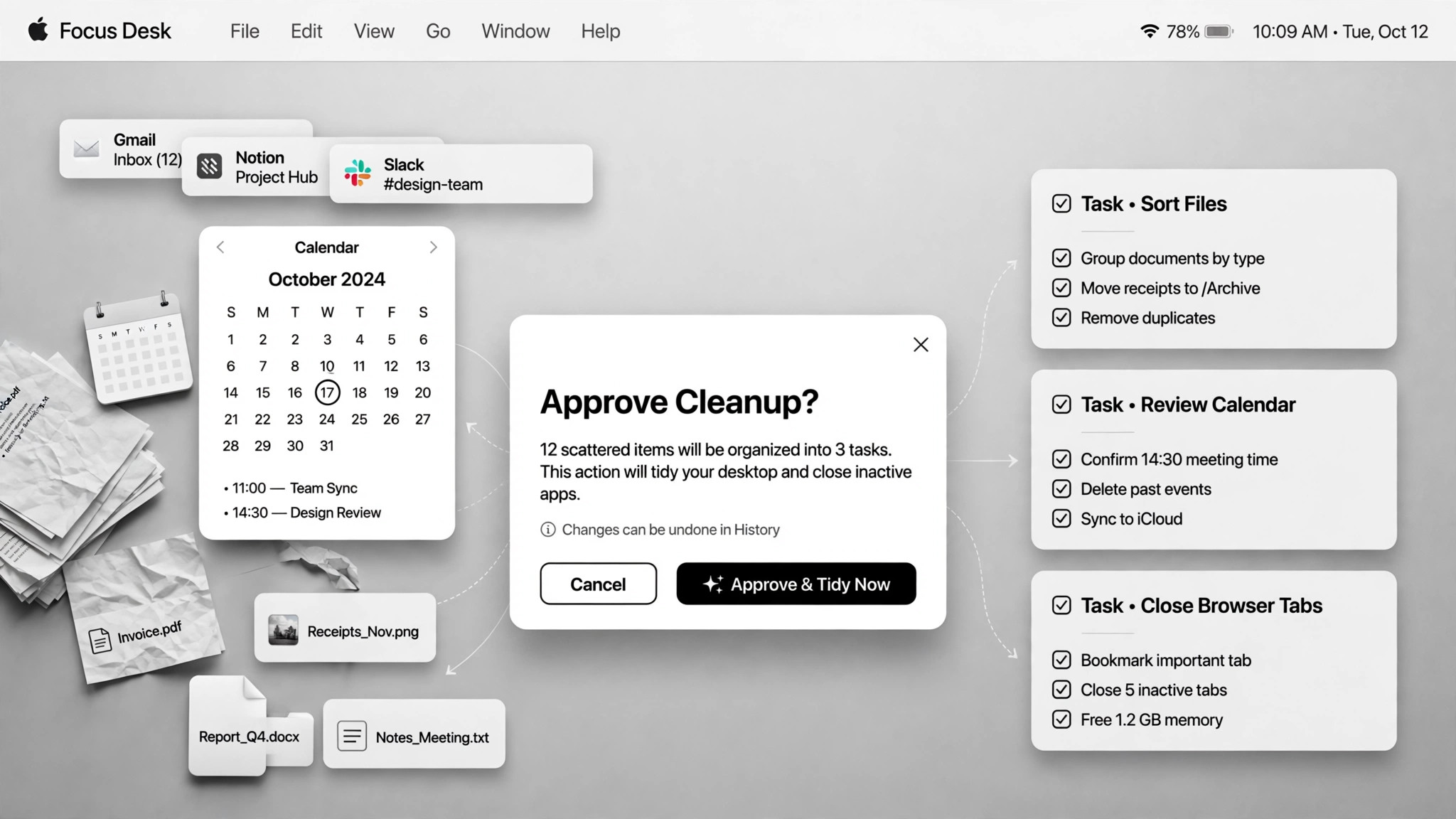
For anything touching files, accounts, or the system, the agent shows the plan — and the full file list for renames and deletes — before acting. Plan-first is the price of admission for chores with side effects. - Approve the risky bits (input: plan → output: approval)
Deletions, overwrites, and irreversible actions always need your explicit yes. One real case scanned a downloads folder, listed 31 leftover installers totaling 4.4GB — and deleted nothing until the list was approved. - Do the work in stages (input: approved plan → output: partial results)
Execute step by step and show results along the way so you can catch mistakes early. A blocked browser step gets a fallback rather than a dead end — in one real case the agent installed an open-source tool to fetch a YouTube transcript when the browser was blocked. Tell the user what was installed. - Report what changed (input: done → output: summary)
A short log: what changed, what was deleted, what was installed, and what needs your follow-up. No summary, no trust — the user can't verify what they can't see.
Output spec
- Task list with acceptance criteria, execution plan shown before acting, completion summary (changed / deleted / installed)
- Approval log: what was approved and when
- Fallback notes: what failed and what replaced it
- Companion template.md skeleton — fill in the blanks and use it
Good vs. bad examples
Template preview
Digital Handyman — Chore Ticket Template
One chore batch = one ticket. Describe, plan, approve, do, report.
Chore batch — {date}
Task list
Execution plan (shown before anything runs)
Chore 1 — {title}
- Plan: {step by step}
- Files it will touch: {list paths, or "none"}
- Fallback if blocked: {e.g. install open-source tool {name} instead of browser scraping}
Chore 2 — {title}
- Plan: {…}
- Files it will touch: {…}
- Fallback if blocked: {…}
Approval log
*Rule: deletions, overwrites, and irreversible actions need an explicit yes. File lists shown before any touch.*
Completion report
Blocked items: {what couldn't be done and why}