Cue Style Launch Video
One action, one cue at a time, under 90 seconds.
A launch-video structure built around deliberate visual and audio cues: a fast hook, three proof demonstrations, and a plainly stated action, edited so the story survives muted on a phone.
Install it in 3 steps
No sign-up. No CLI tools. Pick your AI, copy one line, paste it over.
Prefer doing it yourself? Buy the skill ($4.99), download the ZIP from your checkout confirmation, unzip it into the directory shown above, restart your AI session — same result. Already bought it? Your AI assistant can download it for you.
What’s inside
One SKILL.md (the playbook) + one starter template. A preview:
Cue Style Launch Video
When to use
- You are launching a product, feature, or event and have under 90 seconds to make the case
- Your audience scrolls past talking-head announcements, but stops for tight, cue-driven edits
- The launch has one clear action (sign up, preorder, watch, download) that must survive the whole video
- You have good footage or screenshots but no script, and need a structure that assembles them
- A previous launch video felt flat because the viewer never knew where to look or what mattered
Workflow
- Lock the single action (input: launch goal → output: one-sentence action statement)
Write the one thing the viewer should do after watching, in one sentence with a verb: "Preorder the book," "Join the waitlist," "Download the update." Everything in the video serves this sentence. If you cannot state it in one sentence, the launch is not ready to film — two actions split attention and the viewer does neither. Write the action down, and check every later decision against it: any shot, line, or cue that does not move the viewer toward this action gets cut. Decide where the action appears: teased early, stated plainly in the middle, and repeated as the final cue — never saved for a surprise ending the viewer may never reach. - Build the cue map (input: action statement and raw material → output: cue map)
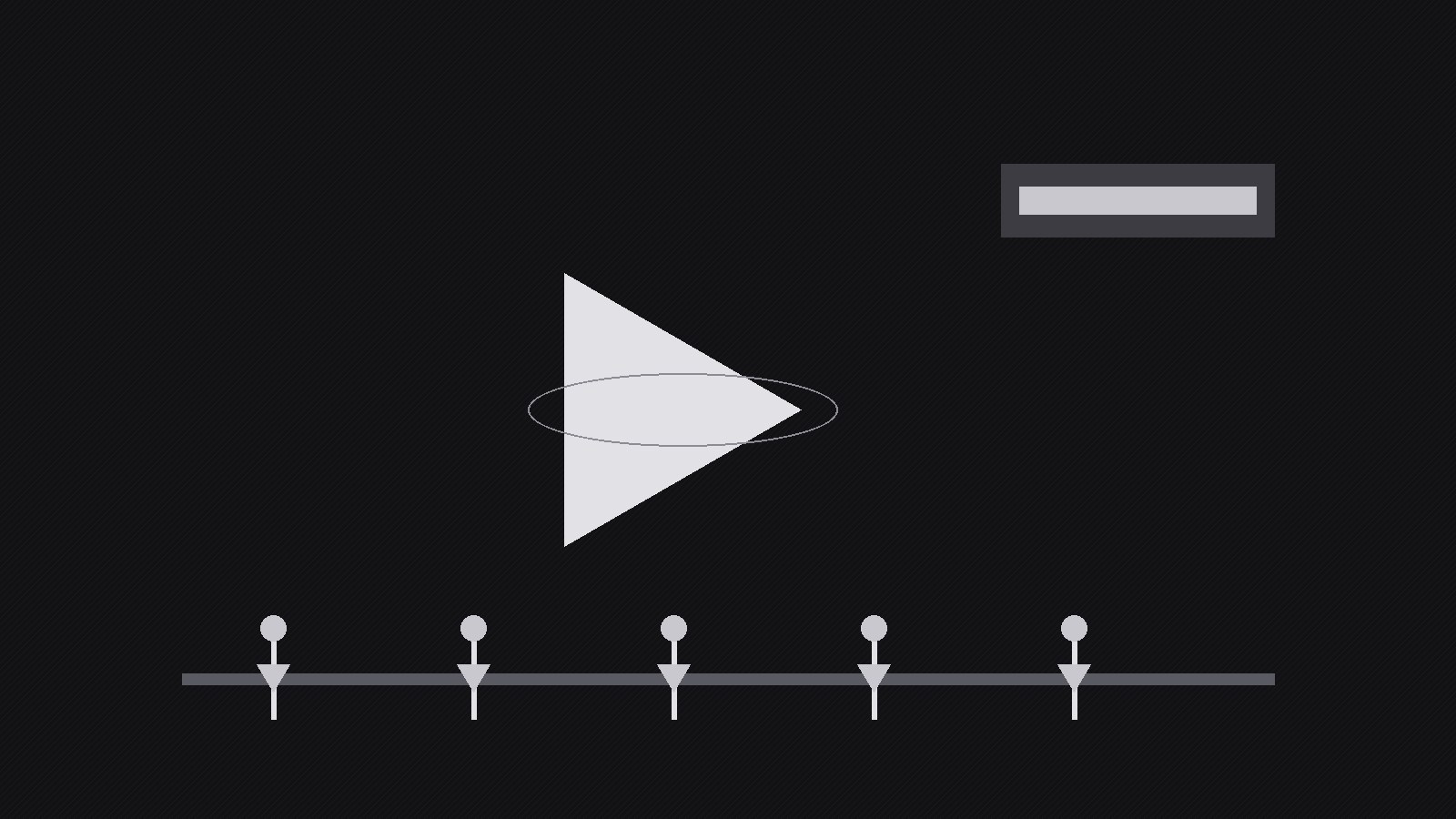
A cue is any deliberate signal that directs attention: a zoom, a highlight ring, a sound sting, an on-screen arrow, a word appearing exactly when it is spoken, a beat drop, a pause. List your available material — footage, screenshots, product shots, testimonials, logos — and assign each piece one job: hook, proof, or action. Then map cues onto the timeline: an attention cue every 3–5 seconds (a cut, a zoom, a graphic pop), an emotion cue at each turning point (music lift, pause, close-up), and an action cue wherever the viewer should do something (button graphic, URL, spoken instruction). The rule is one cue at a time: a zoom plus a graphic plus a sound sting in the same half-second is noise, not emphasis.
Template preview
Cue Style Launch Video — Production Template
One video = one action. Fill this in before shooting or editing.
Action statement
After watching, the viewer will: {verb + object — e.g. Join the waitlist}
Action link / destination: {URL or handle — click it yourself before shipping}
Cue map
Cue rule check: [ ] one cue at a time — no zoom + graphic + sting in the same half-second
Script (60–90 seconds, 3 beats)
Beat 1 — Hook (0–8 sec)
- Spoken line: "{name the problem or the promise in one line}"
- Visual cue: {strongest visual first — never a logo or greeting}


