AI Services Market › Skills factory › Video › Cost Cards to Range
$4.99 · No sign-inv1.0.0– views
Cost Cards to Range
Many prices in. One honest range out.
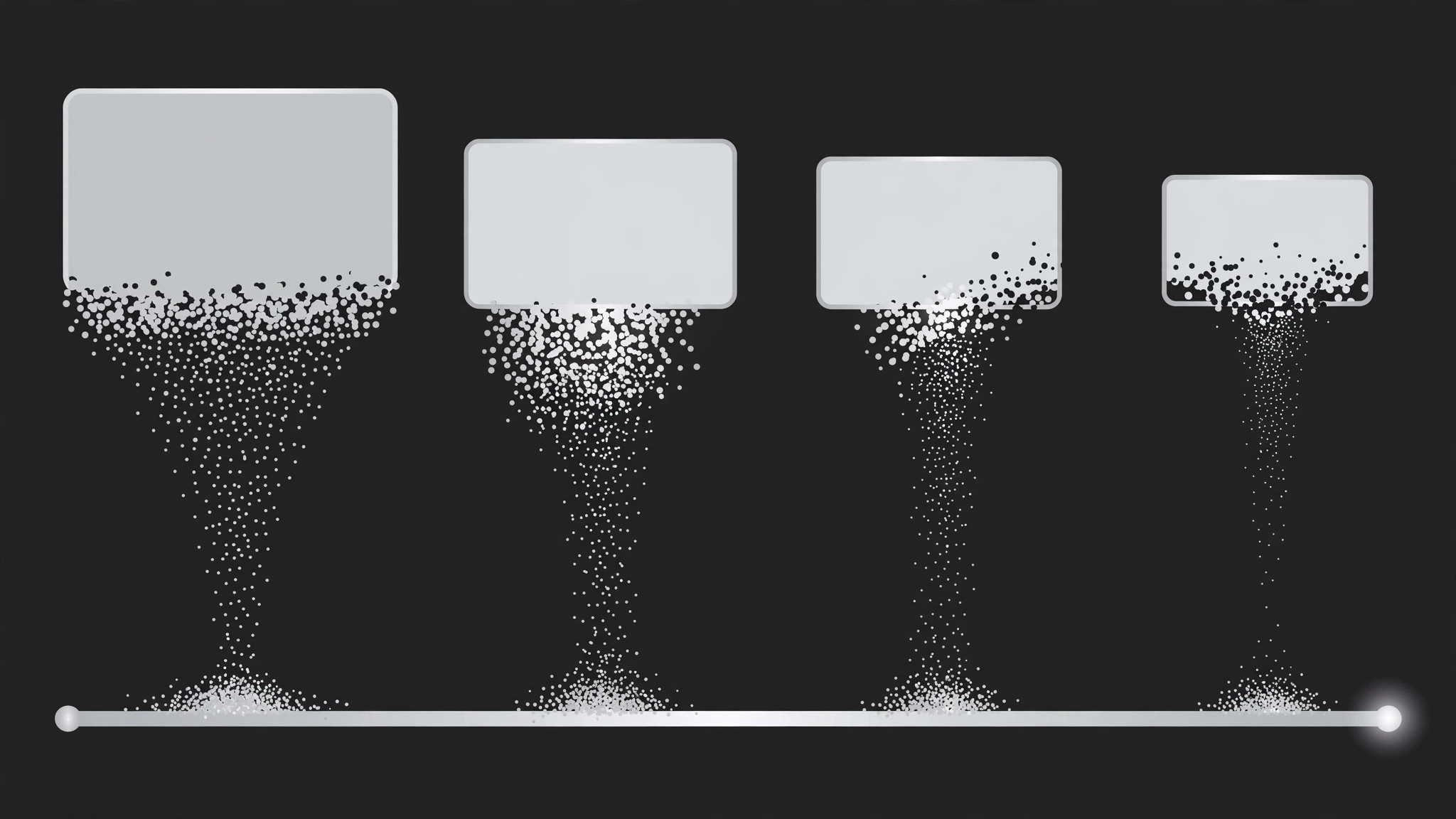
Separate cost cards collapse and merge into a single range bar showing the lowest-to-highest spread, with each quote landing as a dot at its true position — the range the cards imply, shown rather than asserted.
Best for
Explainer makers, budget and procurement presenters, and anyone who quotes prices without hiding the spread
Time needed
~30 min for a first range
Level
Intermediate
Install it in 3 steps
No sign-up. No CLI tools. Pick your AI, copy one line, paste it over.
Prefer doing it yourself? Buy the skill ($4.99), download the ZIP from your checkout confirmation, unzip it into the directory shown above, restart your AI session — same result. Already bought it? Your AI assistant can download it for you.
What’s inside
One SKILL.md (the playbook) + one starter template. A preview:
Cost Cards to Range
When to use
- A video or deck quotes several prices for the same thing and needs to land on "expect to pay between X and Y"
- A budget explainer must turn a pile of individual costs into one readable spread
- A comparison needs to show that quotes vary wildly — the range is the story, not any single price
- A sales or procurement walkthrough has 3–6 vendor or option prices and wants one honest summary
- A "how much does it cost" video must avoid the trap of quoting a single number that is wrong for half the audience
- You have 3–6 cost figures for the same purchase and want the viewer to hold the whole spread in mind
Workflow
- Collect the cost cards (input: your quotes or estimates → output: card set)
Gather 3–6 costs for the same purchase: vendor quotes, tier prices, or line estimates. Each card gets a short label ("Basic tier", "Mid quote", "Premium") and one number with its currency and unit ("$1,200 / project"). Check that every card is the same unit — mixing monthly and one-off figures on one range is the most common way this pattern lies. Note the lowest and highest; those two define the range ends. If two cards are nearly identical, keep both — near-duplicates show agreement, which is part of the story. - Design the card row and the range track (input: card set → output: layout)
The cards start as a horizontal row, equal size, centre-screen, one accent colour, each with label above and number below in large type. Below the row sits the range track: a horizontal bar with a labelled axis (currency + unit at one end), initially empty or faint. The track spans the full width the final range will occupy, so the audience sees the destination before the motion starts. Leave space for endpoint labels at both ends of the track — the range is useless if the ends are unreadable. - Choreograph the collapse (input: layout → output: timing map)
Total duration 4–6 seconds. Phase 1 (1–1.5s): cards hold, one beat each, so the viewer reads the individual prices — flash each card's number briefly in reading order (a 150ms brightness pulse per card). Phase 2 (1.5–2.5s): the collapse — each card shrinks, lifts, and flies down into the track, staggering one every 200–250ms. Phase 3 (1–1.5s): the range bar grows and settles, endpoints lock in, then a hold of at least 1 second.
Template preview
Cost Cards to Range — Starter Template
Fill in every {placeholder}. All cards must share one unit — normalise before animating.
Card set (3–6, same unit)
- Unit check: [ ] All cards share one unit
- Minimum: {value} — {card #} · Maximum: {value} — {card #}
- Near-duplicates kept: [ ] yes (they show agreement)
Layout
- Cards: {horizontal row, equal size, centre-screen}, label above + number below in large type
- Range track: {below the row, full width of final range}, axis labelled {currency + unit}
- Endpoint label space reserved at both ends: [ ]
Timing map
- Total duration: {4–6s}
- Phase 1 — read: {1–1.5s}, each card's number pulses {150ms} in reading order


