AI Services Market › Skills factory › Web › Contact Bar Hero
$4.99 · No sign-inv1.0.0– views
Contact Bar Hero
Put your phone number where every visitor looks — in the hero.
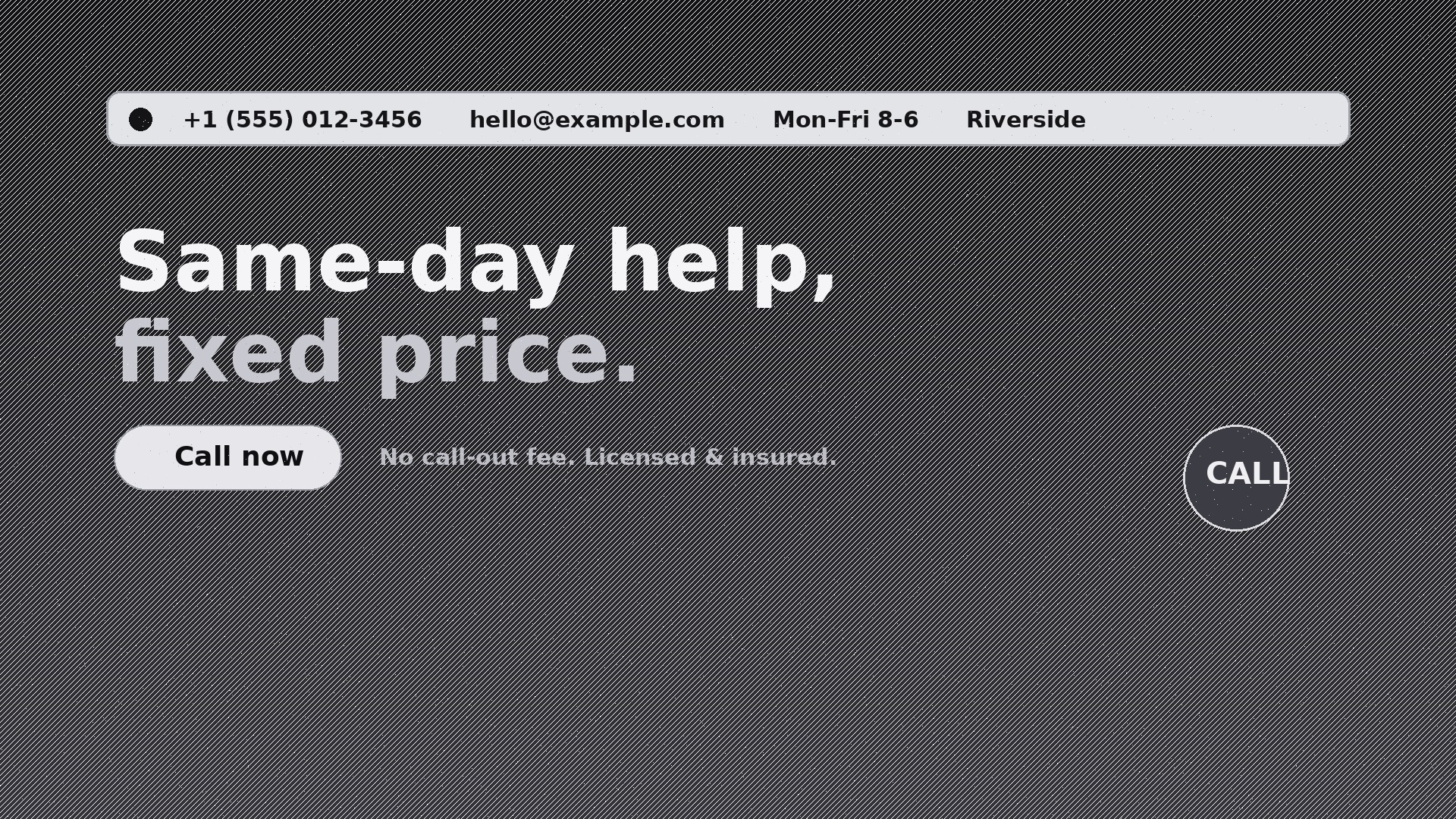
Designs a homepage hero with a slim, tappable contact bar baked into the top — phone, email, hours, and location in one glanceable line, so visitors can reach you without hunting for a contact page.
Best for
Local service businesses, clinics, firms, and restaurants whose conversions start with a call or email
Time needed
~20 min for a first draft
Level
Beginner-friendly
Install it in 3 steps
No sign-up. No CLI tools. Pick your AI, copy one line, paste it over.
Prefer doing it yourself? Buy the skill ($4.99), download the ZIP from your checkout confirmation, unzip it into the directory shown above, restart your AI session — same result. Already bought it? Your AI assistant can download it for you.
What’s inside
One SKILL.md (the playbook) + one starter template. A preview:
Contact Bar Hero
When to use
- Your homepage hero looks great but visitors bounce because they can't find your phone number
- You run a local service business (plumber, dentist, law firm, restaurant) and most conversions start with a call
- Your site's contact page gets traffic but your hero gets ten times more — the contact details belong where the eyes are
- You need a hero that works on mobile, where the phone number must be one tap away
- You're rebuilding a homepage and want the top strip to carry hours, location, and contact in one glanceable line
- Your ads land on the homepage and you need the click-to-call path to be obvious within two seconds
Workflow
- Collect the contact facts (input: your business details → output: verified contact block)
Gather the exact phone number (with country code), the email address that actually gets answered, opening hours, street address or service area, and one preferred contact method. Verify every character — a wrong digit in a hero is worse than no number at all. Decide which channel is primary: if you answer the phone, the phone number leads; if you live in email, the email leads. One primary, the rest secondary. - Choose the bar layout (input: contact block + page width → output: bar layout spec)
Pick one of three layouts: full-width strip above the nav (best for desktop-heavy sites), a compact bar inside the hero's top edge (best when the nav must stay clean), or a split bar with contact on the left and hours/location on the right. On mobile the bar collapses to two tappable chips: Call and Email. Never stack four lines of contact text on a phone screen — two chips, nothing more. - Write the hero copy (input: your offer + audience → output: hero headline, subline, CTA)
One headline that names the outcome ("Same-day plumbing, fixed price"), one subline that removes the biggest fear ("No call-out fee. Licensed & insured."), and one primary CTA that matches the bar ("Call now" if phone is primary). The hero copy and the contact bar must agree: if the CTA says "Call now" but the bar buries the number, the design has failed. - Design the bar styling (input: layout spec + brand styles → output: styled bar mock)
The bar is quiet, not loud: high-contrast text on a dark or neutral strip, 13–15px type, icons for phone/mail/clock/pin, generous letter-spacing on the phone number so it scans in chunks. The phone number is atel:link, the email amailto:link, the address a maps link. Test contrast at small sizes — a grey-on-grey bar is a decoration, not a contact method.
Template preview
Contact Bar Hero — Starter Template
Fill in every {placeholder}, then hand the result to your designer or page builder.
Contact block (verify every character)
- Phone: {phone_with_country_code} — primary channel: {phone_or_email}
- Email: {contact_email}
- Hours: {opening_hours, e.g. Mon–Fri 8:00–18:00}
- Address / service area: {address_or_service_area}
- Secondary channels: {secondary_channels, e.g. WhatsApp, contact form}
Bar layout (pick one)
- Layout: {full_width_strip | inside_hero_top | split_left_right}
- Desktop: {one-line bar contents, left to right}
- Mobile: two chips only — [Call] [Email]
Hero copy
- Headline (≤10 words): {headline_outcome}


