AI Services Market › Skills factory › Video › Composition Strip
$4.99 · No sign-inv1.0.0– views
Composition Strip
Slide through framings, then land on the keeper.
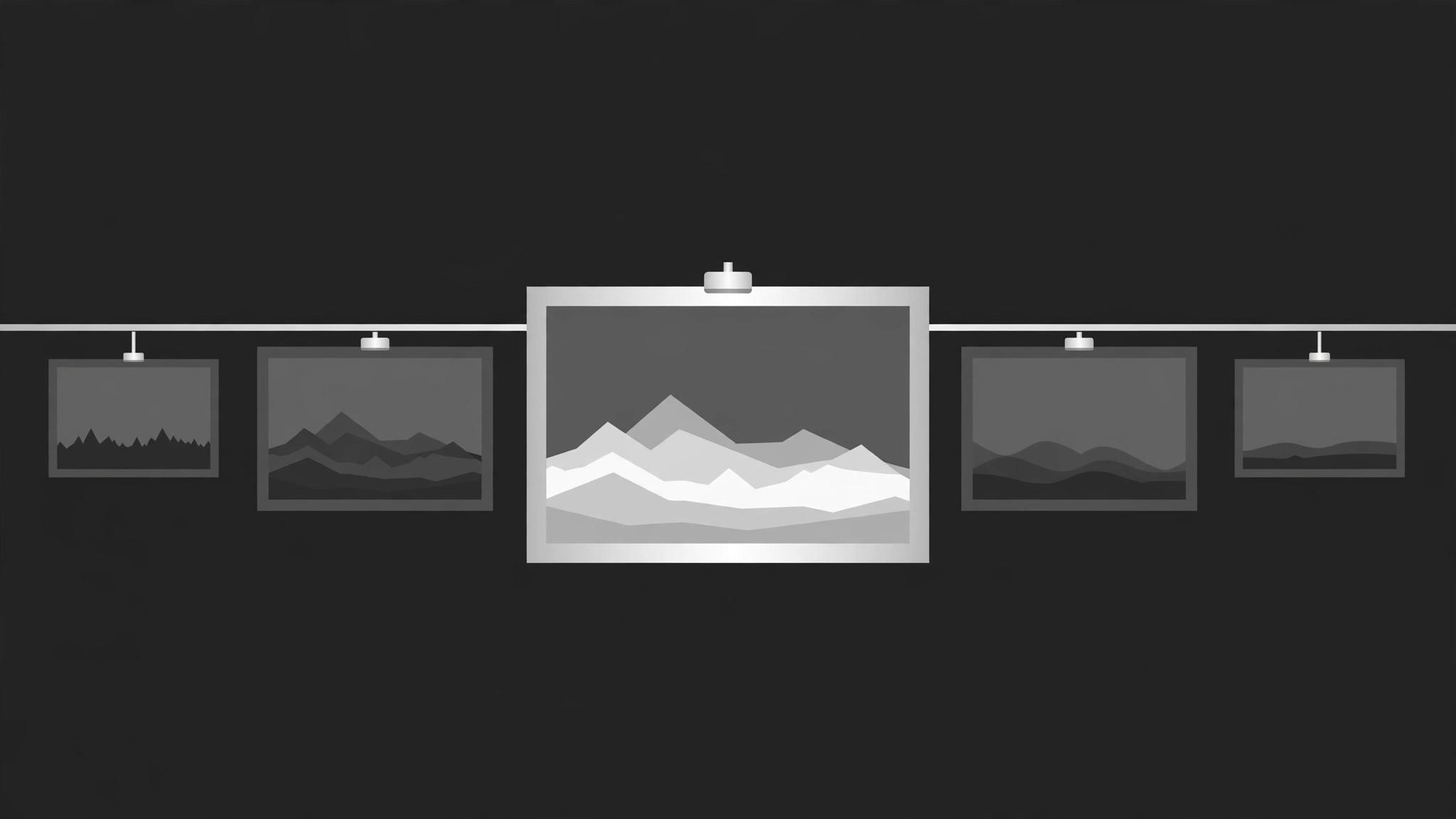
A horizontal strip of composition thumbnails that slides, scrubs, and settles on the winning frame — so the audience sees how a shot is composed before it goes full screen.
Best for
Video essayists, photography and film teachers, and designers who compare framings and crops on screen
Time needed
~25 min for a first strip
Level
Beginner-friendly
Install it in 3 steps
No sign-up. No CLI tools. Pick your AI, copy one line, paste it over.
Prefer doing it yourself? Buy the skill ($4.99), download the ZIP from your checkout confirmation, unzip it into the directory shown above, restart your AI session — same result. Already bought it? Your AI assistant can download it for you.
What’s inside
One SKILL.md (the playbook) + one starter template. A preview:
Composition Strip
When to use
- A video essay or tutorial needs to show several framings of the same shot side by side
- A design critique must compare compositions — rule of thirds, centring, negative space — without cutting away
- A photography or film breakdown wants the audience to feel the difference between a near-miss frame and the keeper
- A portfolio reel needs a fast, elegant way to flip through alternate crops of one image
- A before-and-after needs to show the original framing, the adjusted framing, and the final frame in one continuous move
- You have 3–8 frames of the same subject and want the viewer to pick the winner with you
Workflow
- Pick the frames and order them (input: your shots or crops → output: strip sequence)
Choose 3–8 frames of the same subject: the frames you actually considered, not random filler. Order them deliberately — worst-to-best for a reveal, or chronological for a process story. Each frame gets a one-line label ("Centred — static", "Thirds — breathing room") and an aspect ratio; keep all frames the same aspect so the strip reads as one object. The final frame in the strip is the keeper — the one the strip will settle on. - Design the strip layout (input: strip sequence → output: layout)
The strip is a horizontal row of equal-height thumbnails, edge to edge, with a 4–8px gap between frames. It sits centre-screen at 55–70% of frame height, with a thin baseline or rail beneath it so the strip feels like a physical object sliding on a track. One frame at a time is "active": larger, full-brightness, sharp. The rest sit at 55–65% brightness and slightly desaturated, so the eye knows where to look. Leave generous empty space above and below the strip — the strip needs room to breathe. - Choreograph the slide and scrub (input: layout → output: timing map)
Total duration 4–7 seconds for the full pass. The strip slides laterally so each frame takes its turn in the active slot: 350–450ms per slide, with a 150–250ms hold on each frame so the viewer can actually read the composition. Easing: ease-in-out cubic (cubic-bezier(0.65, 0, 0.35, 1)) — the strip should glide and settle, never lurch. For a scrub variant, the strip moves continuously under a fixed playhead at 1 frame per 300ms with no holds, then eases to a stop on the keeper.
Template preview
Composition Strip — Starter Template
Fill in every {placeholder}. All frames: same subject, same aspect ratio, keeper last.
Strip sequence
- Frame count: {3–8} · Keeper: position {last} — {keeper label}
- Ordering logic: {worst-to-best / chronological / other}
Layout
- Strip height: {55–70%} of frame · Gap between frames: {4–8px}
- Rail beneath strip: {thin baseline, colour}
- Active frame: brightness {100%}, scale {1.0}, outline {2px accent}
- Inactive frames: brightness {55–65%}, slightly desaturated
- Label placement: {beneath active frame, slides up 8px}
Timing map
- Total duration: {4–7s}
- Per slide: {350–450ms} · Hold per frame: {150–250ms}


