Complete Motion Effects Library
Every motion your videos need, catalogued and ready to pick.
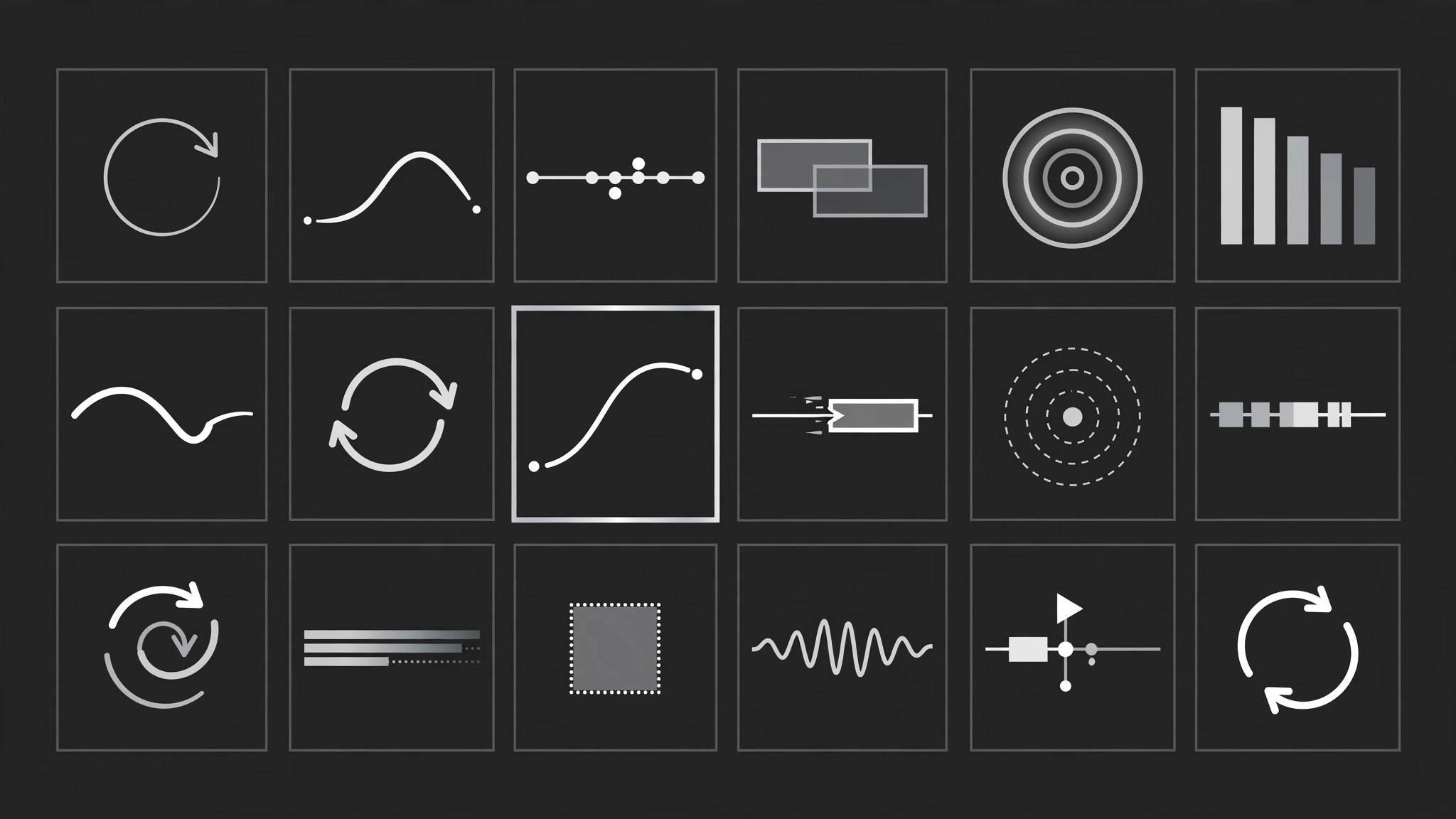
Builds a complete, browsable library of motion effects for your videos and decks — five families, one timing system, a spec card per effect — plus a chooser that matches each moment in your script to the right effect.
Install it in 3 steps
No sign-up. No CLI tools. Pick your AI, copy one line, paste it over.
Prefer doing it yourself? Buy the skill ($4.99), download the ZIP from your checkout confirmation, unzip it into the directory shown above, restart your AI session — same result. Already bought it? Your AI assistant can download it for you.
What’s inside
One SKILL.md (the playbook) + one starter template. A preview:
Complete Motion Effects Library
When to use
- You make videos or animated decks regularly and every project starts from a blank timeline
- Different editors on the same team animate the same kind of moment five different ways
- A script has a dozen moments that each need motion, and you want a deliberate pick for each instead of defaulting to the same transition
- You are building a template pack or brand kit and need the motion side documented like the colour and type side
- A client keeps asking "can it move like that other video" and you need a shared vocabulary to answer precisely
- You want to audit an existing video and name exactly which effects it uses and where the timing goes inconsistent
Workflow
- Inventory the moments (input: your script or finished video → output: moment list)
Go through the script or timeline and list every moment that moves or should move: entrances, emphasis beats, transitions between sections, data reveals, exits. One line per moment: timestamp, what is on screen, what the motion must accomplish (reveal, compare, emphasise, connect). Do not pick effects yet — a good library starts from needs, not from a catalogue of flashy moves. - Sort moments into five families (input: moment list → output: family map)
Assign every moment to exactly one family: Entrance (something arrives), Emphasis (something already on screen gets attention), Transition (the viewer moves from one idea to the next), Data (a number, chart, or comparison changes), Exit (something leaves). If a moment fits two families, split it into two beats — one effect per beat keeps the library clean and the timeline readable. Count per family; a library with 14 transitions and 1 data effect is telling you where your gaps are. - Define the house timing system (input: family map → output: timing rules)
Set one timing system the whole library obeys: a base unit (e.g. 200ms), three speeds (quick = 1 unit, standard = 2 units, slow = 3–4 units), and one easing family (e.g. ease-out cubic cubic-bezier(0.22, 1, 0.36, 1) for entrances, ease-in-out for transitions). Cap simultaneous moving elements at three — more than that reads as chaos, not energy. Write the rules down; the library is only a library if every entry follows them.
Template preview
Complete Motion Effects Library — Starter Template
Fill in every {placeholder}. One effect per beat; no identical neighbours.
Moment list
(Add rows to cover every moving moment.)
Family map
- Entrance: {moment #s} — count: {n}
- Emphasis: {moment #s} — count: {n}
- Transition: {moment #s} — count: {n}
- Data: {moment #s} — count: {n}
- Exit: {moment #s} — count: {n}
- Gap check: {family with fewest effects} needs more options.
Timing rules
- Base unit: {200ms}
- Quick: {1 unit} · Standard: {2 units} · Slow: {3–4 units}
- Easing family: {e.g. ease-out cubic cubic-bezier(0.22, 1, 0.36, 1)}
- Max simultaneous movers: {3}


