Cloud Jet Travel Landing
Search first, honest price second — a premium air-travel page that earns trust.
Builds a landing page for private and premium air travel where the route search sits above the fold, the full price is honest about what is included, and fleet, safety, and service sections answer a traveler's worries in order.
Install it in 3 steps
No sign-up. No CLI tools. Pick your AI, copy one line, paste it over.
Prefer doing it yourself? Buy the skill ($4.99), download the ZIP from your checkout confirmation, unzip it into the directory shown above, restart your AI session — same result. Already bought it? Your AI assistant can download it for you.
What’s inside
One SKILL.md (the playbook) + one starter template. A preview:
Cloud Jet Travel Landing
When to use
- You run a private-jet, charter, or premium air-travel service and your landing page buries the booking path under hero video and slogans
- Travelers keep asking "how much does it actually cost?" because your page answers everything except the price
- You are launching a jet-charter or premium-flight brand and need a page that earns trust from a first-time visitor who has never chartered before
- Your current page shows beautiful aircraft photos but no routes, no aircraft details, and no honest account of what's included
- You need a landing page that converts both the impulse browser ("where could I fly?") and the serious booker ("what jet, what price, what's included?")
Workflow
- Find the traveler's first question (input: service + audience → output: page promise)
Write the page's promise as the answer to the visitor's first question: where can I fly, and what will it cost? A premium-travel page that opens with a slogan and hides the search box is answering a question nobody asked. State the promise in one line — the routes, the aircraft class, the booking path — and build the page around it. - Put search above the fold (input: page promise → output: hero + search)
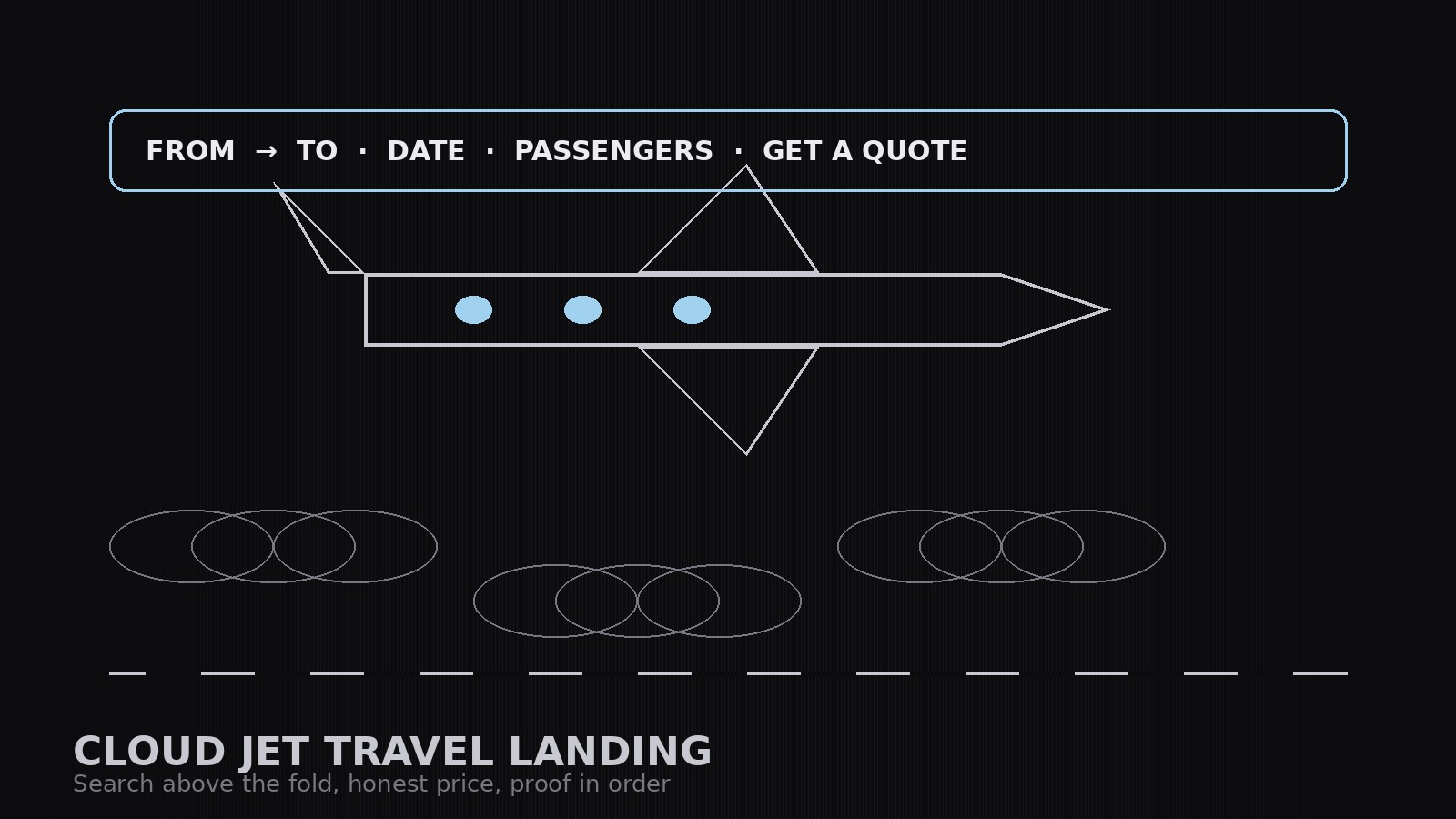
Design the hero around one job: let the visitor search a route. The search box (from, to, date, passengers) sits in the hero, visible without scrolling, with a short honest line beside it about what the quote includes. The hero image supports the search; it never replaces it. A visitor who can't start a search in five seconds is a visitor who leaves. - Answer the worries in order (input: service details → output: section outline)
Order the sections the way a traveler's worries actually arrive: price (what a typical trip costs, what is included, what is not), aircraft (the actual aircraft types with seats, range, and cabin facts), how booking works (quote → confirm → fly, in three steps), safety and operator credentials (in plain language, with verifiable specifics), and service (what happens at the airport, who meets you, what happens if plans change). One worry per section; no section without a concrete answer. - Write proof, not adjectives (input: outline + real facts → output: full page copy)
Write every claim as a checkable fact: aircraft types, seat counts, range, what the quote includes, cancellation terms. Cut adjectives that do no work ("luxurious," "seamless," "unparalleled") and replace them with specifics a traveler can verify. Testimonials, if used, carry a real name or an honest anonymized label and a real trip — never invented praise. If a fact isn't verified, the page says what is still to be confirmed.
Template preview
Cloud Jet Travel Landing — Page Template
One service = one page. The traveler's first question — where can I fly, what will it cost — gets answered above the fold.
Page promise
Service: {service} | Audience: {who} Promise (one line — routes, aircraft class, booking path): {sentence} Primary call to action (one wording, used everywhere): {Get a quote / Check availability}
Hero (above the fold)
Headline: {promise as a headline} Search box: From {field} → To {field} | Date {field} | Passengers {field} | Button: {CTA wording} Honest line beside the search: {what a quote includes, in one line}


