Chat Response Presenter
One reply on screen, one human reaction.
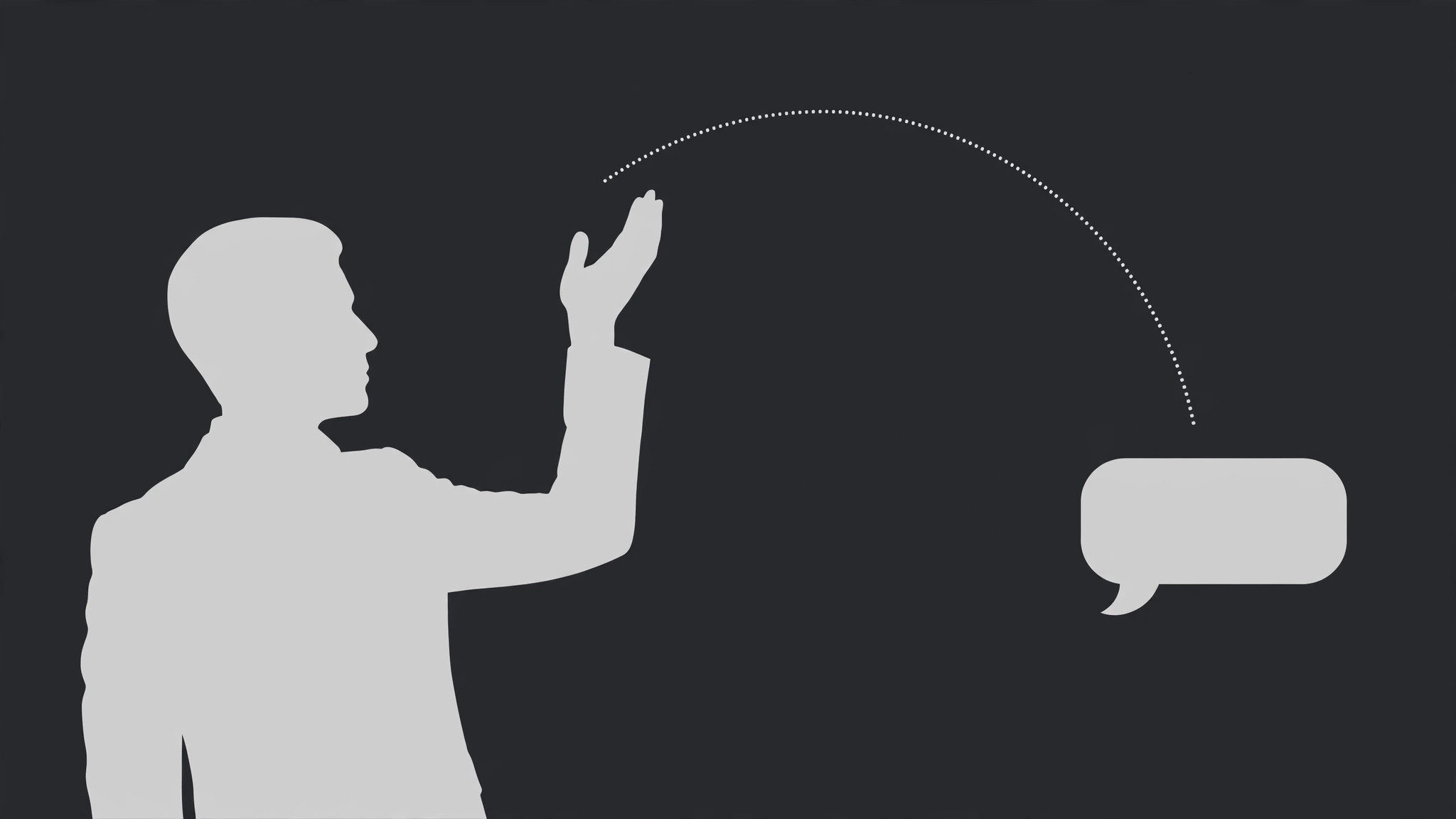
A presenter reacts to a single chat reply that pops in as a picture-in-picture bubble: read in silence, react with a gesture, then answer. The bubble shrinks away once the answer is underway so the face owns the frame.
Install it in 3 steps
No sign-up. No CLI tools. Pick your AI, copy one line, paste it over.
Prefer doing it yourself? Buy the skill ($4.99), download the ZIP from your checkout confirmation, unzip it into the directory shown above, restart your AI session — same result. Already bought it? Your AI assistant can download it for you.
What’s inside
One SKILL.md (the playbook) + one starter template. A preview:
Chat Response Presenter
When to use
- A creator answers one chat message on camera and the message itself needs to be visible while they react to it
- A Q&A segment where each question is a chat bubble and the answer is a person, not more text
- A reaction video where the presenter's face is the content and the chat reply is the trigger
- A community comment or DM deserves a full response, and a screenshot alone would feel flat
- A livestream highlight where the chat reply and the host's reaction happened together and should stay together
Workflow
- Pick one reply (input: thread → output: one reply + one reaction beat)
This pattern is one reply, one reaction. Choose the single message that earns a face: the funniest, the hardest question, the most surprising claim. The reply bubble is ≤30 words — if the message is longer, trim it to the sentence being answered and say the rest aloud. Decide the reaction beat now, in one line: laugh, disbelief, correction, agreement, story. One reply with a muddy reaction ("sort of surprised but also…") will read as the presenter not knowing what to do. - Frame the presenter first (input: presenter shot → output: presenter framing with a bubble slot)
Frame the presenter with a clear empty zone for the reply bubble — typically the upper third of the opposite side from the presenter's eyeline, or a lower-third band that does not cover the mouth. The presenter occupies 60–70% of the frame; the bubble slot is reserved before recording if possible. A presenter who has to dodge a bubble that was added later spends the whole segment glancing at the wrong place. - Pop the reply bubble (input: reply text → output: bubble entrance)
The bubble enters with a quick pop: scale from 90% to 100% with a slight overshoot to 103% and back, over 0.3 s, ease-out — one bounce, then still. It arrives while the presenter is looking toward the bubble slot, not while they are mid-sentence. If the presenter is speaking when the bubble lands, the viewer's eyes split: they read the bubble and lose the sentence. Land the bubble in a breath, a pause, or on the presenter's glance toward it.
Template preview
Chat Response Presenter — Production Template
One reply, one reaction. Fill in per segment; repeat the pattern for each reply in a Q&A.
Segment: {segment title} — Reply #{n}
Reply bubble (≤30 words): "{full reply text as shown}"
Sender: {name / handle} | Trimmed from longer message? [ ] Yes — rest spoken aloud [ ] No
Reaction beat (one only)
[ ] Laugh [ ] Disbelief [ ] Correction [ ] Agreement [ ] Story [ ] Other: {…}
Reaction in one line: "{what the presenter does — e.g. laughs, hand to chest, slow nod}"
Framing
- Presenter occupies: {60–70%} of frame | Bubble slot: {upper third opposite eyeline / lower-third band}


