Chapter Character Reveal
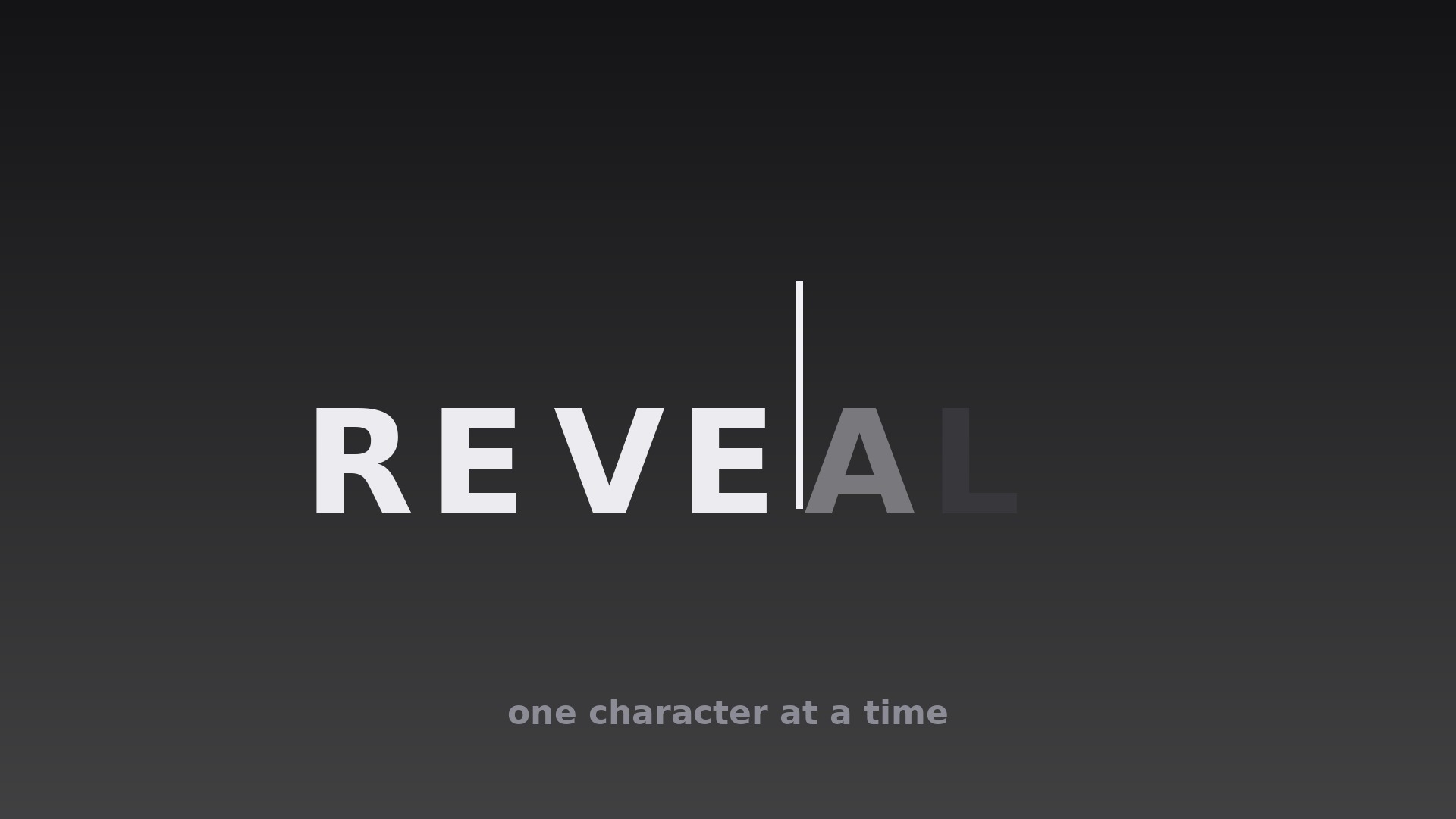
Chapter titles arrive one character at a time — anticipation, not waiting.
Teaches your AI to open chapters with typewriter or mask-reveal title animation, with per-character timing, type rules, sound sync, and a hard two-second ceiling.
Install it in 3 steps
No sign-up. No CLI tools. Pick your AI, copy one line, paste it over.
Prefer doing it yourself? Buy the skill ($4.99), download the ZIP from your checkout confirmation, unzip it into the directory shown above, restart your AI session — same result. Already bought it? Your AI assistant can download it for you.
What’s inside
One SKILL.md (the playbook) + one starter template. A preview:
Chapter Character Reveal
When to use
- A chapter opener where the title itself should announce the new section, letter by letter
- A lesson intro where a key term appears character by character while the narrator says it
- A documentary segment title where a slow mask reveal builds anticipation before the footage starts
- A tutorial step heading where each character lands in sync with a typing or keystroke sound
- A video essay where chapter titles need to feel deliberate and literary rather than flashed on screen
- A presentation recording where each new section title reveals as the speaker introduces it
Workflow
- Write the title for revealing (input: chapter topic → output: final title string)
Keep the title short: 2–6 words, under 30 characters including spaces. Long titles defeat the technique — a 40-character reveal takes so long the viewer reads ahead and gets bored. Pick one reveal word if the title is long: reveal only the key word character by character and fade the rest in as a group. Decide the exact final string now; changing a word mid-animation means re-timing every character. - Choose the reveal mechanism (input: title string + tone → output: mechanism spec)
Pick one of two mechanisms and commit to it for the whole video. Typewriter: each character pops in with a 1–2px vertical settle and a soft click or keystroke sound, cursor optional. Mask reveal: characters are already laid out but hidden behind a horizontal mask that sweeps left to right, uncovering each character in turn — smoother and quieter, better for serious or cinematic tones. Never mix the two within one video; the viewer reads the mechanism as the video's voice. - Set the per-character timing (input: mechanism spec → output: character keyframe timeline)
Reveal one character every 0.06–0.10s for typewriter (faster for long titles, slower for short dramatic ones), with spaces costing half a beat (0.03–0.05s) so word gaps read as pauses, not stalls. For mask reveal, the mask travels at a constant linear speed sized so the full title uncovers in 0.8–1.6s total. Add a 0.25s settle after the last character: no motion, title fully visible, before the footage or narration moves on. Total reveal must never exceed 2.0s — beyond that, the title becomes a waiting room.
Template preview
Chapter Character Reveal — Starter Template
Fill in every {placeholder}, then hand this spec to your video tool or motion designer.
Project
- Video title: {video_title}
- Frame size: {width}x{height} @ {fps}fps
Chapter openers
One row per chapter opener (same mechanism, timing, and type for all rows):
Mechanism (pick ONE for the whole video, delete the other)
- Option A — Typewriter: each character pops in with a 1–2px vertical settle + soft keystroke sound
- Option B — Mask reveal: characters laid out but hidden behind a horizontal mask sweeping left to right at constant linear speed
- Chosen mechanism: {typewriter_or_mask}


