Chapter Border Orbit
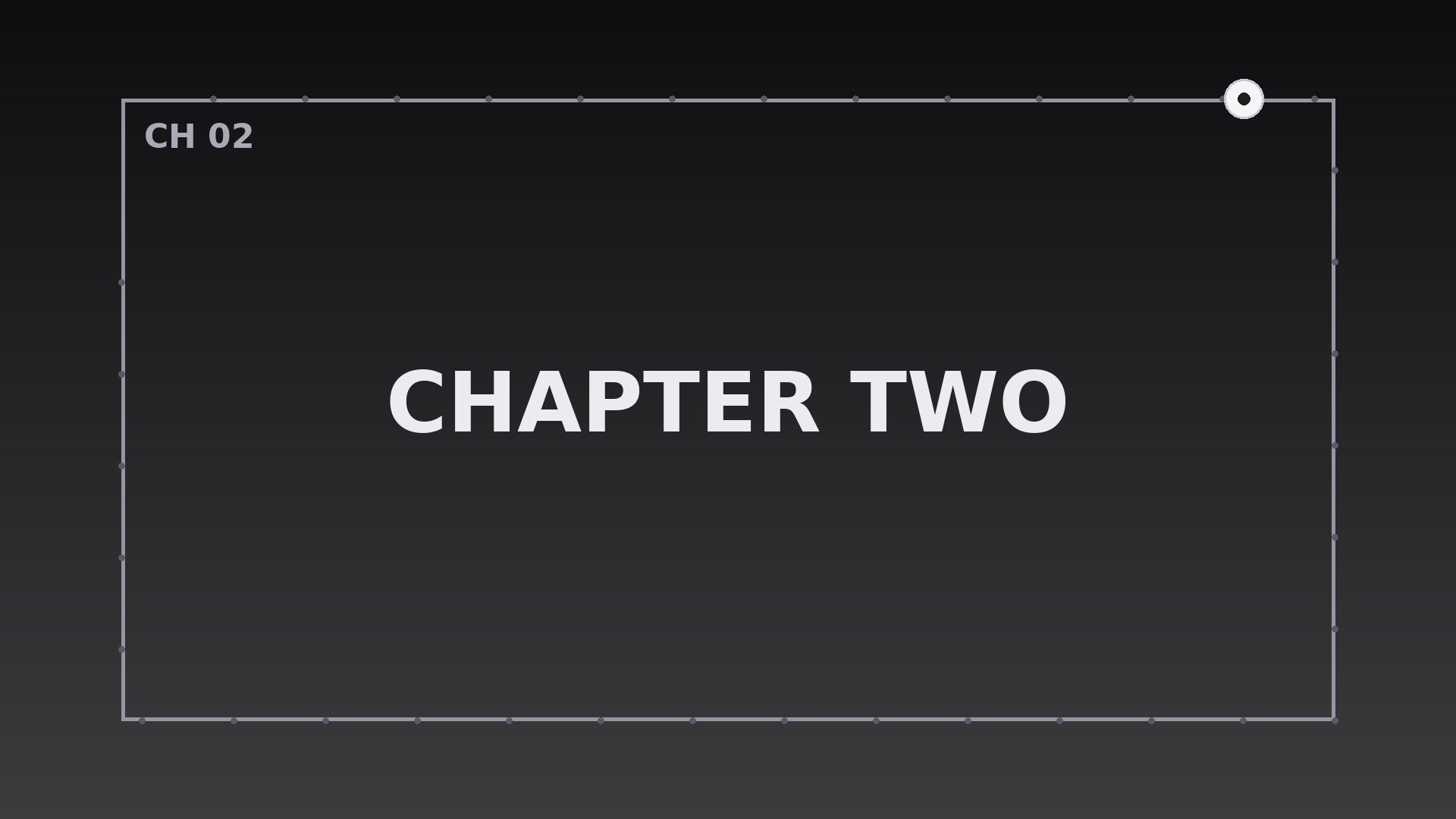
A thin frame circles the screen once per chapter — a clock your viewers can read without thinking.
Teaches your AI to run a travelling frame that completes exactly one orbit per chapter at constant speed, with boundary pulses, title fades, and interruption rules.
Install it in 3 steps
No sign-up. No CLI tools. Pick your AI, copy one line, paste it over.
Prefer doing it yourself? Buy the skill ($4.99), download the ZIP from your checkout confirmation, unzip it into the directory shown above, restart your AI session — same result. Already bought it? Your AI assistant can download it for you.
What’s inside
One SKILL.md (the playbook) + one starter template. A preview:
Chapter Border Orbit
When to use
- A multi-chapter explainer where viewers need to feel each chapter start and end without a hard cut
- A tutorial split into clear steps, where the border orbit marks the boundary between one step and the next
- A documentary with distinct segments, where a travelling frame gives each segment its own visual container
- A course lesson with timed chapters, where the orbit doubles as a progress indicator around the content
- A conference talk or keynote recording divided into themes, where the frame signals a theme change
- A long-form video essay where chapters run several minutes and viewers need a quiet sense of place
Workflow
- Define the chapters (input: your script or outline → output: chapter list with durations)
Split the video into chapters with a title and an exact duration for each. Chapters shorter than 45 seconds do not earn an orbit — merge them, or the frame will feel like it never stops moving. Write one short chapter title per chapter (2–5 words); the title appears once, at the orbit's starting point, and then gets out of the way. - Design the frame (input: chapter list → output: border spec)
Draw a single thin rectangular frame inset 3% from the frame edges — a 2–4px stroke in near-white at 80% opacity on dark footage, near-black on light footage. The frame has one travelling element: a brighter segment, dot, or short thick dash (roughly 8% of the perimeter) that moves along the rectangle's path. The rest of the frame stays static and quiet. Never use a thick glowing border: the frame is a container, not the subject. - Choreograph the orbit (input: border spec + chapter durations → output: keyframed orbit timeline)
The travelling element completes exactly one full lap of the rectangle per chapter, moving at a constant speed (linear easing — no ease-in-out, or the orbit will appear to stall and surge). It starts at the top-left corner at the moment the chapter title appears, travels clockwise, and returns to the top-left corner at the exact frame the chapter ends. At the chapter boundary, the frame itself does one subtle pulse — stroke opacity 80% → 100% → 80% over 0.4s — and the next chapter's title appears as the traveller sets off again. The orbit is the chapter clock: one lap, one chapter, no exceptions.
Template preview
Chapter Border Orbit — Starter Template
Fill in every {placeholder}, then hand this spec to your video tool or motion designer.
Project
- Video title: {video_title}
- Frame size: {width}x{height} @ {fps}fps
- Total runtime: {total_runtime}
Chapters
List every chapter (minimum 45 seconds each — merge shorter ones):
(Add rows as needed.)
Border spec
- Frame inset: 3% from all edges
- Stroke: {stroke_width}px (2–4px), color {stroke_color}, opacity 80%
- Travelling element: {traveller_description — bright segment, dot, or short dash, ~8% of perimeter}, color {traveller_color}, opacity 100%
- Quarter tick marks (for chapters over ~8 min): {yes/no}


