Capacity Reset
Fill to full, hold the beat, then reset — three phases, no confusion.
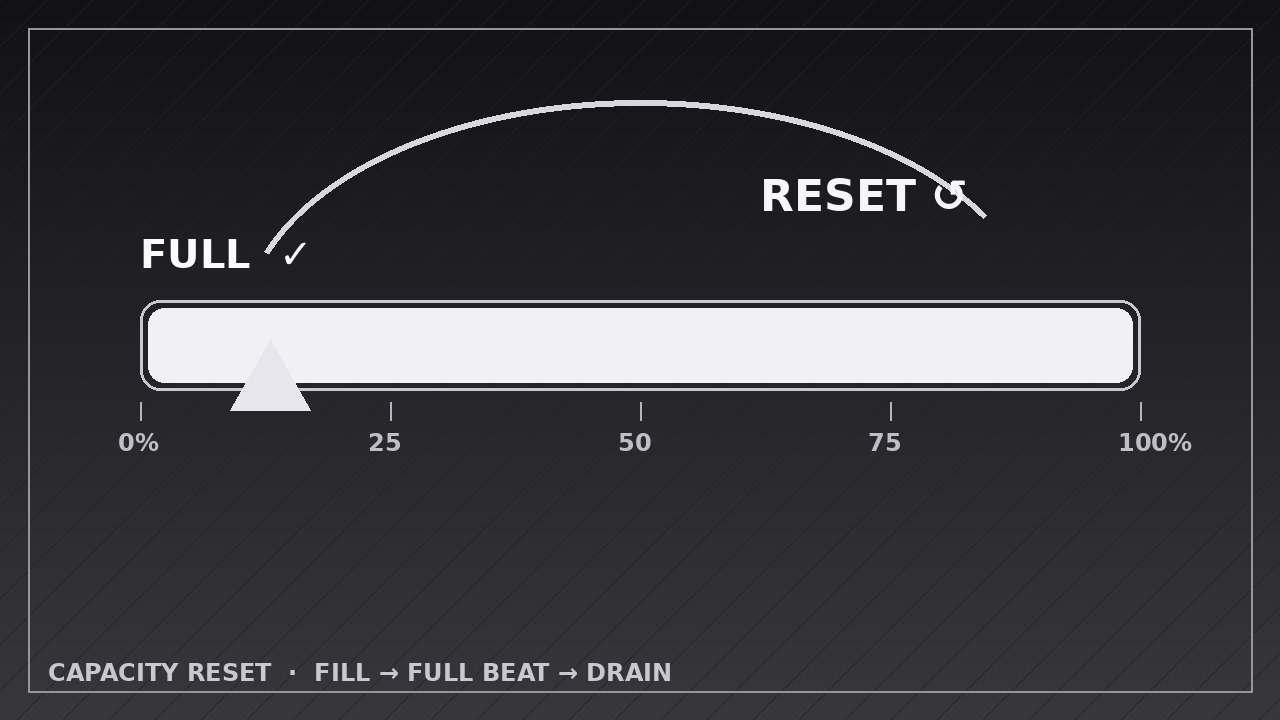
Teaches your AI to animate a capacity meter that fills to exactly full, pauses on a clear FULL beat, then drains and resets with a distinct reset cue.
Install it in 3 steps
No sign-up. No CLI tools. Pick your AI, copy one line, paste it over.
Prefer doing it yourself? Buy the skill ($4.99), download the ZIP from your checkout confirmation, unzip it into the directory shown above, restart your AI session — same result. Already bought it? Your AI assistant can download it for you.
What’s inside
One SKILL.md (the playbook) + one starter template. A preview:
Capacity Reset
When to use
- Showing a battery, tank, storage, or quota filling up and then emptying or resetting
- Visualizing a workload limit: a team or server hits capacity, then the load clears
- Explaining a subscription quota, credit balance, or daily allowance that refills on a schedule
- Animating a habit streak or focus timer that completes a cycle and starts over
- Demonstrating a "full → reset" loop in a product: inbox zero, cleared cache, emptied bin
- Teaching thresholds and cycles: what happens at 100%, and what "reset" actually means
Workflow
- Define the capacity and the reset (input: your scenario → output: capacity spec with units, full value, and reset rule)
Write down what the meter measures (battery %, storage GB, tasks, credits), what "full" means in real units, and what triggers the reset (plugged in, midnight, manual clear, cycle complete). State the reset rule in one sentence: "at 100%, the meter drains to 0 over X seconds, then refills" or "at 100%, it snaps back to 0 and the cycle counter ticks up by one." If the reset has a cause (charged, cleared, paid), name it — a reset without a cause reads as a glitch. - Build the meter stage (input: capacity spec → output: meter with scale, labels, and empty state)
Build the meter as a horizontal bar or vertical gauge with a visible scale: 0% and 100% end labels, and tick marks at 25/50/75% so the viewer can judge progress at a glance. Start at the true starting value (often 0%, not "about empty") and hold the empty state for 0.8 seconds before filling — the viewer needs to see the start. Keep the meter's container, scale, and labels perfectly static; only the fill level moves. - Fill to full (input: staged meter → output: fill keyframes)
Animate the fill from start to 100% over 2.0–3.5 seconds. Use ease-in-out for a natural feel, or linear if the point is a steady rate (e.g. "fills at a constant 10%/second") — pick one and keep it honest to the scenario. Add a numeric readout that tracks the fill exactly, counting in step with the bar, and a subtle glow or brightening as it nears full. The fill must land exactly at 100% — overshooting past the end cap is the most common visual bug in this pattern. - Hit the full beat (input: filled meter → output: full-state keyframes)
When the fill reaches 100%, stop everything for a 0.6–1.0 second beat: the meter sits full, the readout shows the full value, and a single "FULL" indicator appears (label, checkmark, or color shift — one cue, not three). This beat is what separates "filled" from "reset" in the viewer's mind; without it, the drain feels like the fill just reversed. If the scenario has a sound or haptic cue, it lands here, not during the drain.
Template preview
Capacity Reset — Animation Spec Template
Fill in the capacity, the fill, and the reset rule before animating. Three phases: fill → full beat → drain/reset.
Meter: {what it measures — e.g. battery, storage, credits}
Canvas: {1920×1080 / 1080×1080 / 1080×1920} | Frame rate: 30 fps | Export: H.264 Meter shape: {horizontal bar / vertical gauge} Full value: {e.g. 100% / 256 GB / 500 credits} Reset rule (one sentence): {e.g. "At 100%, the meter drains to 0 over 1.5 s, then the cycle counter ticks up by one."} Reset cause (shown on screen): {e.g. plugged in / cleared / paid / cycle complete}


