AI Services Market › Skills factory › Workflows › Browser Task Agent
$4.99 · No sign-inv1.0.0– views
Browser Task Agent
Say the task, get the screenshots — web chores done right
Hand web chores to your AI: describe the task in words, get a step plan with verification checkpoints, and the agent executes it — navigating, filling, clicking — with screenshots as evidence. Irreversible steps always stop for your approval.
Best for
Ops staff, researchers, anyone doing repetitive web work
Time needed
~10 min per task setup
Level
Intermediate
Install it in 3 steps
No sign-up. No CLI tools. Pick your AI, copy one line, paste it over.
Prefer doing it yourself? Buy the skill ($4.99), download the ZIP from your checkout confirmation, unzip it into the directory shown above, restart your AI session — same result. Already bought it? Your AI assistant can download it for you.
What’s inside
One SKILL.md (the playbook) + one starter template. A preview:
Browser Task Agent
When to use
- Filling out long web forms: applications, registrations, government portals, supplier onboarding
- Multi-step web jobs: checking a price across five sites, booking something with no API, updating listings
- Reading a page and acting on it: "find the cheapest flight for these dates and hold it," "check if this item is back in stock"
- Repetitive browser chores you do weekly: pulling a report from a dashboard, copying data between two sites
- Anything where you want proof it was done right — every run ends with screenshots
Workflow
- Task brief (input: your words → output: task spec)
State the task plainly: what (fill the supplier form), where (URL), and the done-criteria (submitted + confirmation number, or data copied into the sheet). Include the inputs the task needs (your details for the form, the dates for the search) and the hard stops (never submit a payment, never agree to terms, stop and ask if the site asks for something unexpected). A task without done-criteria can't be verified — "check the prices" needs "report the three cheapest with links." - Step plan (input: task spec → output: plan with checkpoints)
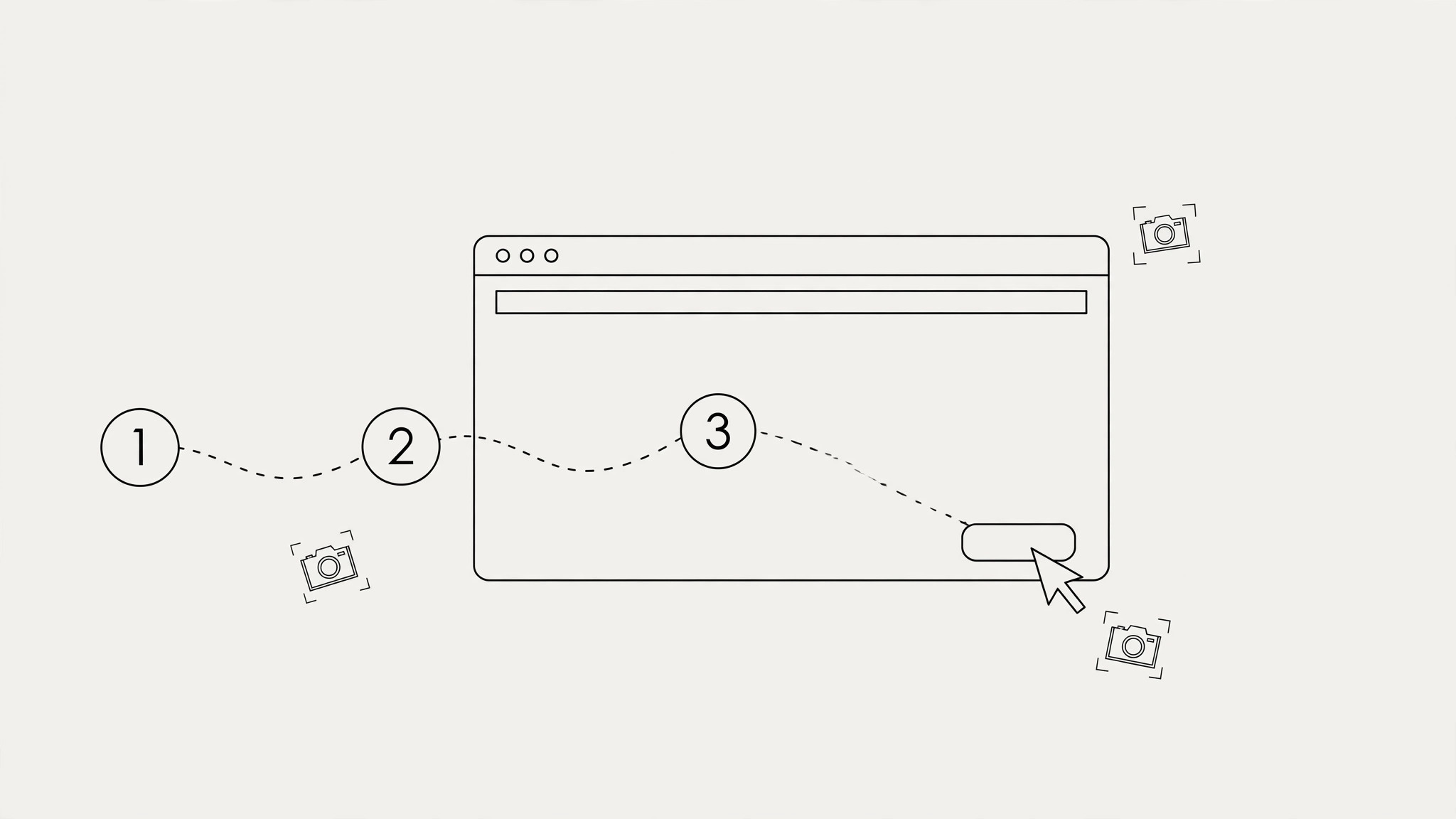
Break the task into steps, each with a checkpoint: after step 2, verify the search results loaded; after step 4, verify the form shows your name correctly. Checkpoints are where the agent stops, looks, and confirms before continuing — they're what keep a 15-step task from going off the rails at step 3. Mark which steps are irreversible (submit, purchase, delete) — those always stop for your approval. - Playbook + evidence (input: step plan → output: executed playbook with screenshots)
The agent runs the plan: navigate, read, click, fill — following the checkpoints. Every checkpoint gets a screenshot. At the end, you get the playbook back filled in: each step marked done / skipped / failed, the screenshots as evidence, and the result (confirmation number, the data, the report). If a step failed, the playbook says exactly which one and what the page showed — enough for you or the agent to retry just that step.
Output spec
- Task spec: what / where (URL) / done-criteria / inputs / hard stops — one page
- Step plan: numbered steps, each with its checkpoint (what to verify) and reversibility marked
- Executed playbook: step / status (done/skipped/failed) / screenshot / notes
- Final result: the confirmation number, the collected data, or the report — whatever the done-criteria demanded
- Any failed step must record what the page actually showed, not just "it didn't work"
Good vs. bad examples
Template preview
Browser Task Pack
Task spec
- What: […]
- Where (URL): […]
- Done-criteria: […]
- Inputs: […]
- Hard stops: [never submit payment / never agree to terms / stop and ask if …]
Step plan
Executed playbook
Result
- […]
- Confirmation / reference: […]