Branch by Branch
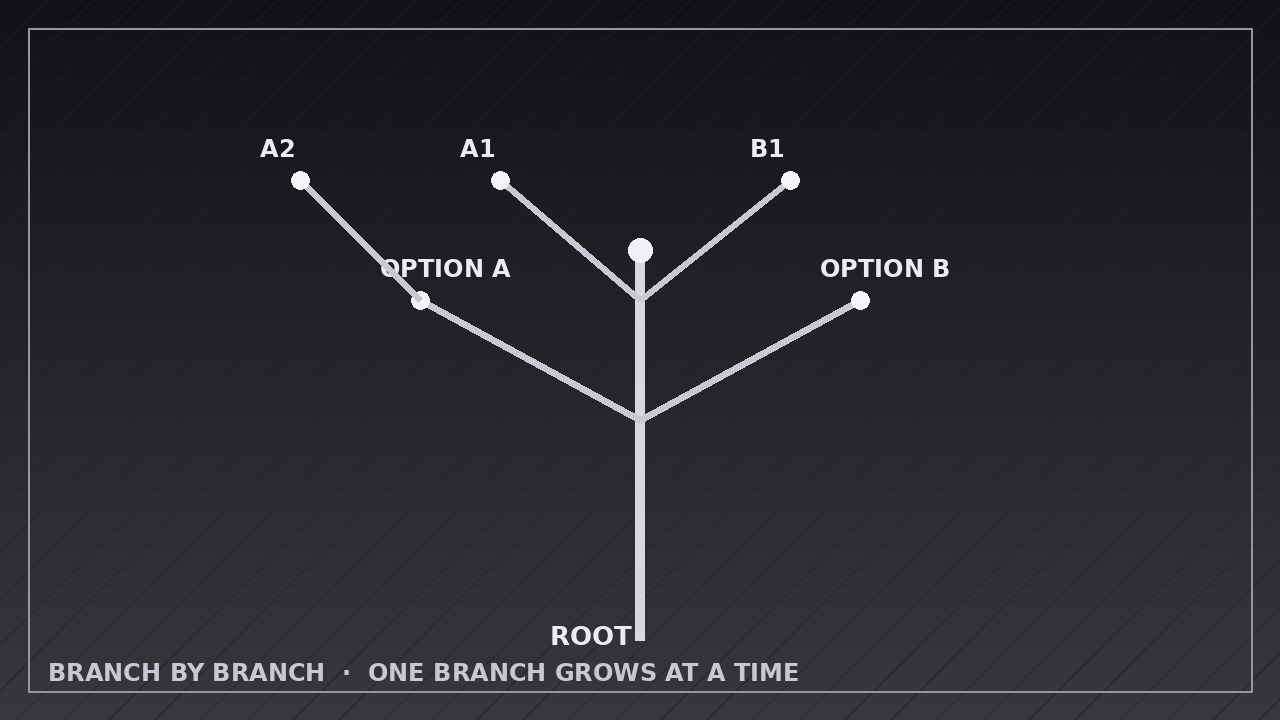
Grow the diagram one branch at a time, so nobody gets lost.
Teaches your AI to animate trees and decision diagrams that grow one branch at a time, each labeled as it lands, with pauses that let viewers actually follow the idea.
Install it in 3 steps
No sign-up. No CLI tools. Pick your AI, copy one line, paste it over.
Prefer doing it yourself? Buy the skill ($4.99), download the ZIP from your checkout confirmation, unzip it into the directory shown above, restart your AI session — same result. Already bought it? Your AI assistant can download it for you.
What’s inside
One SKILL.md (the playbook) + one starter template. A preview:
Branch by Branch
When to use
- Explaining a decision tree where each choice splits into two or more outcomes and the viewer needs to see one split at a time
- Walking through an org chart, product taxonomy, or file structure that would overwhelm as a single static diagram
- Teaching a classification (types of X, causes of Y) where each branch deserves its own moment of attention
- Presenting scenario planning: a base situation branching into best case, base case, and worst case
- Animating a flowchart or troubleshooting path where the next branch depends on the previous answer
- Opening a lesson or pitch with a "map of what's coming" that grows as you speak
Workflow
- Map the tree on paper first (input: your topic and branches → output: branch list with parent, label, and order)
Write out every node before animating anything: the trunk (the starting question or root idea), each branch (a choice, category, or sub-topic), and each leaf (the outcome or example). Give every branch a short label of 1–5 words and a growth order — the order the viewer should meet them, which is a teaching decision, not alphabetical order. Cap the tree at roughly 7 first-level branches and 3 levels deep; beyond that, split it into two diagrams. A tree that fits on one screen when fully grown is the goal — sketch the final layout so no branch overlaps another. - Set the stage and trunk (input: branch list → output: trunk keyframes)
Start with an empty frame or a single root node, then grow the trunk over 0.5–0.8 seconds with an ease-out curve so it lands firmly rather than snapping in. The trunk is a tapered line or rounded bar, 6–10 px thick at 1080p, growing upward or left-to-right depending on orientation. Add the root label as the trunk finishes growing — never before — so the eye has one thing to read at a time. Hold 0.3 seconds of stillness before the first branch; that pause tells the viewer "the tree is about to grow." - Grow one branch at a time (input: trunk keyframes → output: per-branch grow keyframes)
Each branch grows from its parent node over 0.6–1.0 seconds using ease-out (fast start, gentle landing), with a subtle overshoot of 2–4% on the tip if your tool supports it — the tiny settle makes the growth feel organic rather than mechanical. While a branch grows, everything else stays perfectly still: no other branch moves, no label fades in early, no camera drift. One branch, one motion, one read. Sequence branches in the teaching order from step 1, not all at once and not in a random sweep.
Template preview
Branch by Branch — Animation Spec Template
Fill in one tree per video. One branch grows at a time; its label lands only after the branch finishes.
Tree: {topic / title of the diagram}
Orientation: {vertical (trunk bottom → top) / horizontal (trunk left → right)} Canvas: {1920×1080 / 1080×1920 / 1080×1080} | Frame rate: 30 fps | Export: H.264
Root
Branches (in growth order — teaching order, not alphabetical)
Hold after each branch + label: {0.4–0.8 s} Branch tip overshoot: {2–4% settle / none} Emphasis treatment (one only): {highlight pulse / thicker stroke / color shift — applied once to the recommended path}


