Automation Platform Landing
One automation, end to end, earns the signup.
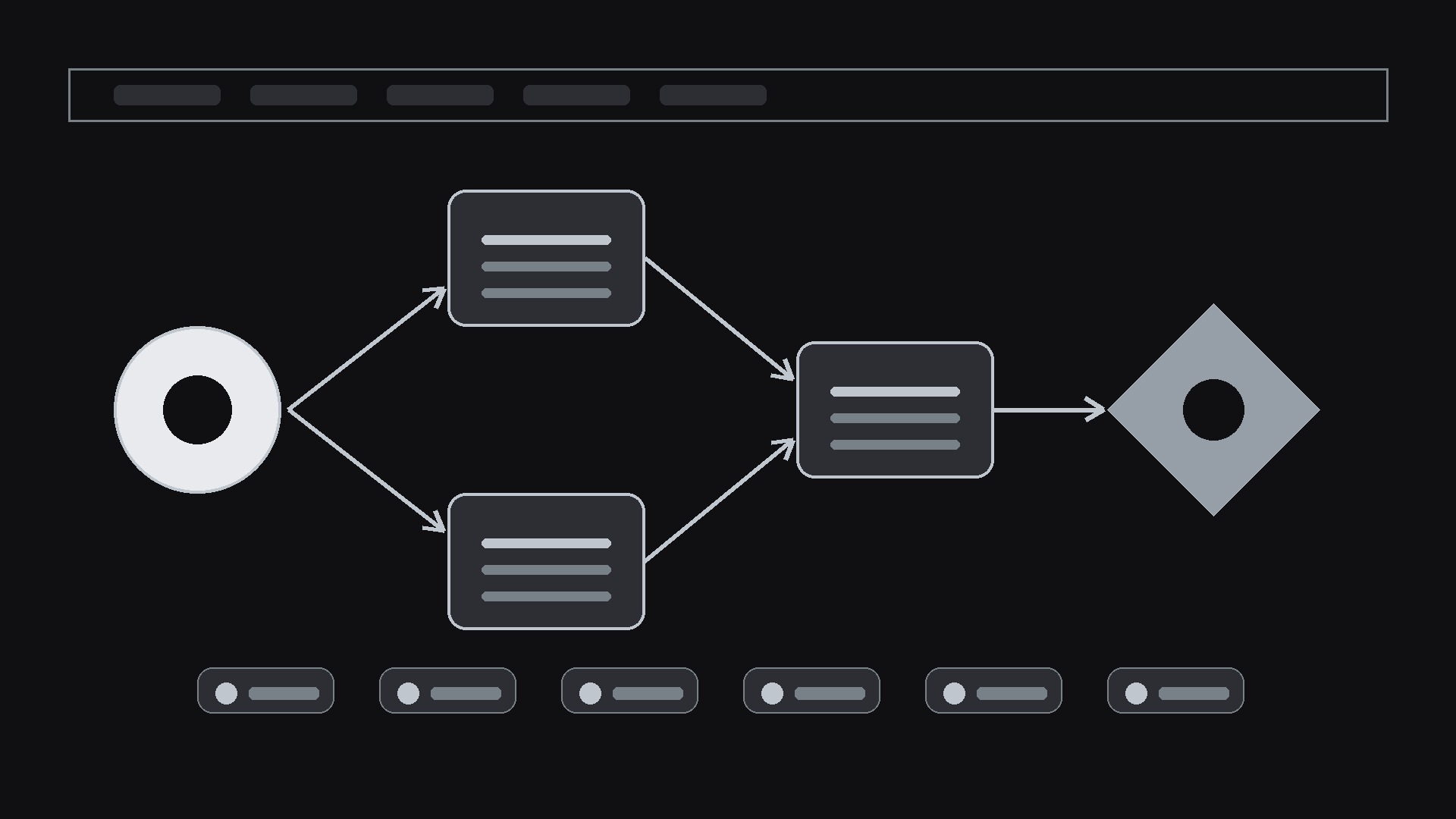
A landing page for a workflow automation platform: one hero automation told trigger-to-outcome, an outcome-first headline, working templates, grouped integrations, and pricing that states what is metered.
Install it in 3 steps
No sign-up. No CLI tools. Pick your AI, copy one line, paste it over.
Prefer doing it yourself? Buy the skill ($4.99), download the ZIP from your checkout confirmation, unzip it into the directory shown above, restart your AI session — same result. Already bought it? Your AI assistant can download it for you.
What’s inside
One SKILL.md (the playbook) + one starter template. A preview:
Automation Platform Landing
When to use
- Launching a workflow, integration, or automation platform
- Your current page lists 200 integrations but shows no automation actually working
- Visitors bounce because they can't tell what the product does in 10 seconds
- You need a page for a specific audience (ops, sales, support) without rebuilding everything
- Preparing a launch-week page
Workflow
- Pick one hero automation (input: product capabilities → output: hero workflow)
Choose a single automation a visitor can picture: trigger → 3–4 steps → outcome ("New form response → enriched → routed to Slack → logged in CRM"). The hero automation must be buildable in the real product; name the apps it connects. One workflow, told end to end, beats a grid of logos. - Write the outcome headline (input: hero workflow → output: headline + subhead + CTA)
Headline states the outcome, not the category: "Follow up with every lead in under a minute" beats "Powerful automation platform". Subhead: who, trigger, result. One CTA: start building or try the template. - Prove it with templates and integrations (input: template library + integration list → output: proof section)
Show 4–6 ready templates with trigger, steps, and outcome each. Integrations grouped by job (CRM, chat, sheets, email), with a search or a count you can verify. Every template links to a working template, not a screenshot. - Answer "what does it cost to run" (input: pricing + limits → output: pricing + FAQ)
Pricing states what's metered (runs, tasks, executions) and what happens at the limit. FAQ covers setup time, no-code vs code, security and data handling, and what happens when an automation fails (alerts, retries, logs). - Close with the first build (input: page draft → output: shipped page)
The CTA leads to the hero automation's template with fields pre-filled where possible, so the first run is minutes away. Mobile check: the workflow diagram is readable at phone width; the CTA is visible without scrolling.
Output spec
- Hero workflow: trigger → steps → outcome, with named apps
- Headline: outcome-first, 10 words or fewer; subhead with who + trigger + result
- Templates: 4–6, each with trigger, steps, outcome + working link
- Integrations: grouped by job, verifiable count or search
- Pricing: metered unit + limit behavior; FAQ (setup, code, security, failure handling)
- CTA: leads to the hero template, pre-filled where possible
Good vs. bad examples
Template preview
Automation Platform Landing — Page Template
One hero automation, told end to end. One audience per page.
Hero automation
Audience for this page: {ops / sales / support / other} Trigger: {event that starts it} Steps:
- {step} — {app}
- {step} — {app}
- {step} — {app}
- {step} — {app}
Outcome: {what the user gets}
Headline (outcome-first, 10 words or fewer)
Headline: {headline} Subhead (who + trigger + result): {subhead} CTA: {e.g. Try this template} → {template link}
Templates (4–6, each with a working link)
Integrations (grouped by job, live ones only)
- CRM: {apps}
- Chat: {apps}
- Sheets / data: {apps}
- Email: {apps}


