AI Task Manager Landing
Show the triage working, not just claim it.
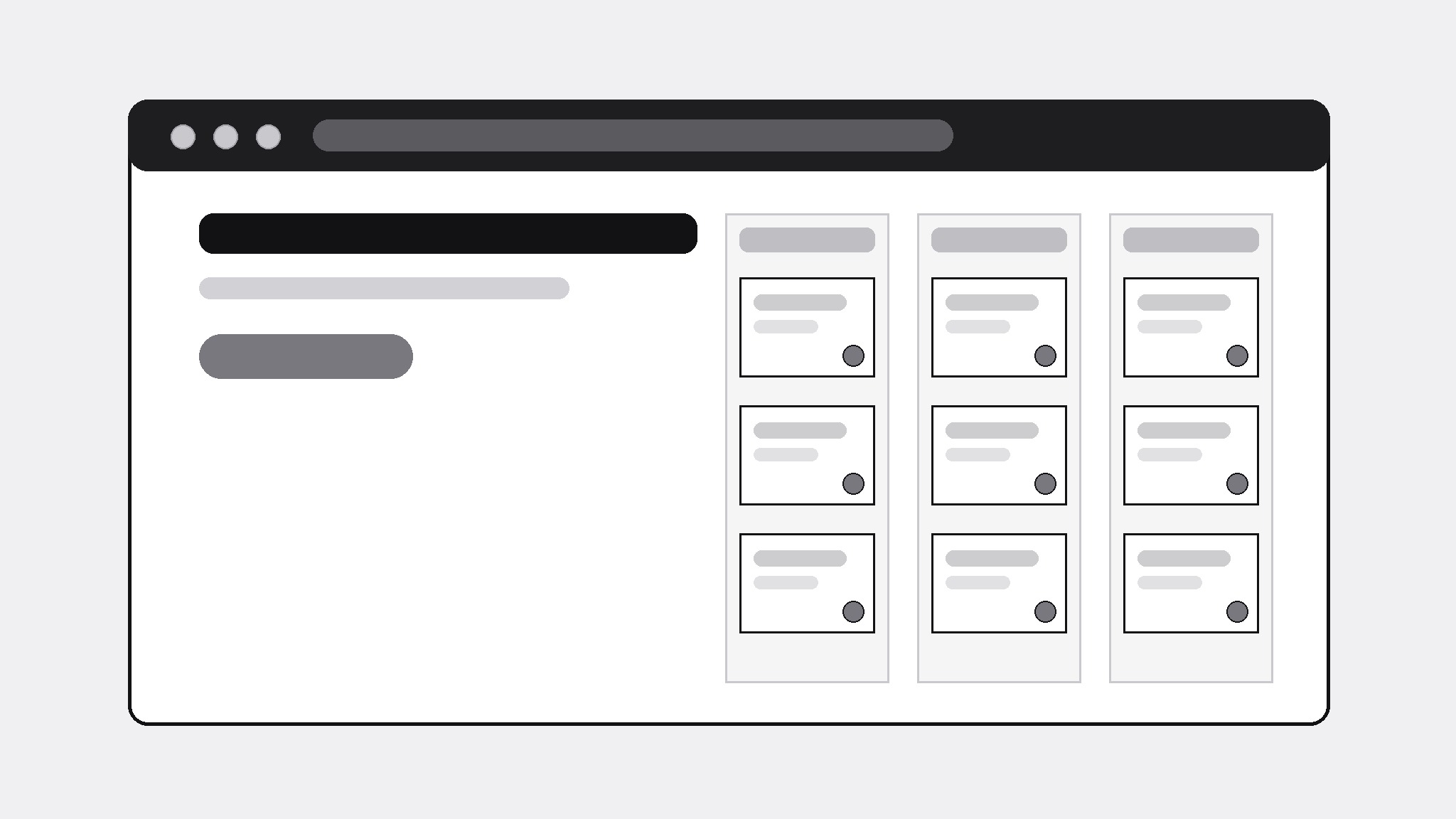
Turns your AI into a landing-page builder — turns a generic AI task manager's features into a landing page that shows the triage working, not just claims it, with one clear path to try it.
Install it in 3 steps
No sign-up. No CLI tools. Pick your AI, copy one line, paste it over.
Prefer doing it yourself? Buy the skill ($4.99), download the ZIP from your checkout confirmation, unzip it into the directory shown above, restart your AI session — same result. Already bought it? Your AI assistant can download it for you.
What’s inside
One SKILL.md (the playbook) + one starter template. A preview:
AI Task Manager Landing
When to use
- You're launching a task manager with AI triage and need a landing page that demonstrates the product instead of describing it with adjectives
- An existing task-app page reads like every other productivity tool ("work smarter, not harder") and converts nobody
- A prototype or waitlist page needs to explain what the AI actually does with a task — sort, prioritize, schedule — in concrete terms
- You're pitching the concept to early users, testers, or a review panel and need them to grasp the core loop in under a minute
- A generic AI productivity tool needs a page that separates its real behavior from the category's usual hype
Workflow
- Pin down the core loop (input: product description → output: one-paragraph loop)
Write the product as a loop a user can picture: "Dump tasks in → the AI sorts them by urgency and effort → you approve the plan → the day runs itself." If the loop needs more than two sentences, the product story is unfocused — cut features until the loop is one breath. Everything on the page must serve this loop; anything that doesn't is a distraction from the one action the page wants. - Show the triage, don't claim it (input: core loop → output: demo section plan)
Design the page's centerpiece: a before/after triage demo using realistic invented tasks (never fake testimonials or fake user counts). Before: a messy pile of unsorted tasks. After: the same tasks sorted into Today / Later / Someday with one-line reasons ("due Friday · 20 min · high energy"). The demo is the page's proof — a visitor who sees the triage understands the product; a visitor who only reads adjectives doesn't. - Structure the page (input: demo plan → output: section order)
Order the page: hero (one headline = the loop in one line + one call to action) → triage demo → three features, each tied to a step of the loop → how it handles your real data (imports, privacy in plain words) → pricing or waitlist → FAQ (three honest answers) → final call to action. One call to action, repeated, not five different buttons leading five places. Cut any section that doesn't move a visitor one step closer to trying the product. - Write honest copy (input: section order → output: full page copy)
Write every claim so it survives a skeptical reader: say what the AI does ("sorts tasks by due date, effort, and your calendar") and what it doesn't ("it doesn't read your email unless you connect it"). No invented user counts, no "loved by thousands," no superlatives without evidence. The FAQ answers the three questions a careful user actually asks: what data does it need, can I overrule the AI, and what happens if I stop using it.
Template preview
AI Task Manager Landing — Template
One page, one loop, one action. Demo tasks are examples — never present them as real users' data.
Product: {generic AI task manager name}
One action the page wants: {e.g. Try the demo / Join the waitlist} | Link: {URL}
Core loop (≤2 sentences)
{Step 1} → {Step 2} → {Step 3}
E.g. Dump tasks in → the AI sorts them by urgency and effort → you approve the plan → the day runs itself.
Hero
- Headline (the loop in one line): {…}
- Subline (one concrete detail): {…}
- Call to action: {button text + link}
Triage demo (the centerpiece)
Before — unsorted pile (realistic example tasks):
- {task} 2. {task} 3. {task} …


