AI Services Market › Skills factory › Video › Accumulating Cards and Counter
$4.99 · No sign-inv1.0.0– views
Accumulating Cards and Counter
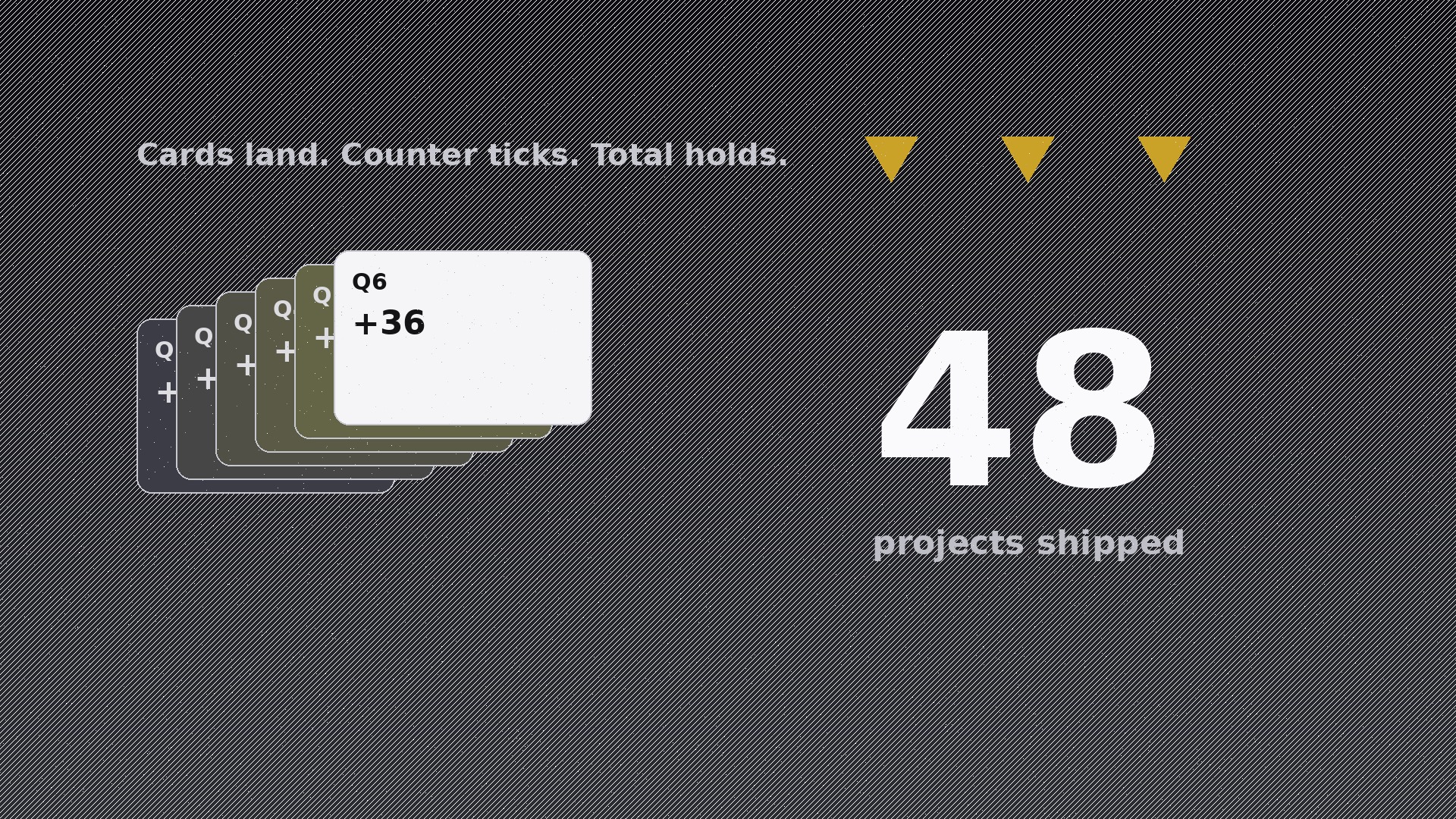
Cards pile up, the counter ticks in sync, the total lands.
Teaches the AI to produce one specific motion pattern: cards fly in and accumulate in a fanned stack while a counter ticks up on every landing, with exact timing, easing, and keyframes for the sync.
Best for
Video creators and presenters revealing totals, milestones, or year-in-review numbers
Time needed
~20 min for a first draft
Level
Beginner-friendly
Install it in 3 steps
No sign-up. No CLI tools. Pick your AI, copy one line, paste it over.
Prefer doing it yourself? Buy the skill ($4.99), download the ZIP from your checkout confirmation, unzip it into the directory shown above, restart your AI session — same result. Already bought it? Your AI assistant can download it for you.
What’s inside
One SKILL.md (the playbook) + one starter template. A preview:
Accumulating Cards and Counter
When to use
- You need to reveal a total — "127 projects shipped" — and want the audience to feel each unit land
- A year-in-review video needs a "what we did" beat where achievements pile up visibly
- A sales deck animation must show deals, users, or orders accumulating toward a quarterly number
- An explainer needs to make a big number believable by building it up one card at a time
- A social video needs a satisfying counting moment where visuals and numbers move together
- You have a list of items (features, milestones, wins) and want to show the list and the count at once
Workflow
- Define the total and the units (input: your number + item list → output: card plan)
Fix the final number first (e.g. 48) and decide what each card represents: one card per unit (48 cards) is unreadable; group instead — one card per 4, per category, or per milestone, so you land on 6–12 cards total. Each card gets a short label ("Q1 — 12 launches") and a value. The counter's final value must equal the sum of the card values exactly — check the arithmetic before animating anything, because a counter that lands on a different number than the cards imply looks broken. - Choreograph the entrance rhythm (input: card plan → output: timing map)
Set the total duration (2.5–4 seconds for the full build is the sweet spot) and divide it into beats: one card every 180–250ms, each card flying in from the same off-screen direction (bottom-right, angled ~15°) and settling into the stack with a small overshoot. The counter ticks on every card landing, not continuously — the tick is the reward for the landing. Stagger pattern: first card slow (300ms, establishes the motion), middle cards fast and even, final card slow with a settle (350ms + 150ms hold) so the total feels earned. - Design the stack and counter layout (input: timing map → output: layout)
The stack sits left or centre, fanned slightly (each card offset 6–10px down-right from the one below, top card fully visible, lower cards peeking) so accumulation is visible — a perfectly aligned pile hides the growth. The counter sits beside or above the stack in large type (at least 2× the card label size), with the unit word ("projects") locked next to it so the number never floats without meaning. Background stays plain and dark or light neutral; the cards carry one accent colour, the counter a stronger weight of the same colour.
Template preview
Accumulating Cards and Counter — Starter Template
Fill in every {placeholder}. Check the arithmetic before animating: card values must sum to the final total exactly.
Card plan
- Final total: {total_number} {unit_word, e.g. projects}
- Grouping logic: {one_card_per_what, e.g. one card per milestone}
- Card count: {6–12}
- Cards (label ≤4 words + value):
- {label} — {value}
- {label} — {value}
- {label} — {value}
- {label} — {value}
- {label} — {value}
- {label} — {value}
- {label} — {value} (add/remove rows to match count)
- Arithmetic check: {sum_of_values} = {total_number} ✓
Timing map
- Total duration: {2.5–4s}


