Grading Assistant
Des copies corrigées selon votre barème, avec un retour pour chaque élève.
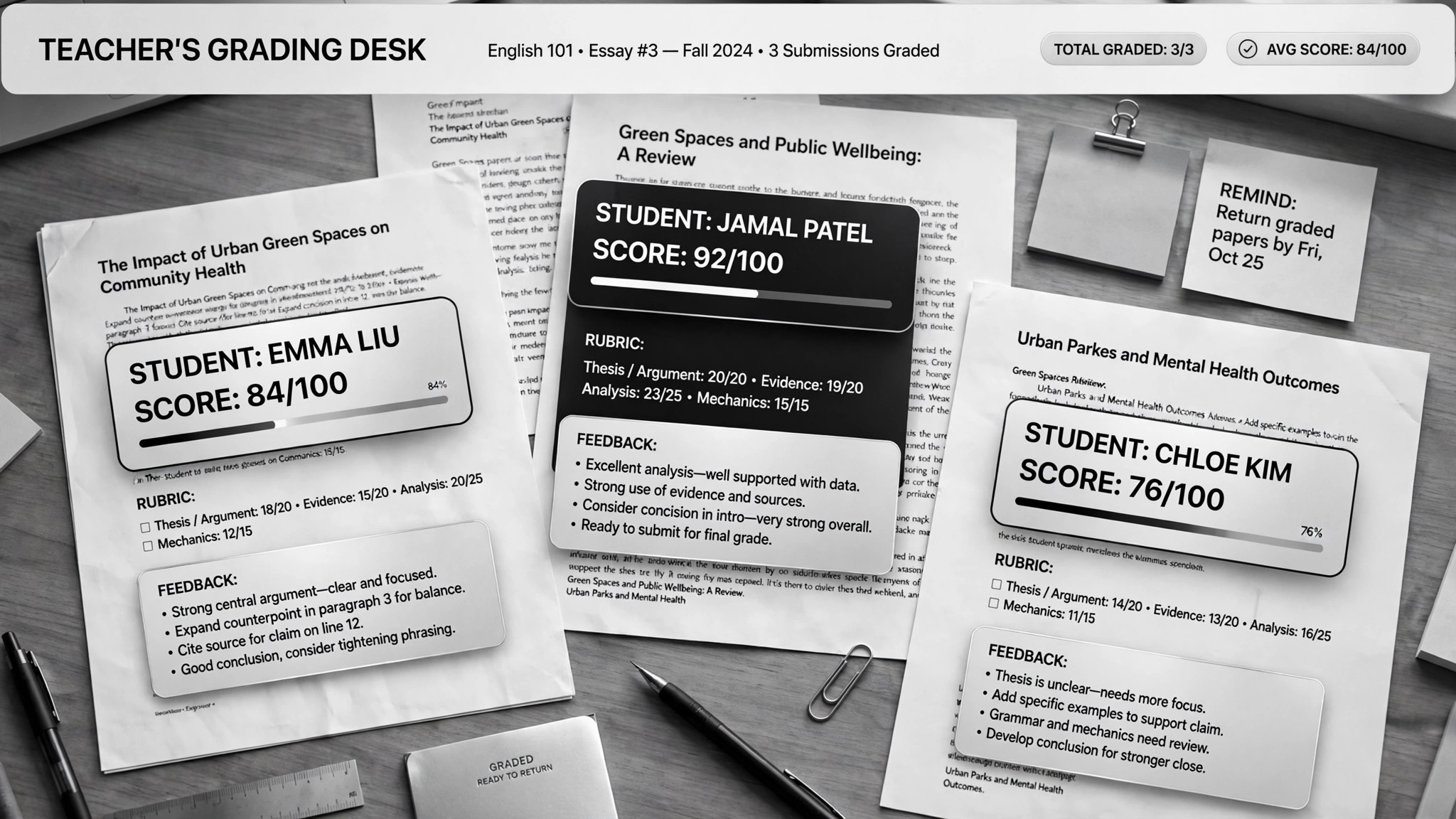
Aide votre IA à corriger les copies selon votre barème et à rédiger un retour personnalisé pour chaque élève — en plus de générer des supports de révision à partir des erreurs les plus fréquentes. Pour les enseignants noyés sous les copies qui veulent quand même offrir un retour utile à chaque élève.
Installez-la en 3 étapes
Sans inscription. Sans outils en ligne de commande. Choisissez votre IA, copiez une ligne, collez-la.
Vous préférez le faire vous-même ? Achetez la compétence ($4.99), téléchargez le ZIP depuis votre confirmation d'achat, décompressez-le dans le répertoire indiqué ci-dessus, redémarrez votre session IA — même résultat. Vous l'avez déjà achetée ? Votre assistant IA peut la télécharger pour vous.
Preuves concrètes
Des personnes réelles ont accompli exactement ce travail avec des agents IA.
Grade papers and build lessons with Claude Cowork
Lire le cas →Cas d’usageGrade papers and build lesson plans for teachers
Lire le cas →Contenu du pack
Un fichier SKILL.md (le guide pratique) + un modèle de départ. Aperçu :
Grading Assistant
When to use
- You have 30+ essays to grade against a rubric and the weekend is disappearing
- Every student should get real feedback, not a score and a "good job"
- You want to spot what the whole class got wrong and turn it into next week's review
- You teach the same course across sections and need grading to stay consistent
- You need lesson plans or review slides built from actual student mistakes, not your memory of them
Workflow
- Build the grading project (input: syllabus, rubric, sample answers → output: per-course project)
Set up one AI project per course and feed it the syllabus, your rubric, past exams, model answers, and course materials. One real case keeps a separate project per course so the grading stays anchored to that course's standards. A rubric written for a colleague, not for yourself, is the bar — the AI grades what it says, not what you meant. - Anonymize the submissions (input: student work → output: numbered, ID-free batch)
Strip names before grading: student papers get anonymous numbers. This keeps the grading honest and protects student privacy. Feed readable digital files — scans need to be legible or the grading degrades silently. - Grade criterion by criterion (input: rubric + submissions → output: scored batch + flagged borderlines)
The AI scores each submission against every rubric criterion separately, with a short justification per criterion. It doesn't invent the rubric as it goes — every score points at a criterion. Borderline and low-confidence grades get flagged for your review; the easy agreements flow through. - Write real feedback (input: graded batch → output: per-student feedback)
Each student gets personalized comments: what they did well (citing their actual words), what cost them points (citing the criterion), and one concrete thing to fix next time. A feedback comment that could apply to any student applies to none of them — send it back. - Mine the mistakes for teaching (input: full batch results → output: class trends + review materials)
Aggregate the criterion scores across the class to find the hot spots: the two rubric rows where everyone bled points. Turn those into next week's review — slides or a lesson plan built from the actual wrong answers, not from what you remember being hard. Never touch the original submission files; scores live in a separate sheet. - You set the final grades (input: scored batch → output: confirmed grades)
Review the flagged borderlines, spot-check a handful, then approve. The AI proposes; you dispose. Educational responsibility doesn't delegate — final grades are always the teacher's call.
Output spec
Aperçu du modèle
Grading Assistant — Rubric & Batch Template
One project per course. Anonymize first, grade second, approve last.
Course project
- Course: {name / term}
- Fed to the AI: [ ] syllabus [ ] rubric [ ] past exams [ ] model answers [ ] course materials
- Submissions format: {digital docs / legible scans}
The rubric (written for a colleague, not for yourself)
Grading scale: {e.g. A ≥ 90, B ≥ 80 …} | Late policy: {…} | Academic integrity notes: {…}
Batch tracking
Student feedback format (one per student)
Feedback — Student {anonymous #}
- What worked: {quote their actual words — "…"}
Le pack de compétence lui-même (SKILL.md + modèle) est rédigé en anglais.
Vous aimerez aussi
 Flux de travail
Grok Bot Routine Rescue
Find which scheduled routine is eating your weekly pool — and kill it
 Flux de travail
Inbox Triage
Votre boîte mail pré-lue : urgences signalées, réponses rédigées, vous n'avez qu'à cliquer sur envoyer
 Flux de travail
Bill Fighter
Contestez les surfacturations et les refus avec des courriers étayés par des preuves