Inbox Triage
Votre boîte mail pré-lue : urgences signalées, réponses rédigées, vous n'avez qu'à cliquer sur envoyer
Transforme votre IA en assistante de tri de boîte mail — classe les e-mails par urgence et intention, retrouve le contexte commande et client, rédige des réponses dans votre style et met tout en attente d'une validation en un clic. Rien ne part tout seul.

Installez-la en 3 étapes
Sans inscription. Sans outils en ligne de commande. Choisissez votre IA, copiez une ligne, collez-la.
Vous préférez le faire vous-même ? Achetez la compétence ($4.99), téléchargez le ZIP depuis votre confirmation d'achat, décompressez-le dans le répertoire indiqué ci-dessus, redémarrez votre session IA — même résultat. Vous l'avez déjà achetée ? Votre assistant IA peut la télécharger pour vous.
Preuves concrètes
Des personnes réelles ont accompli exactement ce travail avec des agents IA.
Triage support emails and draft refund-policy replies
Lire le cas →Cas d’usageHandle incoming emails with automatic triggers
Lire le cas →Contenu du pack
Un fichier SKILL.md (le guide pratique) + un modèle de départ. Aperçu :
Inbox Triage
When to use
- You wake up to 50+ unread emails and need the urgent ones surfaced before your coffee cools
- You run customer support and every reply needs order details looked up before it's written
- You're a founder whose inbox is three accounts stitched together and nothing gets answered twice
- You want drafted replies in your tone, but you refuse to let AI send anything without your approval
- Invoice emails, refund requests, and angry customers all land in the same pile and need different handling
Workflow
- Connect the inbox (input: your email access → output: live mail feed)
Set up the feed first: Gmail/Outlook triggers, or a scheduled fetch every 15–30 minutes. One inbox or three — the triage logic doesn't care, but tell it which addresses are yours so it never drafts a reply to itself. Decide the batch rhythm: real-time for support, twice-daily digest for personal. - Classify before reading (input: raw emails → output: urgency × intent labels)
Every email gets two labels. Urgency: now (customer blocked, money moving, boss asking), today (needs a reply, nothing burning), later (FYI, newsletters, can wait). Intent: question, complaint, request, invoice/billing, spam/noise. Write your classification rules down once — "anything with 'urgent' from a paying customer = now", "receipts auto-file, never surface" — the skill follows them literally. - Gather context (input: labeled email → output: enriched brief)
For anything labeled "now" or "today", look up what the sender is talking about before drafting: order status, previous thread, account tier, attached invoices. A reply drafted without context is worse than no reply — it invents. If the lookup comes back empty, the draft says so instead of guessing. - Draft in your voice (input: enriched brief → output: reply draft)
Draft against your tone guide: short or thorough, formal or blunt, sign-off style. Match the customer's language. Every draft includes the facts it used (order #123, policy §4) so you can verify in one glance. Hard or angry cases get flagged for escalation, not drafted — some emails need a human from the first word. - Hold for approval (input: drafts → output: approval queue)
Nothing sends itself. You get a queue: each item shows the original email, the labels, the draft, and one-click approve / edit / skip. This is the load-bearing wall of the whole skill — the 36 real-world cases this was distilled from all converge here: approve outbound, always. - Learn the patterns (input: your approvals → output: tighter rules)
After a week, review what you kept editing. "You always soften the refund refusals" becomes a tone rule. "You always escalate anything mentioning lawyers" becomes a classification rule. The skill gets sharper the longer it watches you.
Aperçu du modèle
Inbox Triage — Approval Queue Template
Copy this format for each triage batch. One screen per batch; approve / edit / skip each item.
Triage summary — {date} {batch: morning/evening}
Item 1/3 — 🔴 NOW / complaint
From: {name} <{email}> — {customer tier, e.g. Pro plan since 2024} Subject: {subject} Labels: now × complaint Context: Order #{n} — {one-line fact, e.g. delivered 3 days late}; {prior thread summary if any} Draft: > {reply draft, ≤150 words, cites facts, ends with next step}
[ ] Approve & send [ ] Edit first [ ] Skip [ ] Escalate to me
Item 2/3 — 🟡 TODAY / question
From: {name} <{email}> Subject: {subject}
Le pack de compétence lui-même (SKILL.md + modèle) est rédigé en anglais.
Vous aimerez aussi
 Flux de travail
Grok Bot Routine Rescue
Find which scheduled routine is eating your weekly pool — and kill it
 Flux de travail
Bill Fighter
Contestez les surfacturations et les refus avec des courriers étayés par des preuves
 Flux de travail
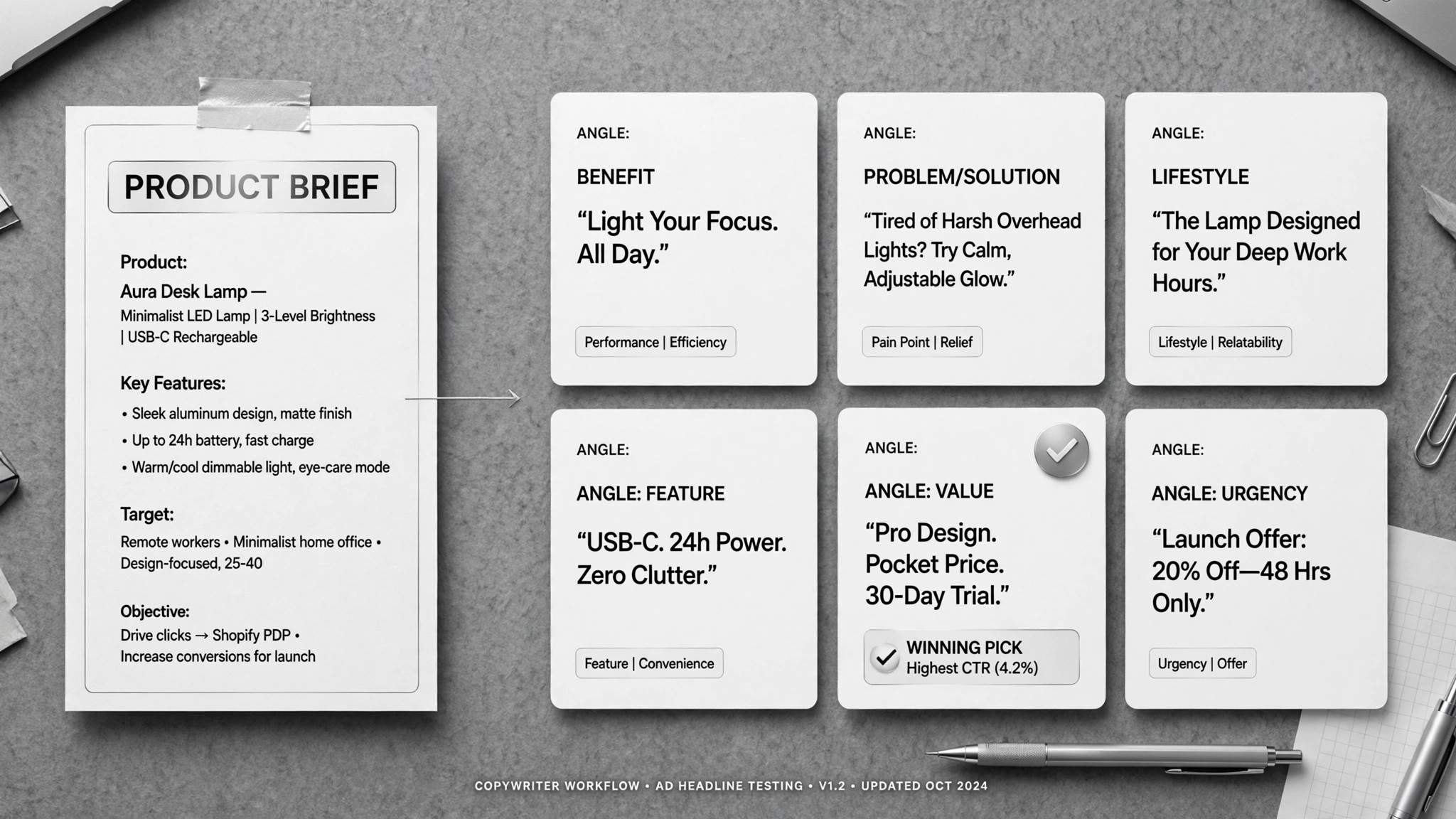
Ad Copywriter
Un brief en entrée, une pile de textes publicitaires conformes en sortie — vous choisissez les gagnants.