Digital Handyman
Confiez-lui vos petites tâches informatiques en langage clair.
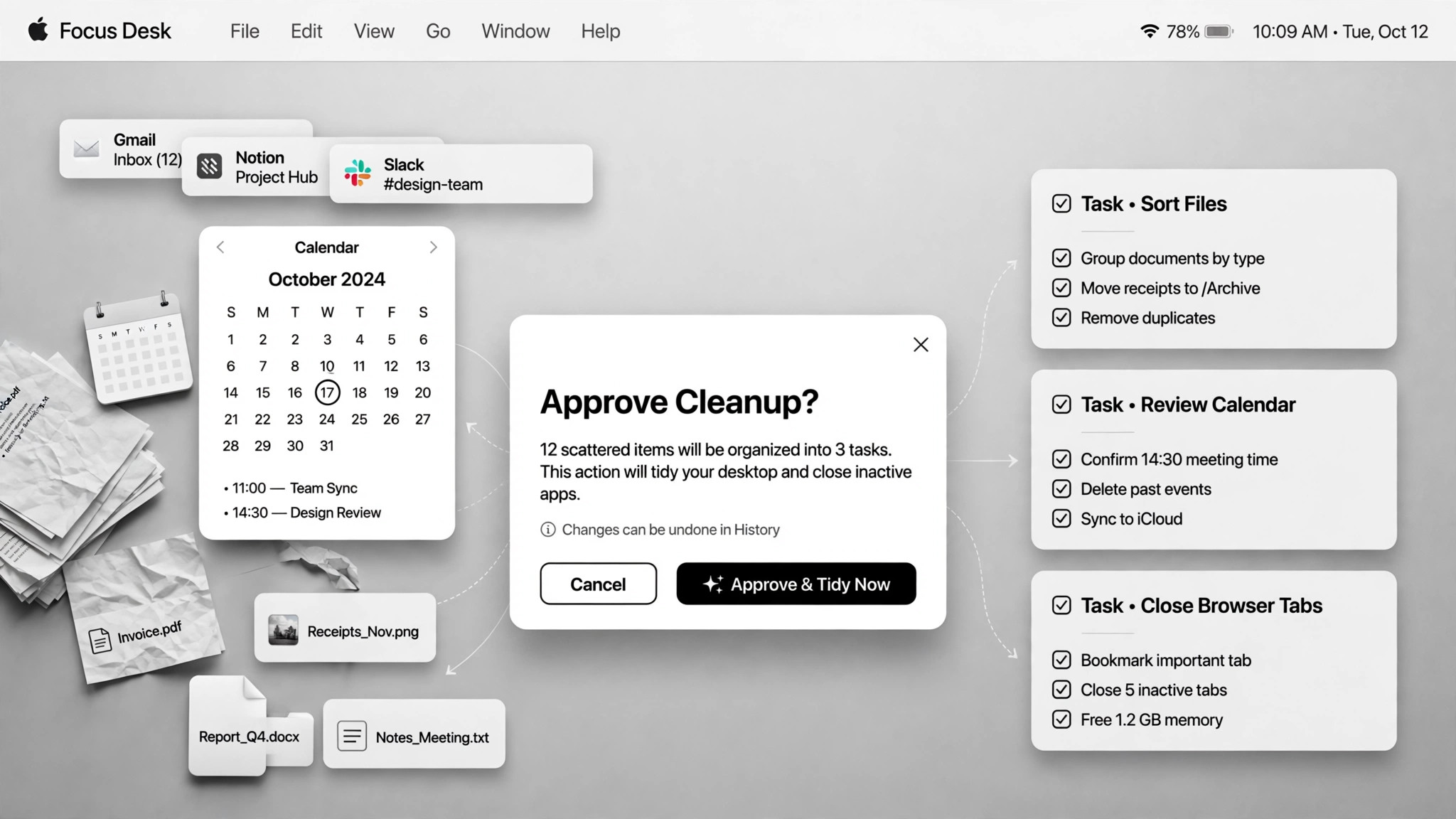
Prend en charge vos tâches informatiques variées en langage clair — fichiers, diapositives, tableurs, rangement — et les exécute avec votre validation là où ça compte.
Installez-la en 3 étapes
Sans inscription. Sans outils en ligne de commande. Choisissez votre IA, copiez une ligne, collez-la.
Vous préférez le faire vous-même ? Achetez la compétence ($4.99), téléchargez le ZIP depuis votre confirmation d'achat, décompressez-le dans le répertoire indiqué ci-dessus, redémarrez votre session IA — même résultat. Vous l'avez déjà achetée ? Votre assistant IA peut la télécharger pour vous.
Preuves concrètes
Des personnes réelles ont accompli exactement ce travail avec des agents IA.
Schedule meetings, tidy Drive and log reward balances
Lire le cas →Cas d’usageUse a coding agent for everyday non-programming chores
Lire le cas →Cas d’usageUse Codex for non-coding chores
Lire le cas →Contenu du pack
Un fichier SKILL.md (le guide pratique) + un modèle de départ. Aperçu :
Digital Handyman
When to use
- You have a pile of small chores (rename files, tidy a folder, build a slide deck, clean a spreadsheet) and no desire to do them
- Your downloads folder is full of old installers eating gigabytes and you want them gone safely
- You need a quick fetch (a video transcript, a file moved, a wiki page started) without learning a new tool
- You want recurring digital chores (calendar scheduling, reward-balance logging) handled semi-automatically
- A browser step is blocked (login wall, CAPTCHA) and you need a fallback plan
Workflow
- Say the chore in plain language (input: your words → output: task + acceptance criteria)
Describe what needs doing and what "done" looks like. Vague asks get a plan back for confirmation first — a coding agent with a shell has infinite tools, which is exactly why the target needs to be clear. - Show the plan first (input: task → output: execution plan)
For anything touching files, accounts, or the system, the agent shows the plan — and the full file list for renames and deletes — before acting. Plan-first is the price of admission for chores with side effects. - Approve the risky bits (input: plan → output: approval)
Deletions, overwrites, and irreversible actions always need your explicit yes. One real case scanned a downloads folder, listed 31 leftover installers totaling 4.4GB — and deleted nothing until the list was approved. - Do the work in stages (input: approved plan → output: partial results)
Execute step by step and show results along the way so you can catch mistakes early. A blocked browser step gets a fallback rather than a dead end — in one real case the agent installed an open-source tool to fetch a YouTube transcript when the browser was blocked. Tell the user what was installed. - Report what changed (input: done → output: summary)
A short log: what changed, what was deleted, what was installed, and what needs your follow-up. No summary, no trust — the user can't verify what they can't see.
Output spec
- Task list with acceptance criteria, execution plan shown before acting, completion summary (changed / deleted / installed)
- Approval log: what was approved and when
- Fallback notes: what failed and what replaced it
- Companion template.md skeleton — fill in the blanks and use it
Good vs. bad examples
Aperçu du modèle
Digital Handyman — Chore Ticket Template
One chore batch = one ticket. Describe, plan, approve, do, report.
Chore batch — {date}
Task list
Execution plan (shown before anything runs)
Chore 1 — {title}
- Plan: {step by step}
- Files it will touch: {list paths, or "none"}
- Fallback if blocked: {e.g. install open-source tool {name} instead of browser scraping}
Chore 2 — {title}
- Plan: {…}
- Files it will touch: {…}
- Fallback if blocked: {…}
Approval log
*Rule: deletions, overwrites, and irreversible actions need an explicit yes. File lists shown before any touch.*
Completion report
Blocked items: {what couldn't be done and why}
Le pack de compétence lui-même (SKILL.md + modèle) est rédigé en anglais.
Vous aimerez aussi
 Flux de travail
Grok Bot Routine Rescue
Find which scheduled routine is eating your weekly pool — and kill it
 Flux de travail
Inbox Triage
Votre boîte mail pré-lue : urgences signalées, réponses rédigées, vous n'avez qu'à cliquer sur envoyer
 Flux de travail
Bill Fighter
Contestez les surfacturations et les refus avec des courriers étayés par des preuves