Yellow Sketchnote Deck
A deck that reads like notes taken during the talk.
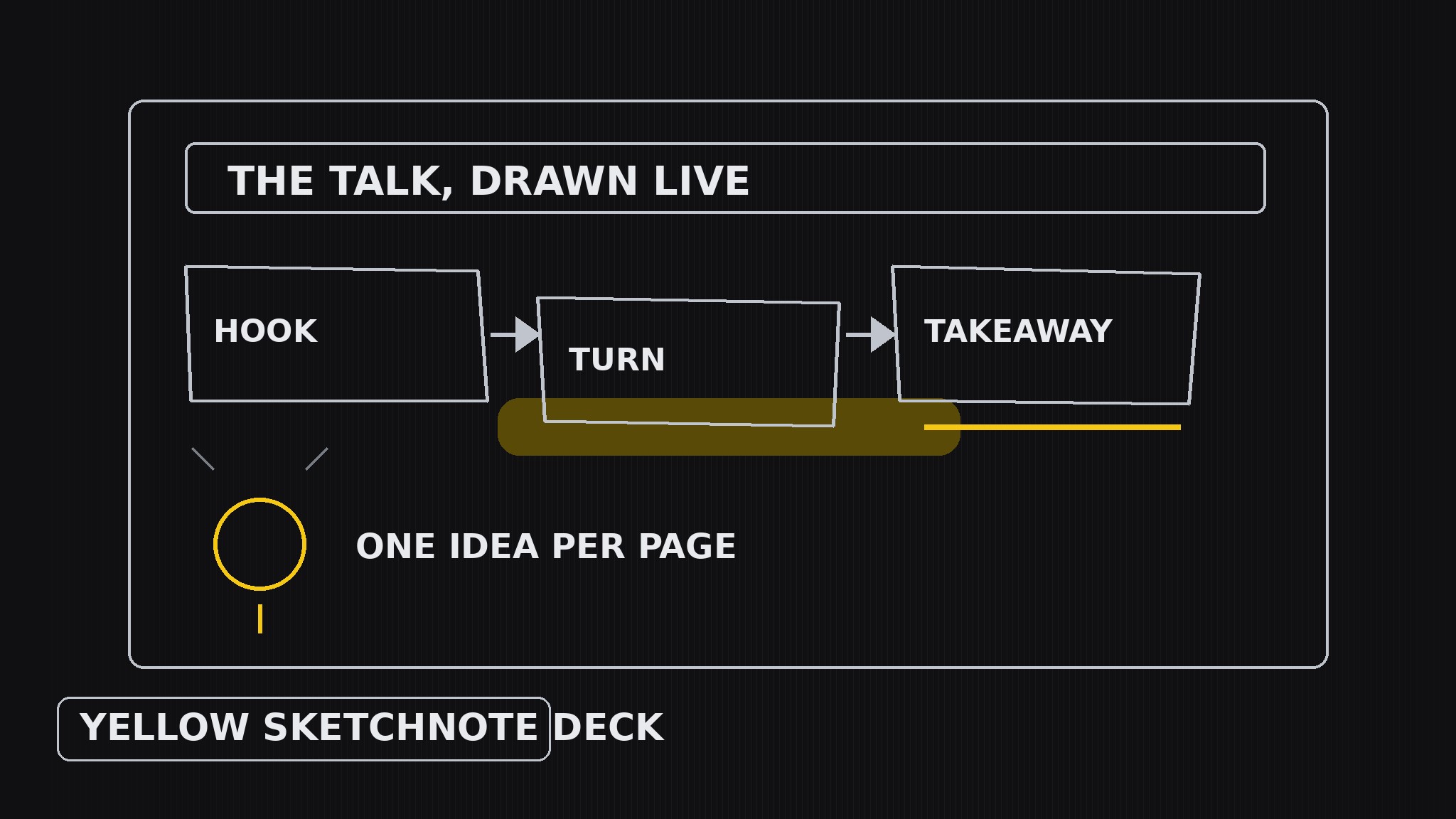
Turns your AI into a sketchnote artist — builds presentation decks that look like live sketchnotes, with hand-drawn boxes, arrows, and icons, a yellow highlighter for the ideas worth remembering, and one sketchnote page per slide that reads like it was drawn while the talk was happening.
Install it in 3 steps
No sign-up. No CLI tools. Pick your AI, copy one line, paste it over.
Prefer doing it yourself? Buy the skill ($4.99), download the ZIP from your checkout confirmation, unzip it into the directory shown above, restart your AI session — same result. Already bought it? Your AI assistant can download it for you.
What’s inside
One SKILL.md (the playbook) + one starter template. A preview:
Yellow Sketchnote Deck
When to use
- A talk, workshop, or lesson where the deck should feel alive and drawn, not templated
- You want the audience to remember a handful of ideas, and a hand-drawn page is stickier than a bullet list
- A keynote or conference talk where personality matters more than polish
- You are summarizing a talk, book, or meeting as a visual-notes deck people actually re-read
- A team session where the deck should invite annotation — people add to sketchnotes, they don't add to corporate slides
Workflow
- Capture the talk arc (input: your talk, lesson, or source material → output: narrative outline)
Listen for the story, not the slides: what is the opening hook, what are the 3–5 turning points, what is the one line the audience should walk away repeating. Write the outline as a sequence of moments ("the mistake → the discovery → the new rule"), each with its key phrase in the speaker's own words. A sketchnote deck follows a talk the way a river follows a valley — if there is no arc, the pages will feel like disconnected doodles. - Draw the icon vocabulary (input: narrative outline → output: icon set)
Before laying out any slide, draw the small visual language the whole deck will reuse: a box style (hand-drawn rectangle with slightly wobbly corners), an arrow style (curved, with a chunky head), an icon for each recurring idea (a lightbulb for insights, a flag for decisions, a face for people, a clock for timing), and a lettering style (handwritten-feel headings, neat small print for body text). Every icon must be drawable in under five seconds — if it takes longer, it is too detailed to feel live. - Lay out one sketchnote page per slide (input: icon set + outline → output: slide drafts)
Treat each slide as one page of visual notes taken during the talk: a hand-drawn title banner at the top, the key phrase large, supporting points as short phrases in boxes connected by arrows, and one small icon per point. Flow matters more than grids — let the arrows carry the eye from the hook through the turns to the takeaway, top-to-bottom or in a loose S-curve. Leave a corner of each page deliberately empty: sketchnotes breathe, and the empty corner is where the audience mentally adds their own note.
Template preview
Yellow Sketchnote Deck — Deck Template
One sketchnote page per slide. Notes first, art second.
Talk arc
Talk / lesson / source: {title} Opening hook: {the line that grabs the room} Turning point 1: {what changes} Turning point 2: {what changes} Turning point 3: {what changes} Takeaway line (audience repeats tomorrow): {one line, speaker's own words}
Icon vocabulary (draw once, reuse everywhere)
- Box style: {hand-drawn rectangle, slightly wobbly corners}
- Arrow style: {curved, chunky head}
- Insight icon: {lightbulb}
- Decision icon: {flag}
- People icon: {face}
- Timing icon: {clock}


