Visual Canvas Deck
One map, one journey — zoom in, pull back, never get lost.
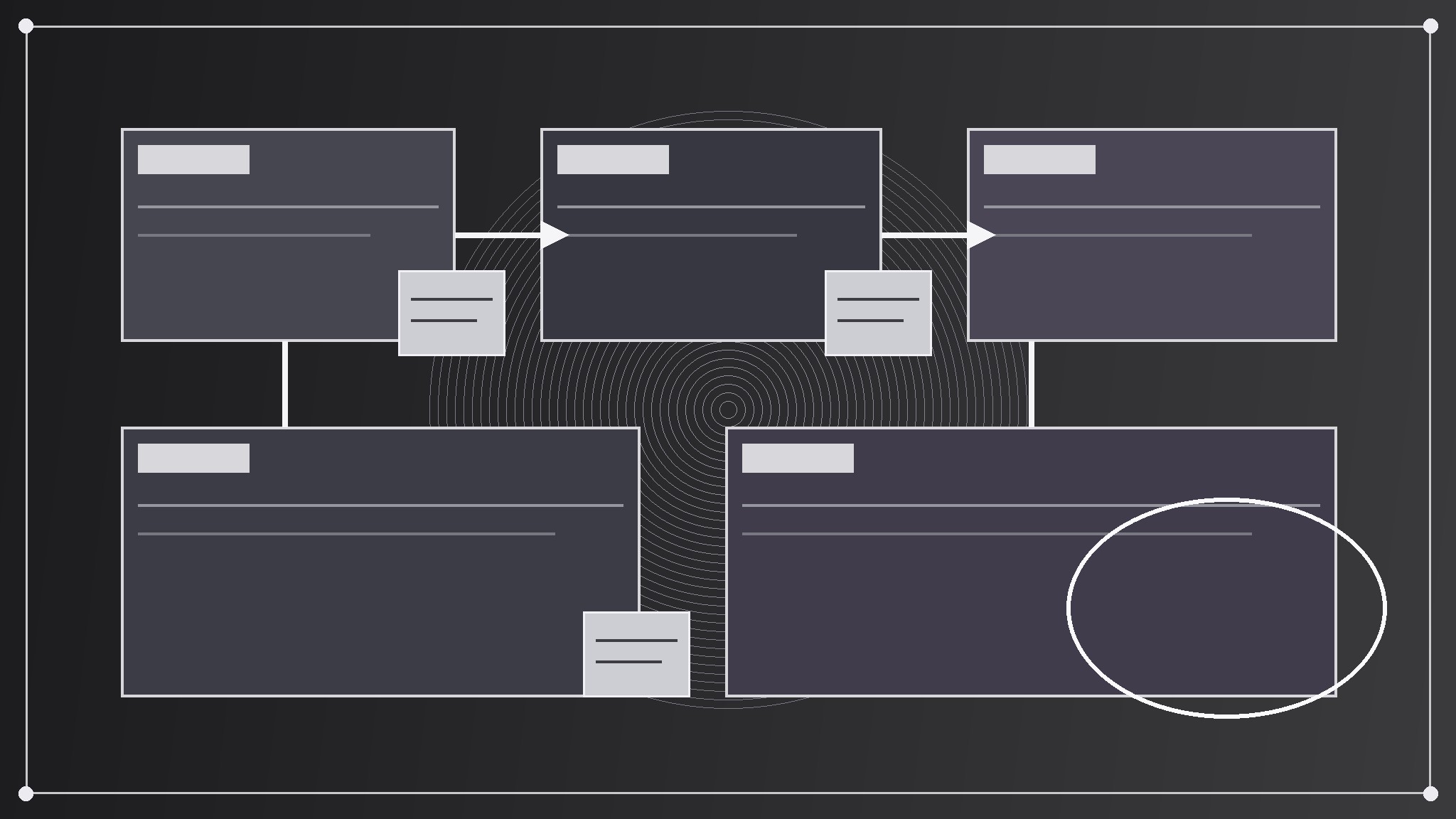
Turns your AI into a presentation designer — builds a deck that behaves like one big zoomable canvas: slides are regions on a single map, the story moves by zooming and panning between them, and connectors, sticky notes, and landmarks keep the audience oriented.
Install it in 3 steps
No sign-up. No CLI tools. Pick your AI, copy one line, paste it over.
Prefer doing it yourself? Buy the skill ($4.99), download the ZIP from your checkout confirmation, unzip it into the directory shown above, restart your AI session — same result. Already bought it? Your AI assistant can download it for you.
What’s inside
One SKILL.md (the playbook) + one starter template. A preview:
Visual Canvas Deck
When to use
- A strategy, roadmap, or systems story has parts that relate spatially — phases, layers, territories, flows — and a linear slide stack keeps hiding how the parts connect
- A workshop, classroom, or board session needs a deck the presenter can zoom into, pan across, and jump between, instead of marching slide by slide
- A pitch or explainer covers a landscape (a market map, a product ecosystem, an org's moving pieces) where the audience needs to see the whole map and the detail in the same artifact
- A team keeps losing the thread in long linear decks: "where are we in this story, and how does this slide connect to the one from ten minutes ago"
- A single big idea deserves a single big picture, with the slides as guided stops on a journey across it rather than a stack of disconnected pages
Workflow
- Draw the canvas map first (input: the story → output: a one-page canvas map)
Before writing any slide, lay out the whole story on one canvas: regions for each major part, arranged so that position means something — left-to-right for time, center-out for importance, clusters for themes, lanes for parallel tracks. Give the canvas a title, a legend, and three to five landmarks (named regions, a compass, a "you are here" marker) so a viewer can orient at a glance. If the story cannot be arranged so that position means something, it is not a canvas story — build a linear deck instead. The map is the deck's contract: every slide that follows must be a region on it. - Define the journey path (input: canvas map → output: an ordered zoom path)
Choose the order in which the presenter travels across the canvas: start zoomed out on the whole map, then zoom into each region in turn, pulling back out between major sections to re-orient. Write the path as a numbered list of stops ("1. Whole map → 2. Region A detail → 3. Whole map → 4. Region B detail"), with the zoom level of each stop (full canvas, region, detail). Keep the path to at most nine stops — more than that and the audience gets motion-sick and loses the map. Every stop must earn its zoom: if a stop shows nothing new, cut it and stay on the map.
Template preview
Visual Canvas Deck — Map Template
One canvas = one story. Draw the map before building any slide.
Story: {title}
What position means on this canvas: {left-to-right time / center-out importance / theme clusters / parallel tracks} Audience: {who is watching} Presenter: {name}
Canvas map
Title: {canvas title} Legend: {what colors, shapes, and line styles mean} Landmarks: {landmark 1} | {landmark 2} | {landmark 3}
Journey path (≤9 stops)
Connectors
Sticky notes (questions, risks, decisions)
Region slide checklist (each region)
- [ ] One idea, one headline, one visual gesture (mini-diagram / sticky cluster / before-after)


