Trust-Store Update Drill
Practice updating every trust store — so a real CA incident is routine
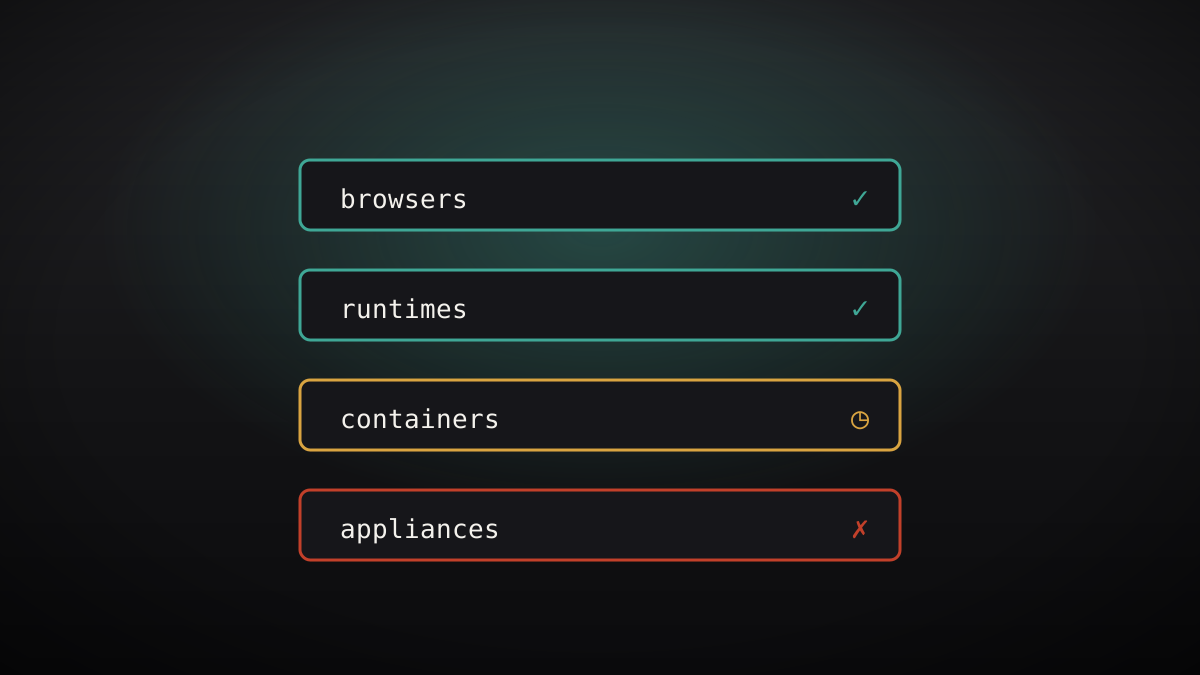
Run a timed drill that updates every trust store in your estate — browsers, OS, runtimes, containers, appliances — and verifies each one, so the next real CA compromise is a checklist, not a scramble.
Install it in 3 steps
No sign-up. No CLI tools. Pick your AI, copy one line, paste it over.
Prefer doing it yourself? Buy the skill ($4.99), download the ZIP from your checkout confirmation, unzip it into the directory shown above, restart your AI session — same result. Already bought it? Your AI assistant can download it for you.
What's inside
One SKILL.md (the playbook) + one starter template. A preview:
Trust-Store Update Drill
Why drill
When eMudhra's intermediates were compromised in October 2026, the browsers moved in hours: Chrome's CRLSet in about 100 minutes, Mozilla's OneCRL the same evening, Apple within two days, Microsoft within three. The long tail was everything else — Go programs, Python apps, Node services, container images, appliances — each with its own update path and its own way of silently failing. A drill finds those paths before an incident makes them urgent.
Workflow
- Pick a stand-in update (input: your store list -> output: a drill target).
Choose a real, low-risk update to practice with: a routine root bundle
refresh, a test CA removal, or a scheduled runtime upgrade. Never
practice on a live compromise the first time — the drill's job is to
teach the paths, not to add stress to a real incident. - Run the clock (input: the drill target -> output: timed results per store).
Update each store in the order your certificate inventory ranks them,
and time each one: browsers/OS, runtimes, containers (rebuild + redeploy),
appliances (vendor process). Record the command or click path for each.
A path nobody can reproduce from the notes is not a path. - Verify, don't assume (input: updated stores -> output: a verification line per store).
For each store, prove the update landed: check the bundle version or
hash, test a connection to a host that chains to a removed root (it
must fail), and test a known-good host (it must succeed). An update
with no verification is a hope, and hopes do not survive audits. - Find the frozen copies (input: verification failures -> output: a frozen-copy list).
The drill's real prize is the list of places that did not update:
libraries with bundled roots, golden images, offline appliances, vendor
firmware with no update path. Each frozen copy gets: an owner, a
workaround (pinning, proxying, isolation), and a replacement plan.
This list is the drill's main output — file it where the incident
responders will look. - Write the runbook (input: timed results + frozen list -> output: a one-page runbook).
The runbook fits on one page: order, commands, verification checks,
frozen copies and workarounds, and the escalation contact per store.
Re-run the drill after any runbook change and at least twice a year.
A runbook nobody has run is a guess.
Template preview
Trust-Store Drill Worksheet
1. Drill target
-
2. Timed results
3. Verification checks
- Removed-root host (must fail):
- Known-good host (must succeed):
4. Frozen copies
5. Runbook location
-