Orbital Workshop Deck
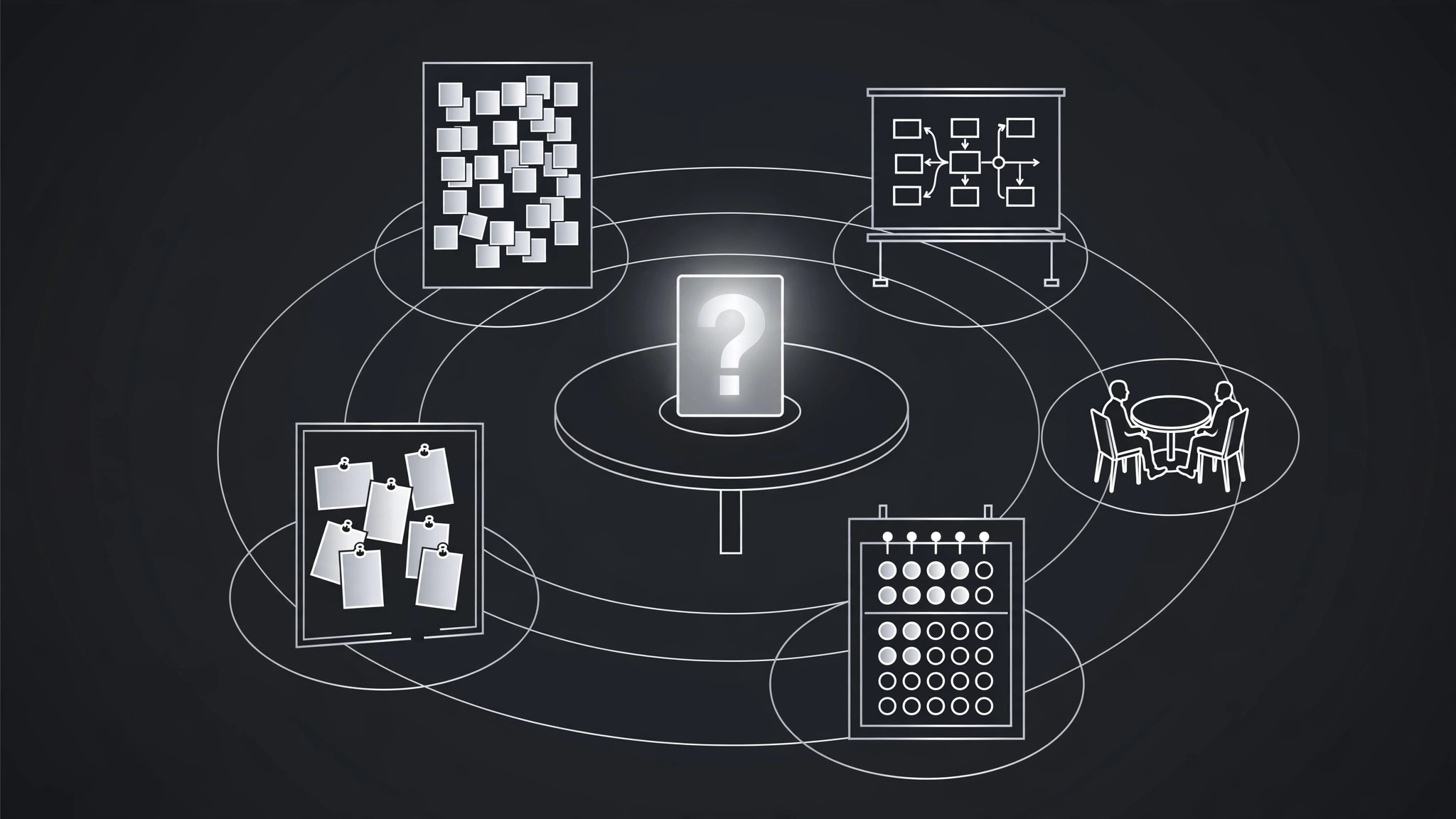
A workshop deck where every session orbits one central challenge.
Turns your AI into a workshop designer — structures a session as activities orbiting a single central challenge, so every exercise visibly feeds the outcome instead of drifting.
Install it in 3 steps
No sign-up. No CLI tools. Pick your AI, copy one line, paste it over.
Prefer doing it yourself? Buy the skill ($4.99), download the ZIP from your checkout confirmation, unzip it into the directory shown above, restart your AI session — same result. Already bought it? Your AI assistant can download it for you.
What’s inside
One SKILL.md (the playbook) + one starter template. A preview:
Orbital Workshop Deck
When to use
- You're running a workshop and past sessions drifted into disconnected exercises with no clear outcome
- A team offsite needs to solve one real problem, not sit through a generic team-building day
- You're facilitating a training session and participants keep asking "why are we doing this exercise?"
- A planning workshop has to end with decisions, not just sticky notes
- You're designing a half-day or full-day session for a group that has limited patience for theory
Workflow
- Name the central challenge (input: workshop request → output: challenge statement)
Write the one problem the workshop must move forward, as a question the group can answer by the end: "How do we cut customer onboarding from two weeks to three days?" A vague challenge ("improve collaboration") produces vague exercises; a sharp challenge gives every activity a test — does this exercise move the challenge forward? If it doesn't, it doesn't belong in the deck. Get the challenge agreed with whoever commissioned the workshop before designing anything else, because a challenge disputed halfway through sinks the whole day. - Design the orbit (input: challenge statement → output: activity orbit)
Plan three to five activities, each one an orbit around the central challenge: one to frame it (what do we know, what don't we), one or two to generate options, one to decide, and one to commit. Each activity gets a purpose stated in one line that ties it to the challenge ("Generate six onboarding fixes, then rank them"). Order matters: never decide before generating, never commit before deciding. If an activity's purpose line can't mention the challenge, the activity is orbiting something else — cut it or rewrite it. - Time-box each orbit (input: activity orbit → output: timed agenda)
Give every activity a hard time box with a visible countdown, and make the total fit the session with buffer: a half-day workshop holds three activities plus opening and synthesis; a full day holds five. Plan the energy curve deliberately — the hardest thinking goes in the first half, before lunch and fatigue; the deciding and committing go after a break, when the group has something to decide about. State the time box on every deck section divider so the room can see the shape of the day.
Template preview
Orbital Workshop Deck — Session Template
One challenge, one orbit. Name the challenge before designing any activity.
Central challenge
> {The one problem this workshop must move forward, as a question the group can answer by the end}
Commissioned by: {name} | Challenge agreed: [ ] yes — {date}
Activity orbit (3–5 activities)
Energy curve: {hardest thinking in the first half; deciding + committing after a break} Total time + buffer: {min + min buffer}
Deck structure (repeat per activity)
Divider slide — {Activity name}
Purpose: {one line tied to the challenge} Time box: {min} — visible countdown: [ ]


