Operations Admin Kit
The back-office deck kit: runbooks, KPIs, and handoffs in one system.
Turns your AI into an operations deck builder — assembles runbooks, KPI reviews, incident postmortems, and shift handoffs into one consistent slide system, so the whole back office runs off the same playbook.
Install it in 3 steps
No sign-up. No CLI tools. Pick your AI, copy one line, paste it over.
Prefer doing it yourself? Buy the skill ($4.99), download the ZIP from your checkout confirmation, unzip it into the directory shown above, restart your AI session — same result. Already bought it? Your AI assistant can download it for you.
What’s inside
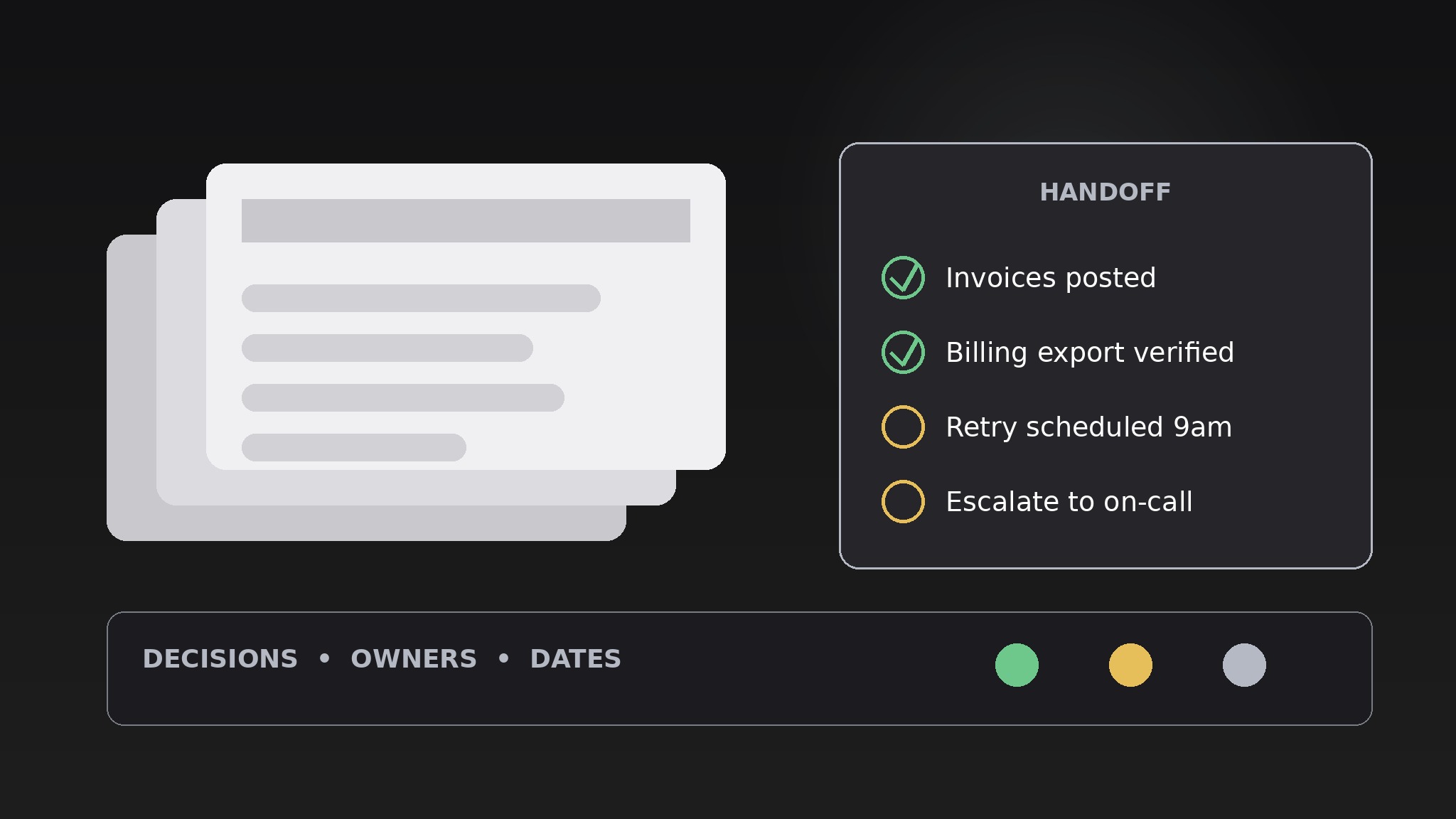
One SKILL.md (the playbook) + one starter template. A preview:
Operations Admin Kit
When to use
- Your team runs on scattered docs and every handoff drops something — a shift change, a client onboarding, a weekly ops review
- You need a runbook that a new hire can actually follow on day one without shadowing someone for a week
- A KPI review meeting keeps turning into a debate about whose numbers are right
- An incident just happened and you need a postmortem deck that assigns fixes, not blame
- Leadership asks "how does this place actually run?" and you have no single deck that answers it
Workflow
- Map the operations surface (input: your tools, routines, and owners → output: ops inventory)
List every recurring process the team actually runs: daily standups, client onboarding, billing runs, inventory counts, incident response, weekly reporting. For each one, note who owns it, what tool it lives in, and how often it happens. Anything with no owner goes on the orphan list — the kit's first job is to make orphans visible, because an unowned process is a future incident. - Pick the deck type (input: ops inventory → output: deck brief)
The kit covers four deck types, one per need: the Ops Review (weekly KPIs and blockers), the Runbook (step-by-step procedure), the Postmortem (incident timeline and fixes), and the Handoff (what the next shift or owner needs to know). Pick one deck per meeting or procedure — a deck that tries to be a runbook and a postmortem is neither. Write the deck brief in one paragraph: who reads it, what decision it supports, and what "done" looks like. - Draft the slide skeleton (input: deck brief → output: outline with one claim per slide)
Build the outline before any design: one claim per slide, written as a full sentence in the slide title. Ops Review runs 8–10 slides (numbers, blockers, decisions). A Runbook runs 6–12 steps, one step per slide, each ending with a check. A Postmortem runs 5 slides (timeline, impact, root cause, fixes, owners). A Handoff runs 3 slides (status now, watch-outs, next actions). If a slide's title can't be written as a claim, the slide has no job — cut it. - Fill with real numbers and named owners (input: outline → output: full draft)
Every number gets a date and a source ("Week of Oct 13, from the billing export"). Every action gets one named owner and one due date — "the team" is not an owner. Every procedure step gets its failure branch: what to do when the step doesn't work, not just when it does. A runbook without failure branches is a happy-path fantasy; the first time reality deviates, the reader is stranded.
Template preview
Operations Admin Kit — {Deck Type} Template
One deck, one job. Fill in the brief before building slides.
Deck brief
Deck type: {Ops Review / Runbook / Postmortem / Handoff} Audience: {who reads or attends} Decision this deck supports: {what will be decided or done because of it} Done looks like: {what "done" means for this deck}
Ops inventory (for Ops Review + Handoff decks)
Slide skeleton (one claim per slide title)
- {Claim as a full sentence} — {evidence / number + source + date}
- {Claim} — {evidence}
- {Claim} — {evidence}


